
DOWNLOAD THE APP


Customer Services
Copyright © 2025 Desertcart Holdings Limited
DOWNLOAD THE APP







dks-wi9erwqew3w4r1032ter : desertcart.co.uk: Everything Else Review: El teclado es físicamente impecable: compacto, resistente y con un tacto de teclas muy similar al de una MacBook, lo cual lo hace comodísimo para escribir rápido. Es ideal para llevar en la mochila a la oficina o de viaje. Punto importante: La descripción dice que es en español, pero confirmo que viene en inglés (no tiene la tecla Ñ física). Si ya estás acostumbrado a escribir sin ver las teclas o usas la configuración de EE.UU. Internacional, no tendrás problema, pero es importante tenerlo en cuenta antes de comprar. Review: Pedi este teclado ya que vengo de usar laptop por mas de 15 años, primero quise probar con el G515 TKL y aunque es un teclado muy bueno no me logre ajustar a la altura de las teclas en cambio este MX Keys Mini es mas parecido a uno de laptop y con este me siento mas comodo, la marca es garantia de calidad asi que no tengo dudas de que me ayudara con mi trabajo y juegos ocasionales.


| ASIN | B098JPSVKY |
| Item model number | 920-010388 |
| Language | Spanish |
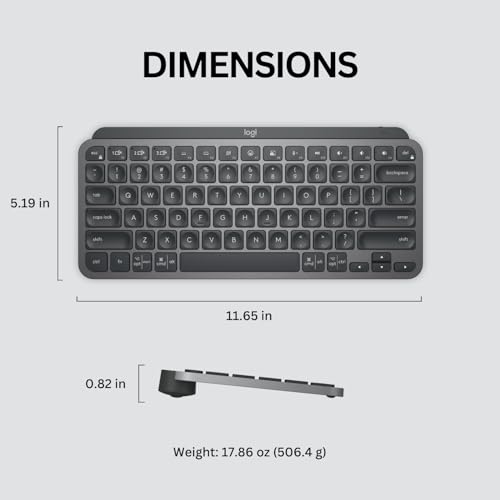
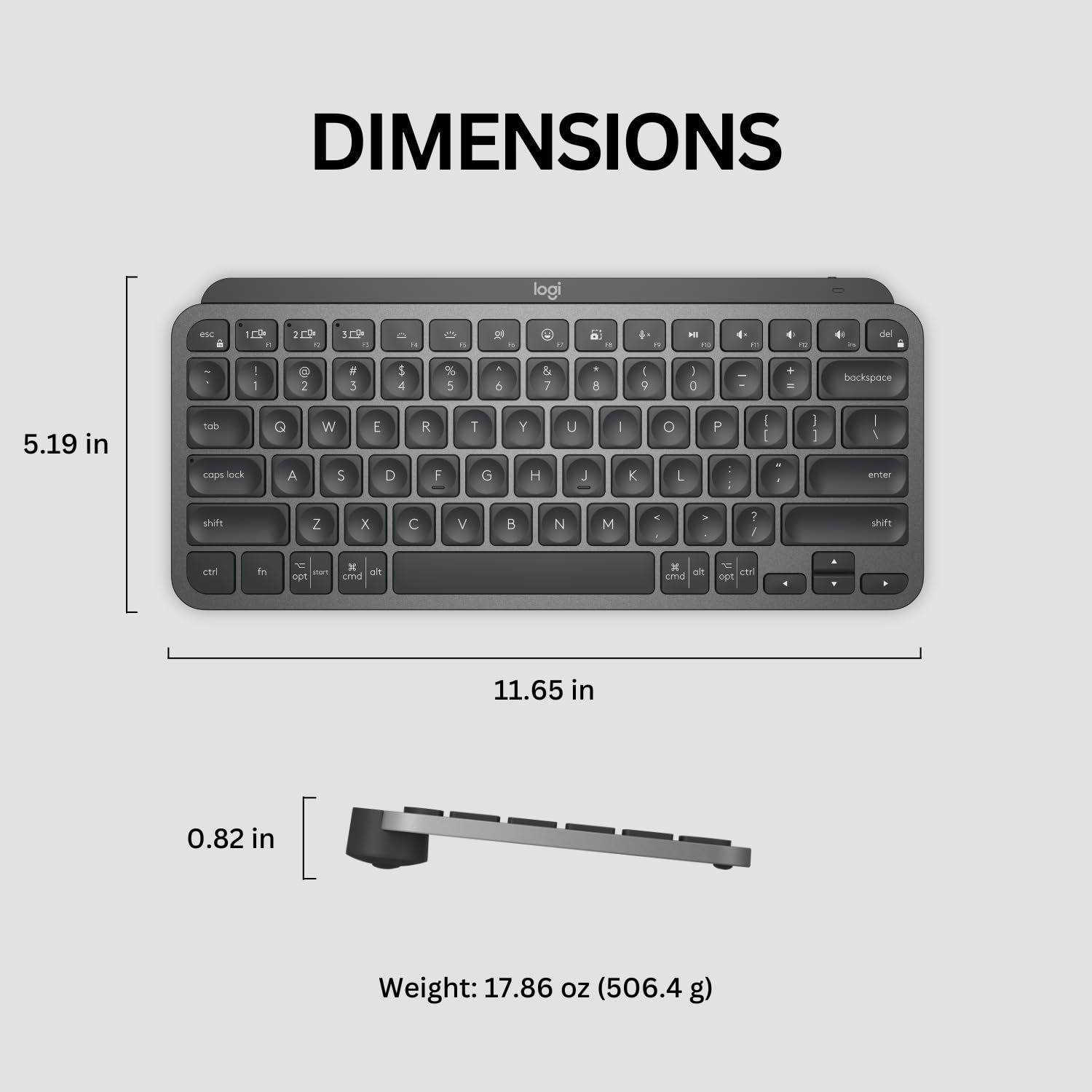
| Product Dimensions | 13.19 x 29.6 x 2.1 cm; 680.39 g |
K**N
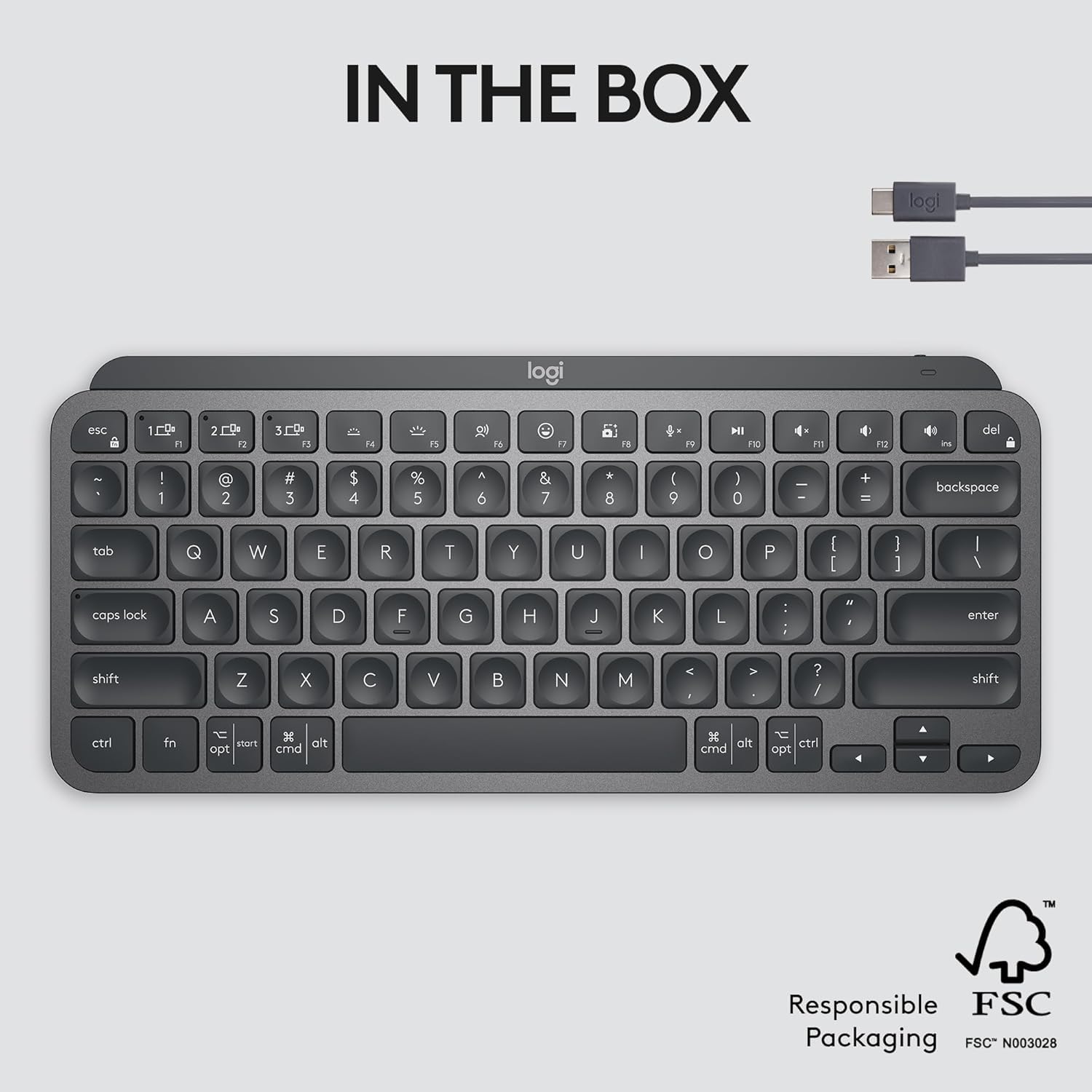
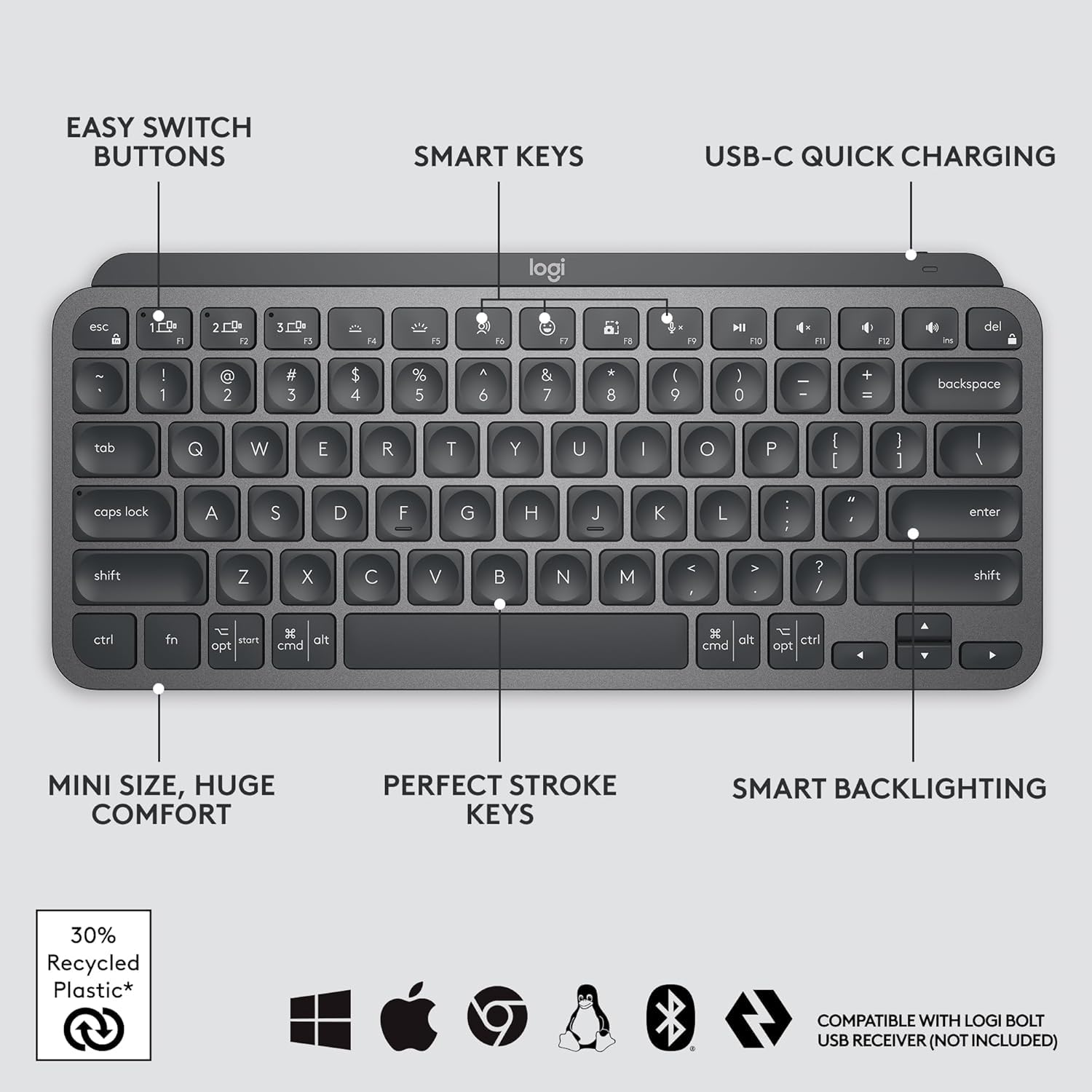
El teclado es físicamente impecable: compacto, resistente y con un tacto de teclas muy similar al de una MacBook, lo cual lo hace comodísimo para escribir rápido. Es ideal para llevar en la mochila a la oficina o de viaje. Punto importante: La descripción dice que es en español, pero confirmo que viene en inglés (no tiene la tecla Ñ física). Si ya estás acostumbrado a escribir sin ver las teclas o usas la configuración de EE.UU. Internacional, no tendrás problema, pero es importante tenerlo en cuenta antes de comprar.
E**O
Pedi este teclado ya que vengo de usar laptop por mas de 15 años, primero quise probar con el G515 TKL y aunque es un teclado muy bueno no me logre ajustar a la altura de las teclas en cambio este MX Keys Mini es mas parecido a uno de laptop y con este me siento mas comodo, la marca es garantia de calidad asi que no tengo dudas de que me ayudara con mi trabajo y juegos ocasionales.
V**R
Muy buen teclado para el área de productividad, se puede programar las teclas de función a través del programa logioptions+
A**R
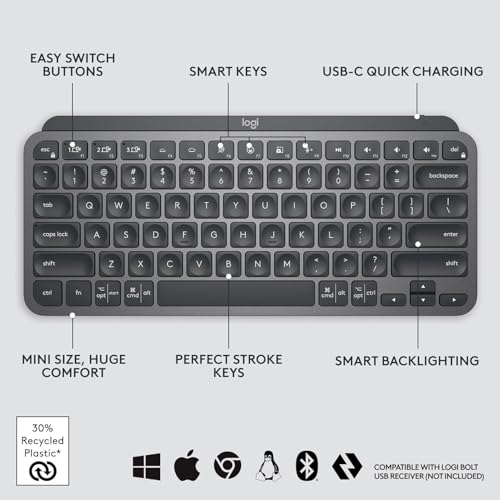
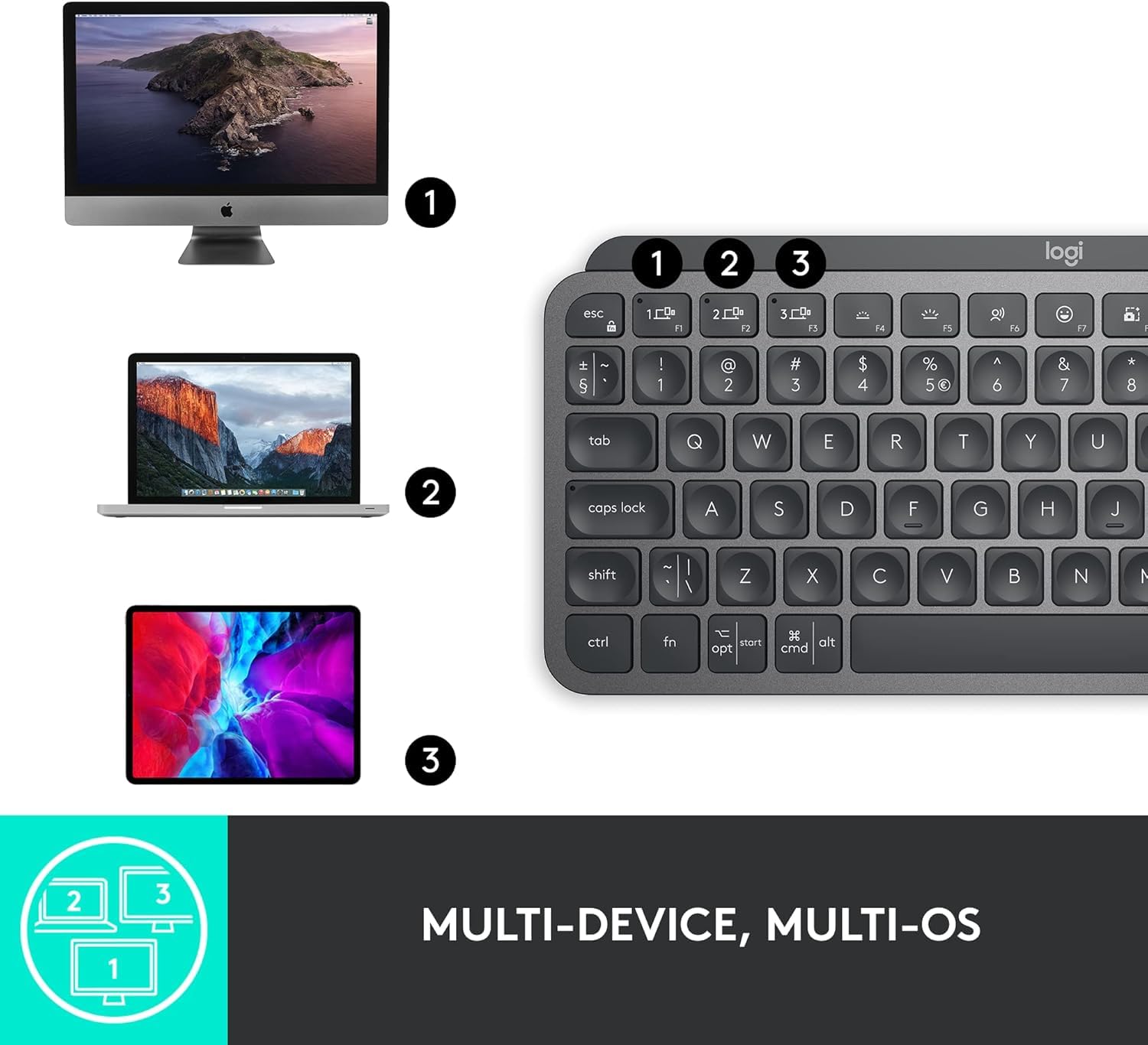
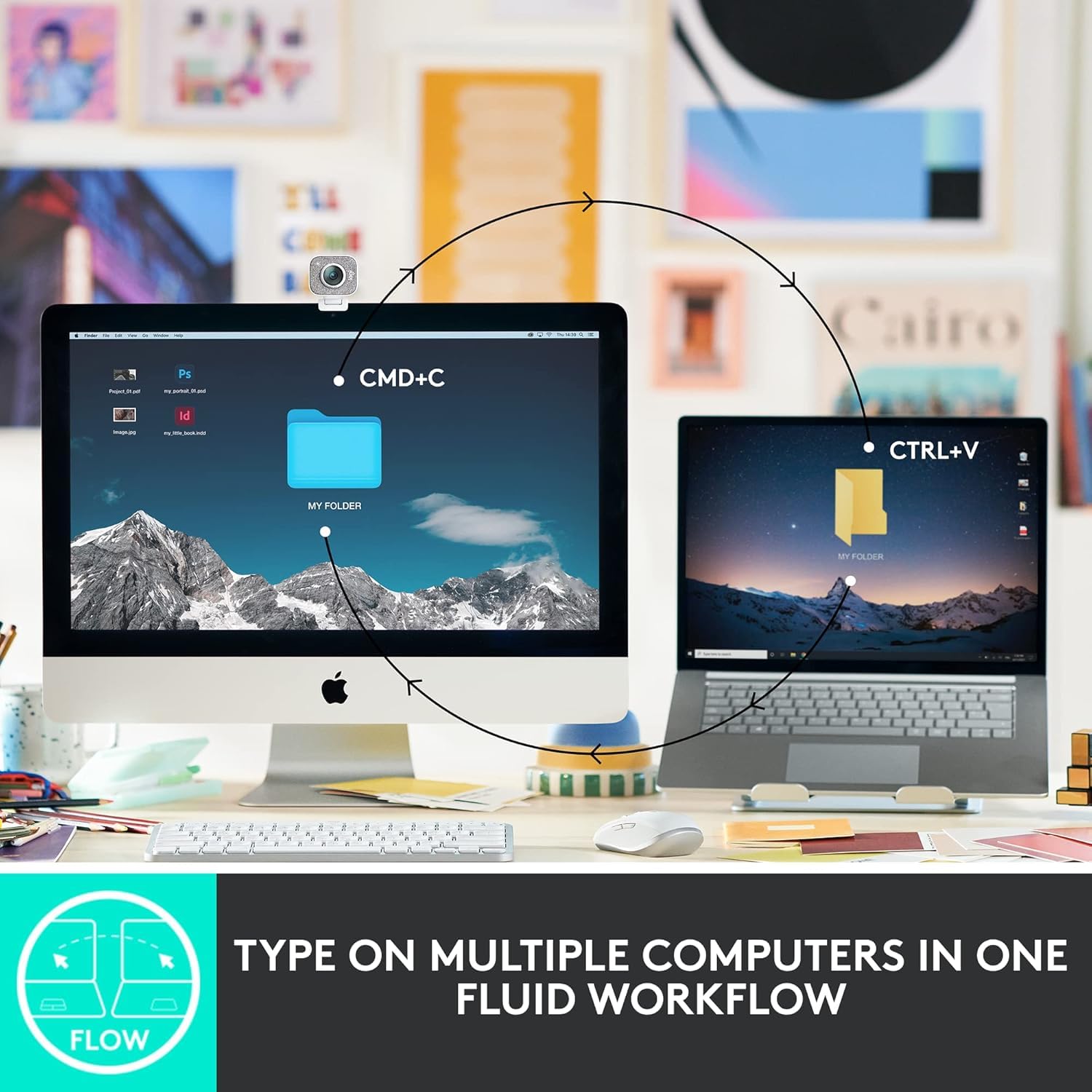
A couple years ago I wrote a scathing review about the decline of Logitech products quality. I was having problems with the mice, the buttons where acting up, and I needed a mouse (NOW) that worked so I went to the local brick & mortar store and bought the same mouse, which had the same problems. I ended up getting hundred dollar mouse made for CAD professionals. Since then I got a Logitech mechanical keyboard, with the cherry keys, great product and I love it. I've also purchased a couple Logitech mice lately and had no problems with them. This keyboard is much nicer than what I expected, I love the solid feel of it, it is very heavy for its size. I wanted this one for the ability to switch between three different computers. I have one Windows 10 machine and two Linux ones in a corner of my man cave. I've purchased two HDMI KVM switches recently, and both where DOA, not working at all right out of the box, and from different manufacturers. My monitor has three inputs, so all I really needed was a single keyboard and mouse for all three. The Logitech MX mouse is still on the way. The set up was a bit problematic. The Windows machine set up very easy, but after a restart the keyboard was no longer paired. I had to drag out my old one to log into Windows, not so handy since Windows re-starts itself constantly. Luckily, there was a firmware update for this keyboard that fixed the problem. You can get the update through the Logitech software that can be downloaded from their website. On one Linux machine I am currently running Linux Mint. Mint came with the blueman software preinstalled, I had to make several attempts to get the pairing to stick, partly because I've only used blueman a couple of times in the past to pair BT headphones to my old laptop. You must mark the keyboard as trusted to get a connection that lasts. I had a situation where it was connecting and disconnecting constantly until I did that. Works fine now, and it pairs itself after a restart. On the third computer I am running Debian 12, and I have not been able to get the keyboard paired at all. This computer is actually part of my stereo system. It is connected to my amps by way of a DAC, but I can control it from a phone or tablet, or from a web GUI on a different computer. It would be nice if this would work on Debian, but it's not the end of the world. I almost docked this product a star because the product info is not completely accurate. On the product page it says:"Compatibility: Compatible with Logi Bolt USB Receiver (not included) . Logi Bolt wireless products will not pair with other Logitech USB receivers". OK, you don't need the Bolt USB Receiver to use this, I ordered them because it says this. The keyboard works with any Bluetooth receiver, I'm using one made by TP Link and another Knvo. The Bolt receivers are not here yet, they will be along in a couple days with the new MX mouse, even though they where part of the same order as this keyboard. When the Bolt receivers get here I will probably use them, because I had to rob the BT dongles off of my other computers to get this working right away. The limited instructions that came with the keyboard just said to pair it with Bluetooth, it does not even mention the Bolt receiver.
M**C
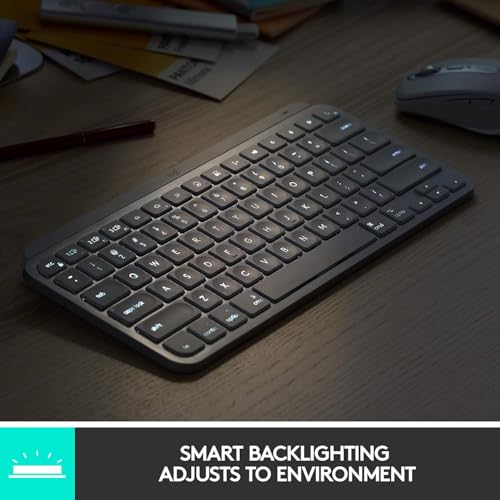
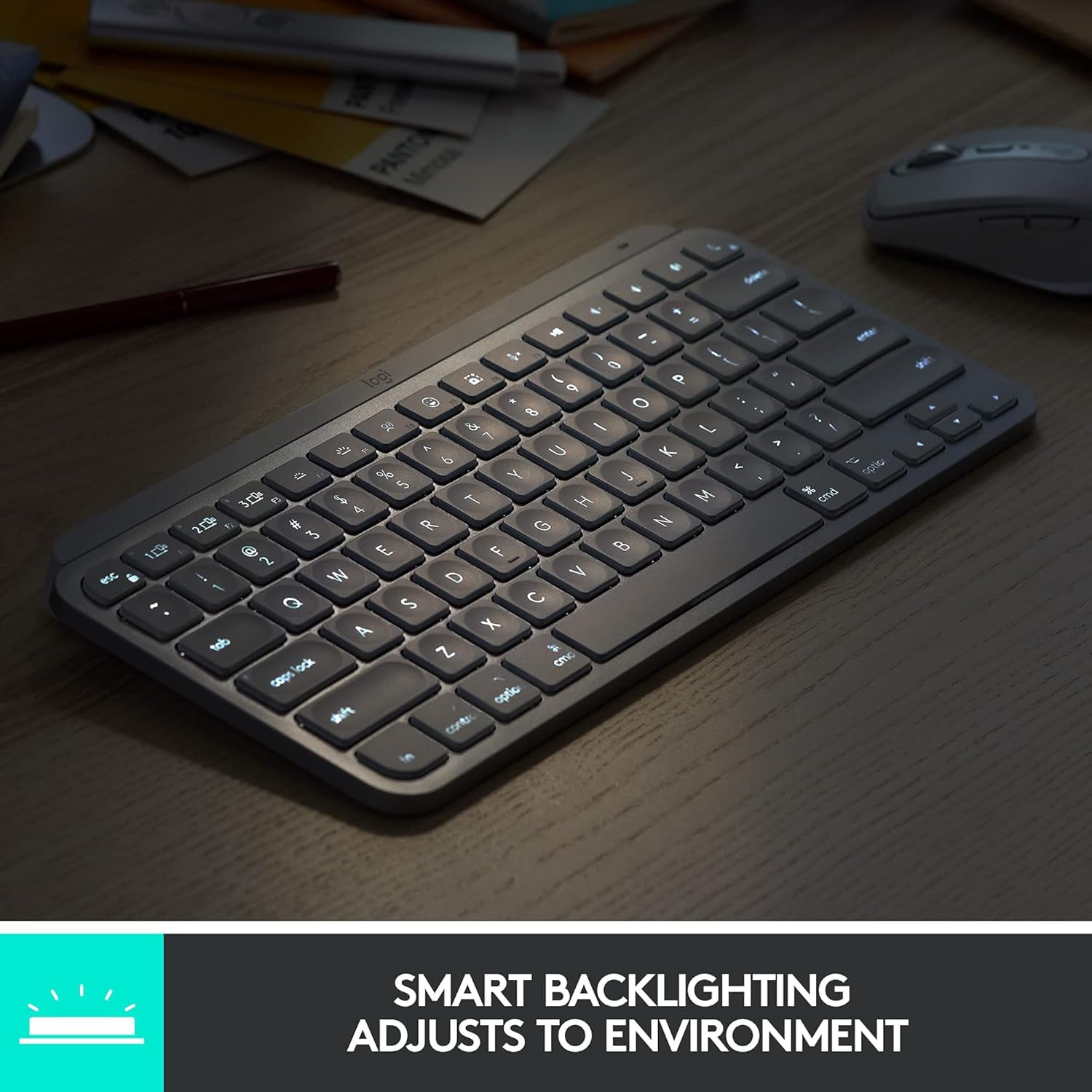
I’ve gone through so many keyboards, trying to find the perfect one. Cheap ones, mid-range ones—you name it. Every time, there was always something off. The keys felt mushy, the build was flimsy, or the typing experience just wasn’t satisfying. Then, I got the Logitech MX Keys Mini—and wow. This is by far the best keyboard I’ve ever used. The keys are smooth, responsive, and feel premium with every press. The build quality is solid, and the compact design is perfect for any setup. And the backlit? Absolutely amazing. The moment I bring my fingers close to the keyboard, the light automatically turns on—it feels so smart and effortless! Plus, the connection to my Mac is super smooth with no lag or issues. Yes, it’s a bit pricey. But trust me—when choosing a keyboard, don’t go cheap. Pay more, get a premium one like this, and you’ll never look back. Absolutely worth it!
Trustpilot
2 weeks ago
2 months ago