
DOWNLOAD THE APP


Customer Services
Copyright © 2025 Desertcart Holdings Limited
DOWNLOAD THE APP
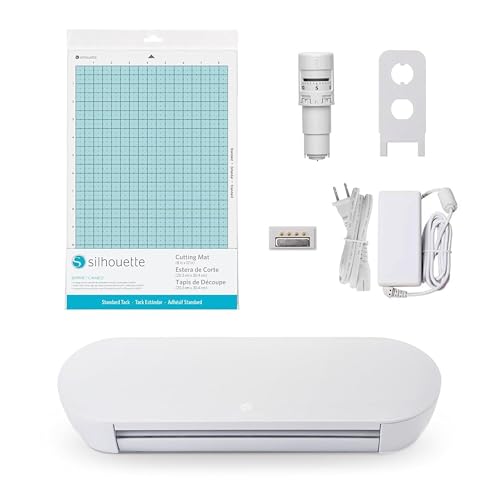
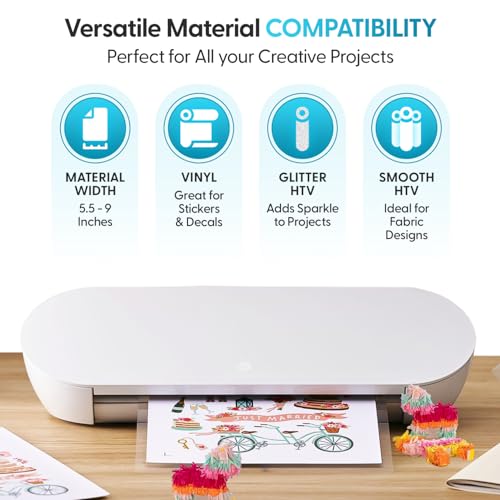
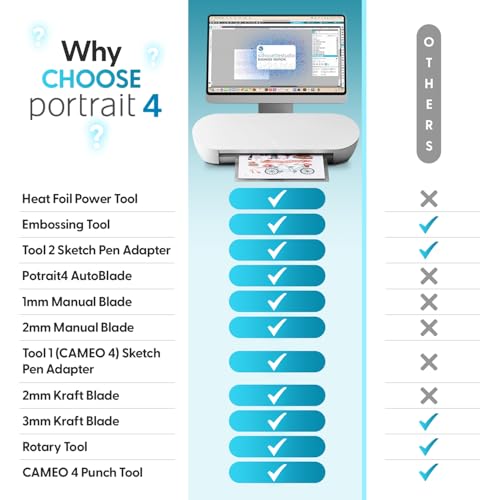
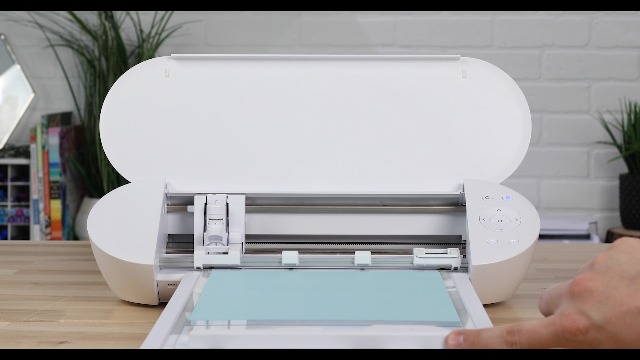
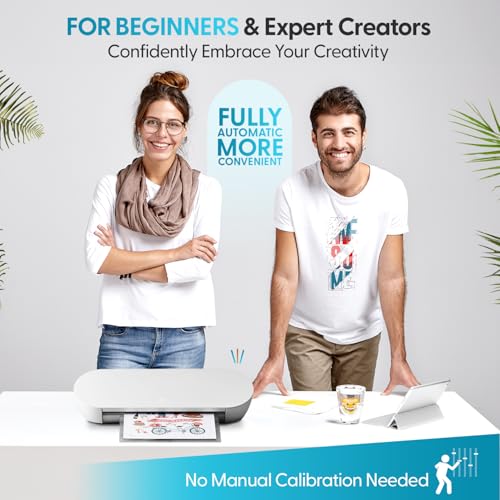
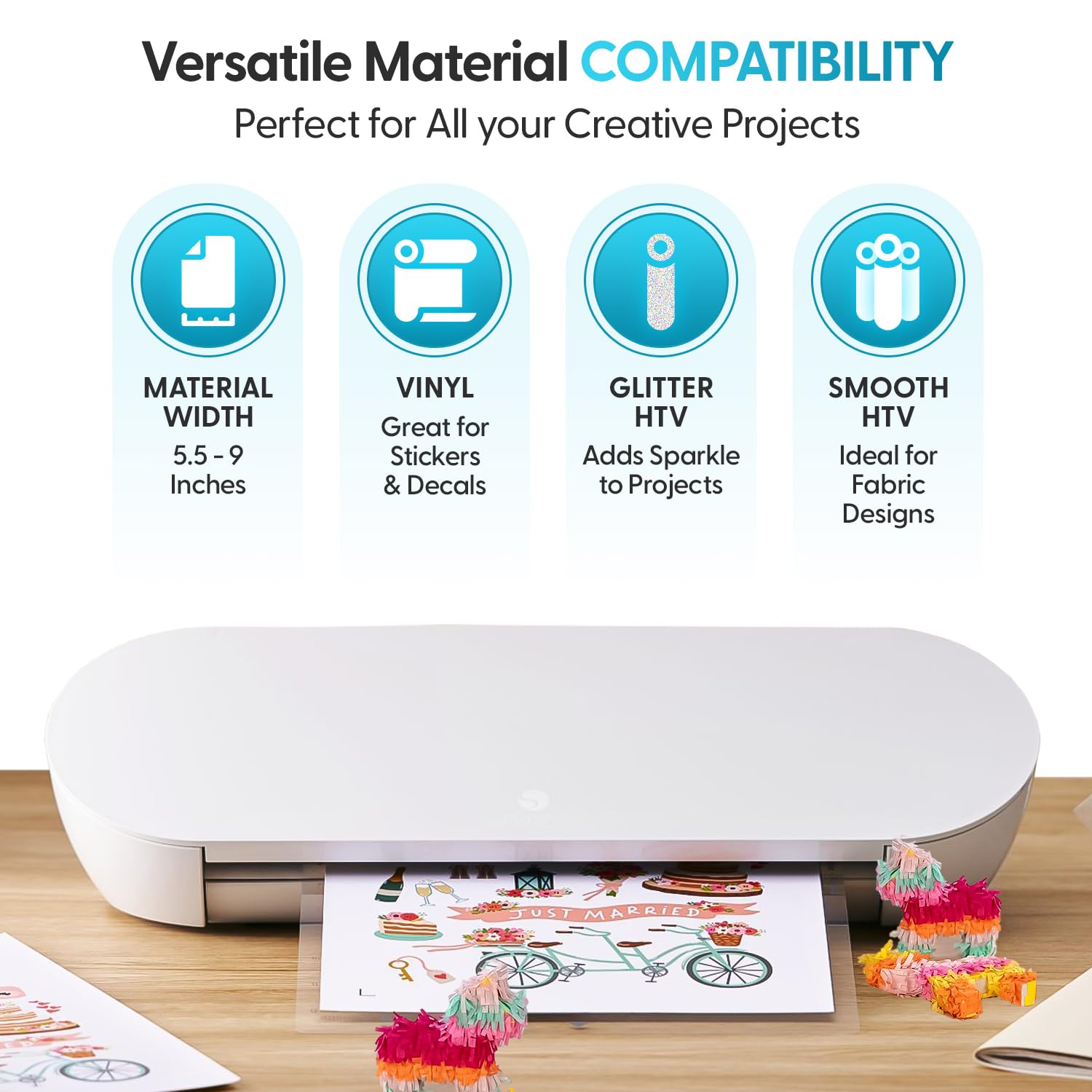
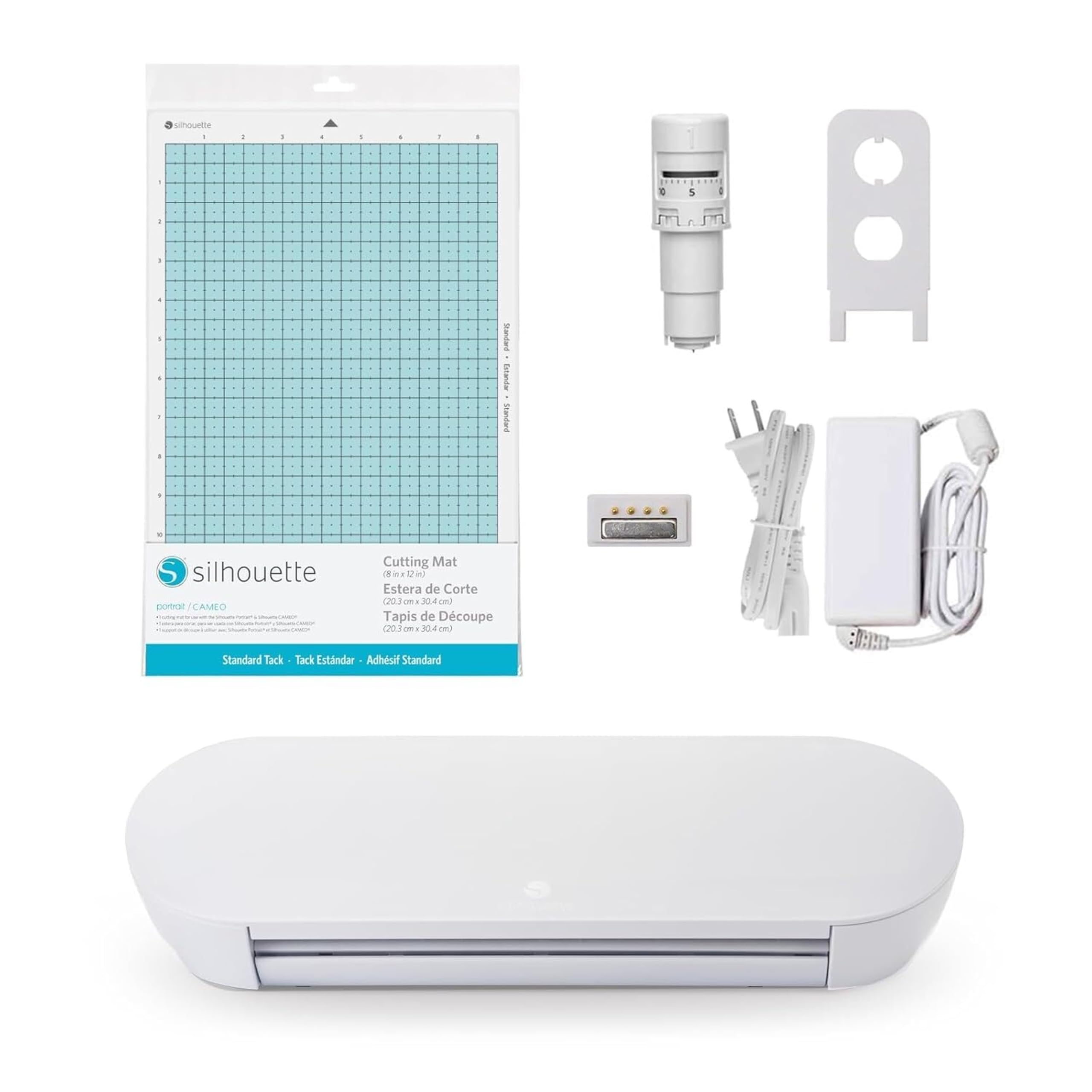
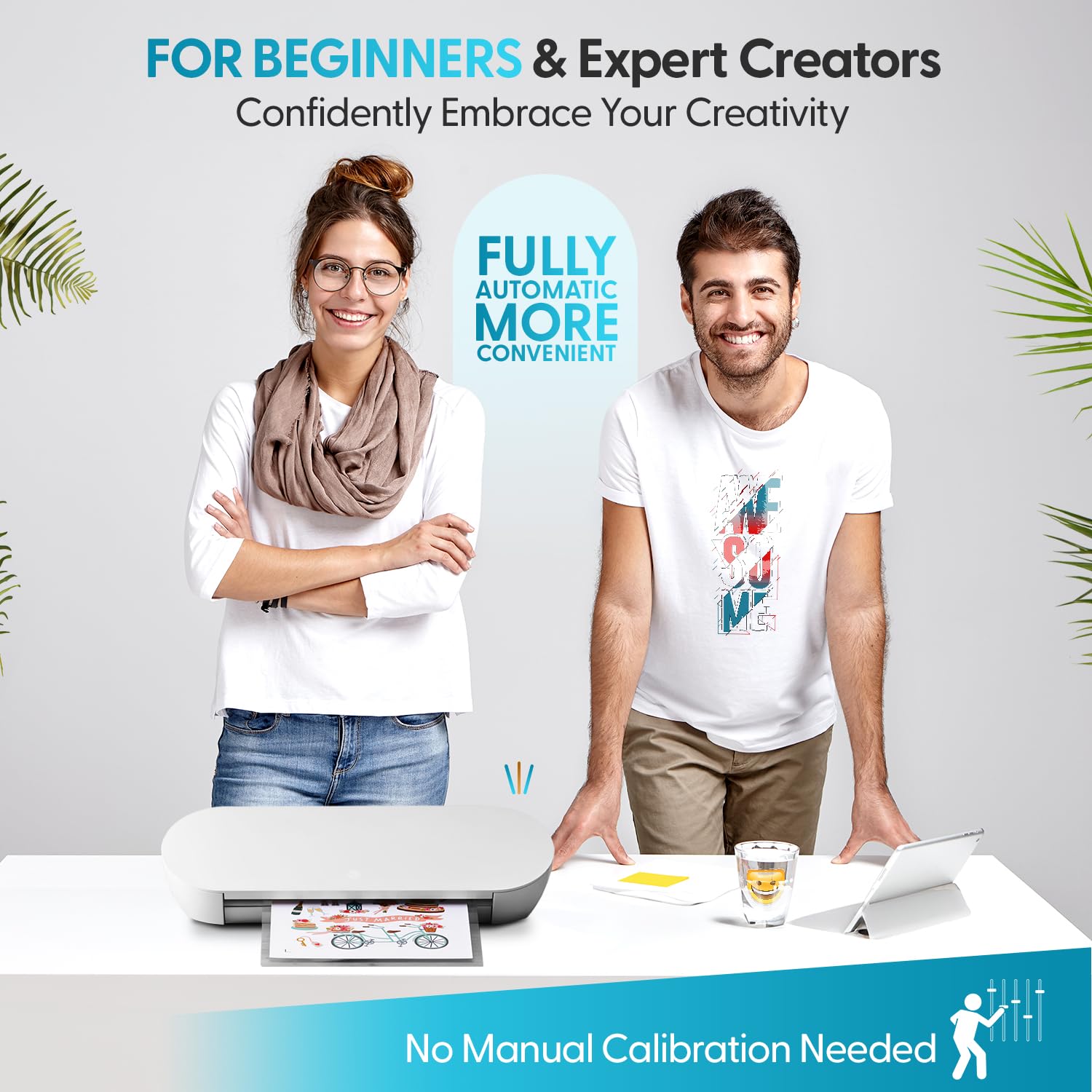
✂️ Elevate your craft game with precision and quiet power!
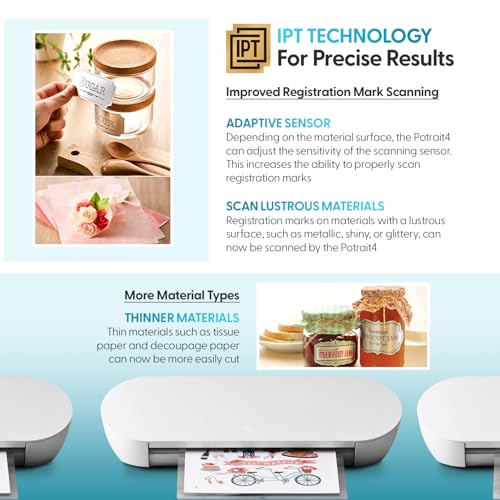
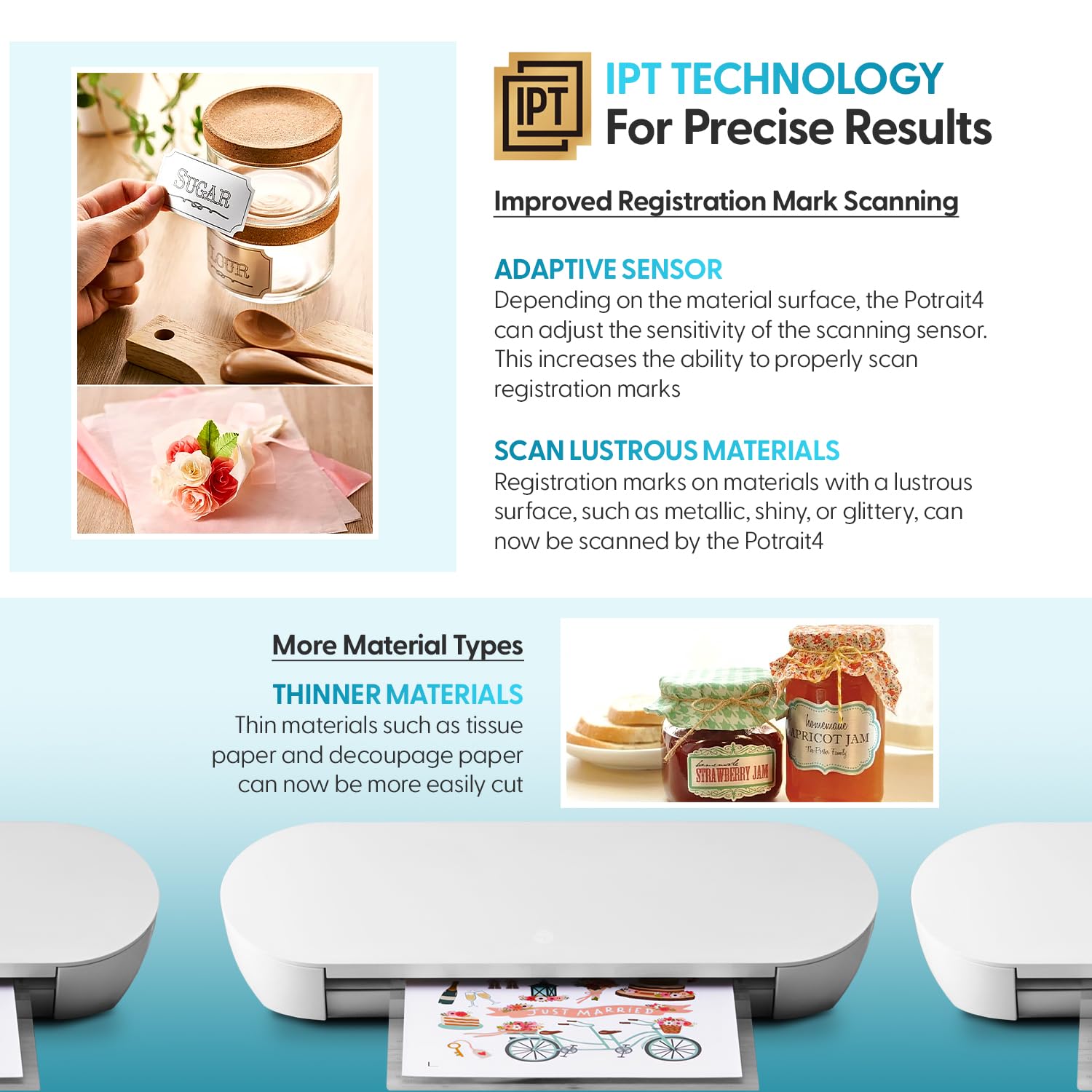
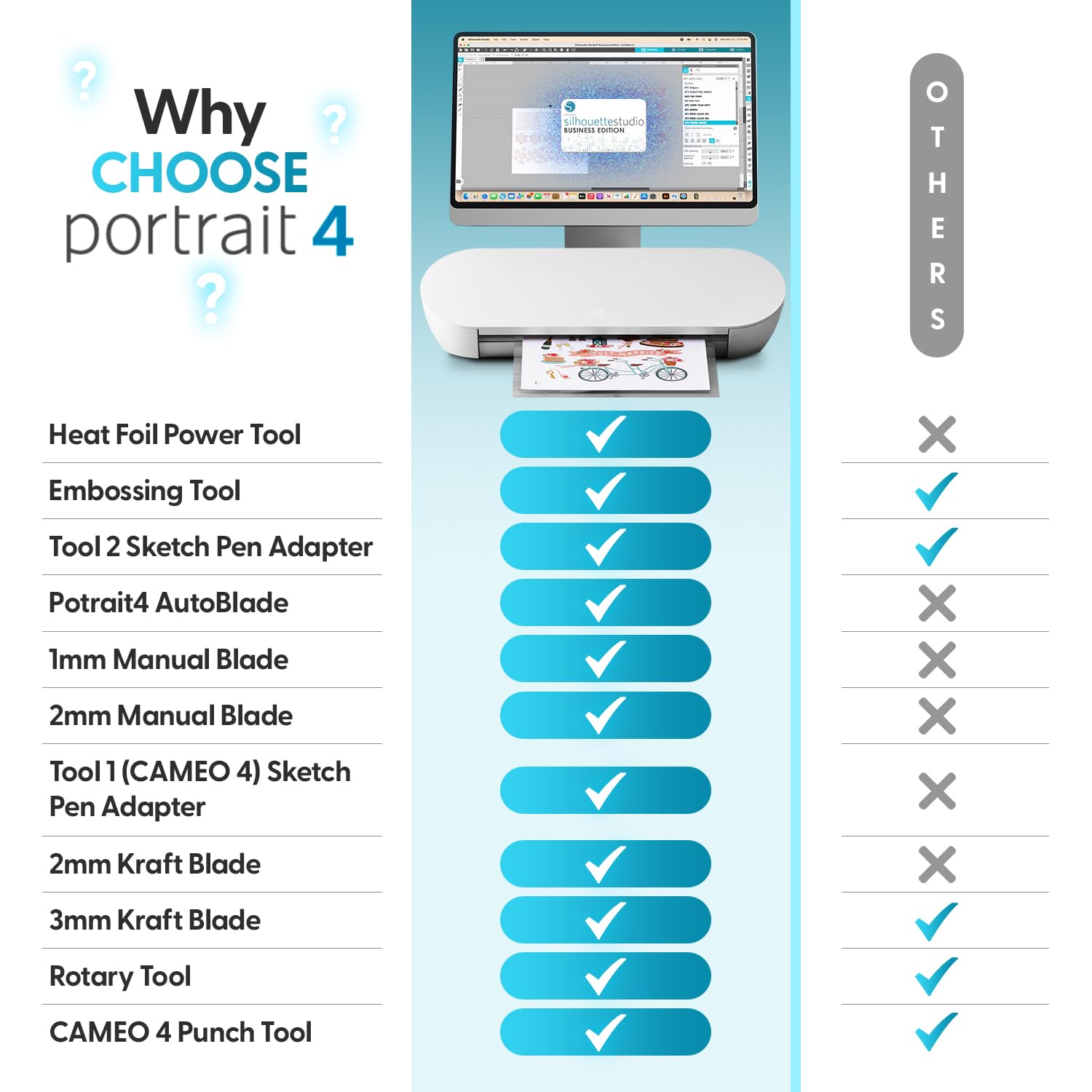
The Silhouette Portrait 4 is a compact, 9-inch vinyl cutting machine engineered for professional-quality precision with advanced SNA and IPT technologies. Operating quietly at 50 dB, it supports multi-layered cuts, fabric, and sketching with new electric tool options. Paired with user-friendly Studio software, it’s perfect for millennial managers seeking a sleek, versatile creative tool that fits seamlessly into their workspace.


| ASIN | B0CHY9CY3Y |
| Active Surface Area | 81 square inches |
| Batteries required | No |
| Best Sellers Rank | #27,242 in Arts, Crafts & Sewing ( See Top 100 in Arts, Crafts & Sewing ) #27 in Scrapbooking Die-Cut Machines |
| Brand | Silhouette America |
| Color | WHite |
| Customer Reviews | 4.3 4.3 out of 5 stars (2,859) |
| Included Components | Machine |
| Item Weight | 1 pounds |
| Item model number | SILH-PORTRAIT-4-4T |
| Manufacturer | Silhouette Amercia |
| Material | Metal |
| Operation Mode | Automatic |
| Print media | Fabric |
| Product Dimensions | 18"D x 9"W x 9"H |
| UPC | 819177026900 |
M**O
Excellent Little Machine
After hearing about the Silhouette Cameo for a while and seeing what it could do, I was very intrigued but not wanting to spend a couple hundred dollars. I am not a hardcore crafter, but do enjoy the occasional craft every now and then. I wanted to start making my own stationary and realized that it would be handy to have one of these machines. After talking to many friends who own both the Cameo and the popular Cricut, the verdict was clear: Silhouette wins. When I saw that the Silhouette had come out with a smaller, cheaper version that did the same things as the Cameo, I knew I wanted it. It arrived very quickly and the install was easy. I was pleased to see a simple machine that sat perfectly on top of my desktop computer (it's so petite!). I plugged it in and got started with what I had on hand. The software is very user-friendly and reminds me of working in Microsoft Publisher. I found it interesting that the Portrait sounds like an old fax machine as it works. It's not loud, but not necessarily quiet. Either way, it quickly did its job and I was satisfied with my first successful attempt at an intricate design. I can't wait to try the sketching feature and cutting out fabric (for cute hair bows!). I love that you can completely make your own designs, but that Silhouette provides a bunch of great ones as well. They have free designs that are actually useful and a bunch of great videos online. All in all, I think that this machine is perfect for the random crafter who makes things on a smaller scale. The software is much easier to use and navigate than what I had originally heard, so I am very pleased about that. Again, I also love that the actual machine is very compact and unobtrusive. I highly recommend this to anyone wondering if they should take the dive or not.
C**O
Great, versatile Cutter/plotter
This is a great cutter. I don't have any experience with other cutters but I would strongly recommend this to anyone. I purchased it to make items for my wedding including custom mats for photo frames, shaped cut-outs for notes from guests, and stencils for various decorations. It cuts a wide variety of papers, though it would not cut through a heavy-weight plastic folder we wanted to use as a stencil... but I would have had trouble cutting it with scissors, so I don't blame the Silhouette for that. The software it comes with takes a minute or two to figure out but it does a lot of useful things including a "fill page" option, which is great for making cutouts... it will fill the page with the shape you load/create at the size you choose. One warning with the print and cut option, the Silhouette may not be able to find the markers on shiny/glittery paper. We were using a slightly shimmery paper for our gift tags and wanted to print out the text for them and then cut them out but the Silhouette could not recognize the markers, though it worked fine on plain printer paper. Fortunately, we figured out where exactly we needed to place the paper on the cutting mat and into the machine and got them close enough without using the markers. Print and cut is great for really detailed stuff but if you have a bit of give, you can just eyeball it... this is particularly useful as the print and registration marker actually cut down a lot of your cut-able area. The cutting mat is great and lasts really well as long as you're careful with your blade depth! The one that comes with the Silhouette is very sticky at the beginning and is not appropriate for standard-weight papers unless you're okay with them curling (or even tearing) when you you try to unstick them, so I recommend using only cardstock-weight or above on new regular mats. After some use, they become less sticky, so you can use them with regular weight papers. Apparently they offer lower stick mats, so get one of those if you want to do medium-light weight paper.
A**A
Better than Cricut
For starters, i never owned a cricut machine but have used my friends when I needed to use it. I finally decided to pull the trigger and buy a cutting machine for myself. I happened to stumble on this product when scrolling through youtube videos. I went with the silhouette because it was more cost effective than even some of the used cricut machinesi saw online. First thing i would like to mention is the cut borders, it has a bigger area inside the border than what the cricut does (for 8.5 x 11 paper). So I was able to fit more images, which is a major plus in my opinion. For those that are not tech savvy, i highly recommend following every step when setting up, also look at the official youtube channel for any advice or additional learning curves to understand it better. Especially for those that are visual learners. If you have experience with machines like this, it'll be a breeze to understand everything and every action on the software is very straightforward and when hovering over a button a little box will pop up to show you what the action is for those buttons. Overall, great product. i would say this is personally better for people just starting out with using cutting machine, not only for the price but how easy the software is to use. When buying brand new, and setting up your account for the first time, you will get a 1 month free trial, which i personally don't use as i use it to cut out vinyl and sticker paper. But if you're doing small project for the little ones they have cutouts in their store that change on a weekly/monthly basis that become free instead of going with the subscription.
A**S
Der Silhoeutte Portrait Schneideplotter eignet sich hervorragend für die Arbeit mit selbstahftender Vinylfolie.Gemäß Hersteller besitzt der Plotter noch einige andere Einsatzgebiete wie Papier, dünnen Karton, Stoff, etc., ich habe mich bisher jedoch nur mit Vinylfolie beschäftigt. Zum Design lässt sich sagen, dass das Gerät an sich optisch sehr ansprechend ist. Der Umgang mit dem Gerät ist nahezu komplett intuitiv möglich. Es ist leicht an Gewicht und auch leicht zu bedienen. Die Software verfügt über alles, was man zum Erstellen von Plottermotiven braucht. Motiv wählen, Bereich markieren, Detaillierungsgrad einstellen, Medium einstellen (Papier, Vinyl, etc.), los geht's. Sind die Schnittmarken erstellt, lässt sich das Motiv verlustfrei skalieren, drehen, spiegeln und anders verwalten. Text lässt sich direkt mit allen verfügbaren Schriftarten in den Schnittbereich schreiben. Dieser wird sofort als Schnittbild angezeigt. Je nach Detaillierungsgrad lässt sich auch die Schnittgeschwindigkeit einstellen. Je höher der Detaillierungsgrad, desto langsamer sollte man schneiden. Es empfiehlt sich, Plotterfolie zu benutzen. Sie besitzt die richtige Haftung an der richtigen Stelle. Klebefolie für Möbel zum Beispiel kann man zwar auch verwenden, allerdings bleibt das Motiv gerne an der restlichen Folie kleben und lässt sich nur mühsam entfernen. Bei hohem Detaillierungsgrad kommt da schon gerne mal Frust auf. Vinylfolie kann mit und ohne Schneidebrett benutzt werden. Verzichtet man auf das Schneidebrett, muss man jedoch darauf achten, dass die Folie straff eingezogen wird, damit ein sauberes Schnittbild entsteht. Mit einer Arbeitsbreite von rund 20 cm lassen sich kleine bis mittlere Motive problemlos erstellen. Für den Hobbyplottermeister sehr zu empfehlen.
A**.
El envio fue rapido y el precio excelente, al abrir la caja y ver el tamaño del plotter dije a caramba esa cosa se va a romper porque mi impresora es más grande que el plotter, pero al verla trabajando digo wow qué ágil y fácil de usar es, sin tantas complicaciones la pude hacer funcionar a la primer y realizar un primer corte de prueba, así que estoy muy feliz con el plotter para hacer manualidades y otras cosas!
L**A
met my needs...i did not know about this type of vinyl cutter. I should have bought many years ago
A**S
The software provided to use this vinyl cutter requires subscription in order to use your own SVG templates..which is quite silly..
P**A
El producto es perfecto, funciona de maravilla y es muy dinámico. Se conecta al ordenador y trae el software en un CD, de muy fácil uso. Incluye algunos diseños gratuitos, y hacer los tuyos propios es muy sencillo. Completamente recomendable. Lo hemos usado para hacer vinilos personalizados y cortes en papel. Corta diferentes grosores con calidad, y la alfombrilla por ahora aguanta muy bien, aunque es cierto que llevamos poco tiempo con ella.
Trustpilot
1 month ago
1 month ago