
DOWNLOAD THE APP


Customer Services
Copyright © 2025 Desertcart Holdings Limited
DOWNLOAD THE APP




🚀 Upgrade your workflow with speed and reliability that keeps you ahead!
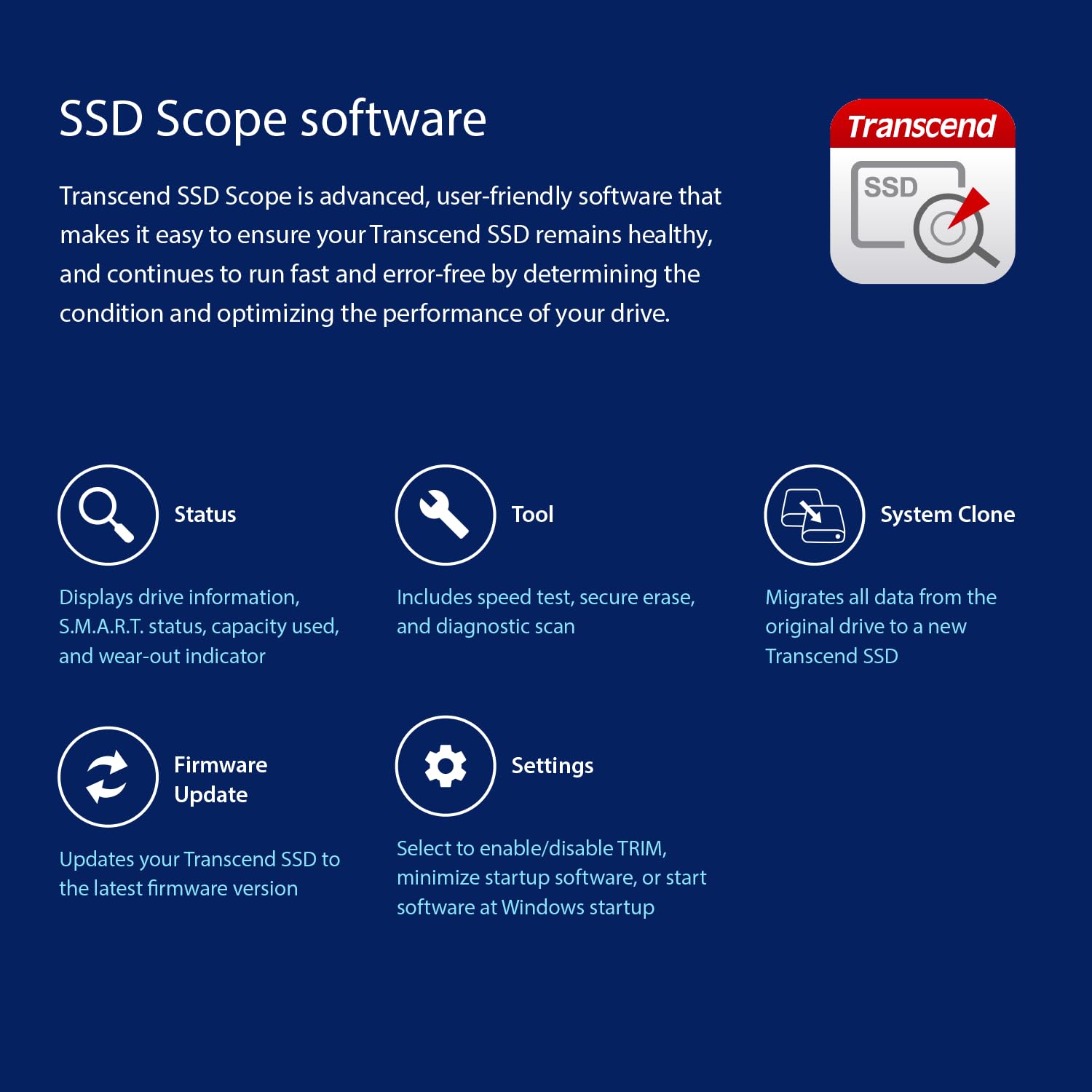
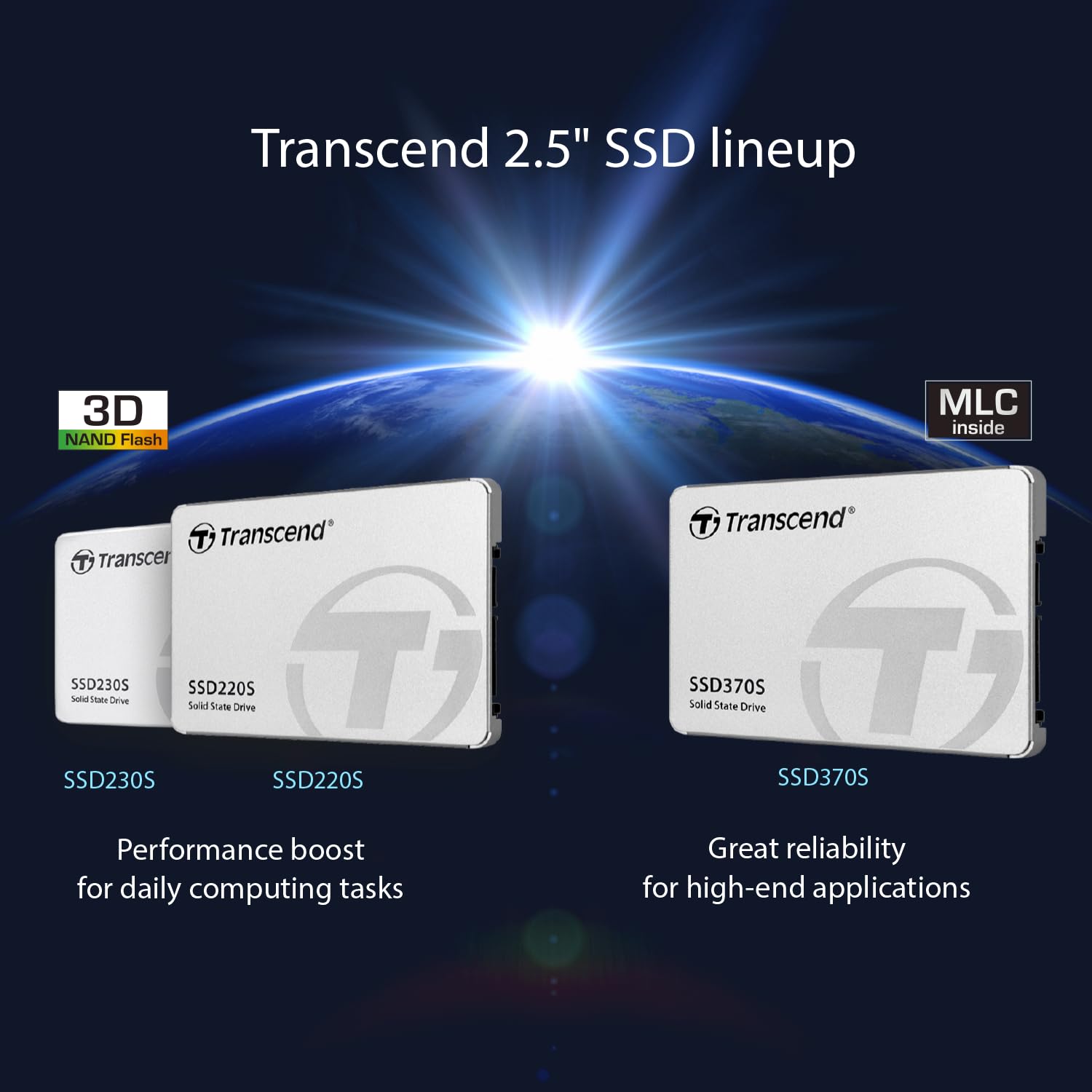
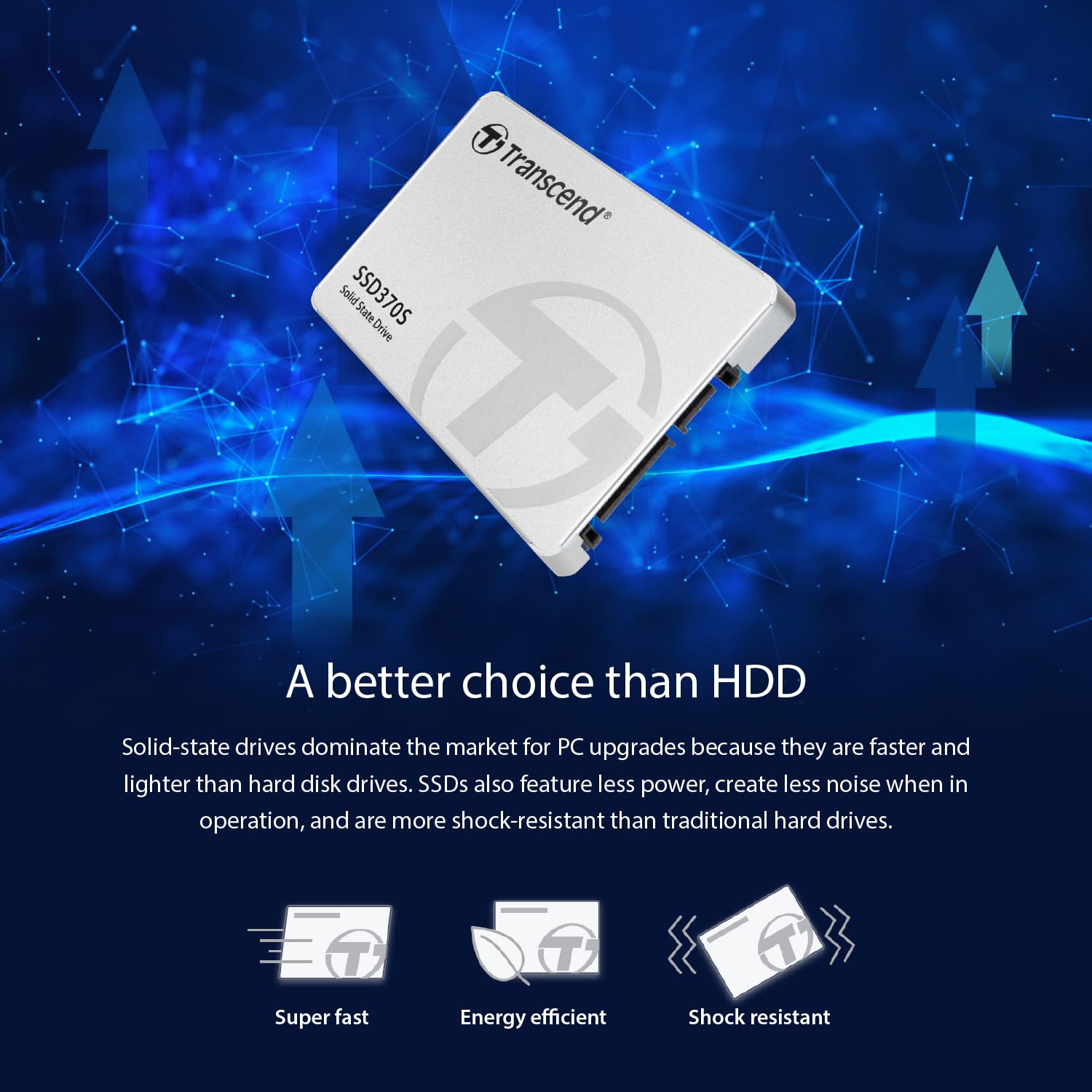
The Transcend 32GB SSD370S is a compact 2.5" SATA III solid state drive delivering up to 570MB/s read and 470MB/s write speeds. Featuring durable MLC NAND Flash and an advanced power loss protection system, it ensures data integrity and long-lasting performance. With exclusive SSD Scope software and DevSleep power-saving mode, this SSD is designed for professionals seeking reliable, efficient storage that accelerates boot times and enhances overall system responsiveness.


| ASIN | B00VX82PJC |
| Batteries | 1 Lithium Ion batteries required. |
| Best Sellers Rank | #604 in Internal Solid State Drives |
| Brand | Transcend |
| Color | Silver |
| Computer Memory Type | DIMM |
| Customer Reviews | 4.3 4.3 out of 5 stars (2,462) |
| Date First Available | April 20, 2015 |
| Flash Memory Size | 32 |
| Hard Drive | 32 GB Solid State Hard Drive |
| Hard Drive Interface | SATA 6 GB/s |
| Hardware Platform | PC |
| Is Discontinued By Manufacturer | No |
| Item Dimensions LxWxH | 2.75 x 3.94 x 0.27 inches |
| Item Weight | 1.83 ounces |
| Item model number | TS32GSSD370S |
| Language | English, English, English, English |
| Manufacturer | Transcend Information |
| Number of Processors | 1 |
| Operating System | Windows 7, Windows 8, Windows 10, Linux Kernel 2.6.31 or later |
| Product Dimensions | 2.75 x 3.94 x 0.27 inches |
| Series | SSD 370 |
B**D
128 GB MLC Sata III SSD, Works well enough for me...
So far, this SSD has worked pretty well for me, even though it's no Evo Samsung 850. It was a fair amount cheaper though, had a little bit more extra storage than I needed for the task I required it for, and in my online research and looking around, it seemed to be decent enough and fast enough to fit my needs. Around 40 some bucks is what I recall paying for this, and it's well worth it when i only needed a little more than half the storage space of this drive in the first place in an SSD form for my OS partition. It's sped up my boot time form over a full minute, to a little over a half a minute as well, which is wonderful. I've seen, however, that other people can get up to 10-20 second boot speeds with a good SSD, but realized that it wasn't the fault of this SSD, moreso the fault of the type of motherboard I am currently using. Installation wasn't too difficult, if you know how to install any type of internal PC part. Even came with the parts required to attach it to a 3.5 HDD bay securely, which is nice, but did not include a spare SATA cable. However, that was fine for me, since I had a spare SATA III laying around. So far I haven't had any problems, but I've only had it for about 2 months at most at this point, and not under heavy usage. (Like I said, it's used for my OS, and a few of my more heftier games and apps at this point). Hopefully though, it will last a while.
L**E
Excellent SSD.
It installed easily and works beautifully in a 2008 notebook. Booting into Ubuntu MATE 16.04 takes 45 seconds. I love how the green hard drive activity light barely brightens as it turns on. It blinks rapidly as the SSD finishes tasks with ease. (In contrast, the old hard drive took 9 minutes to boot Windows Vista and finish its activity with no programs running. The LED stayed solid bright green for minutes at a time.) Everything in Ubuntu pops up quickly. Backing up files to the SSD is fast. I would definitely buy another Transcend SSD if one was needed. I imagine it would be amazing on a desktop PC. I am extremely satisfied. - - - Update after two months: No problems with Linux. Now the SSD is working in a Windows 10 desktop with SATA 2 (300 MB/S). It really improves system performance. I love being able to scroll bloated web pages as I please instead of having long delays. Cloning the drive required the use of an old Windows XP PC, but that was probably because of some fault with the newer PC (BIOS detected the SSD right away, but the OS didn't). It was odd that a Windows Defender full scan of 500,000 files took two and a half hours. I still would purchase this model and brand again. It's cool to see drive activity calm down quickly after booting to the desktop.
A**O
Decent drive if you're willing to take the time to jump through hoops.
I gave this 4 stars because of the lack of cloning software along with other option you would get with a Samsung SSD. I bought this because I wanted to try something different, and have had good luck with Transcend products in the past. I own 2 Samsung 850 Pro's and 1 Samsung 850 EVO, and there is very noticeable difference between Samsung and this Transcend model. I bought this drive to go into a Toshiba Satellite Radius 11 L15W‑B1302. I couldn't get the Toshiba to read the drive, so I put it in an external drive case and plugged it into my Lenovo, and still no luck. I finally had luck with my HP laptop and was able to format the drive. I had to go this route because my Toshiba wouldn't even recognize the drive so I could do a fresh install of Windows. My Lenovo acknowledged the drive, but I was locked out of it and could do nothing. The Software that Transcend offers didn't work for cloning.... At all!! After going through a handful of cloning software, attempt #5 was a winner. I downloaded and installed Macrium Reflect v6 Free Edition, and it worked without a hitch. The only issue, is that if you're going to a smaller drive(SSD), you need to resize your C partition do that everything fits on the SSD. DO NOT delete any partitions from your HDD. I found that even deleting an unused partition will move the location/order of you files, and the drive will not boot. I didn't have this issue with Samsung, but after multiple tests with this SSD, I found this to be the case. Your files will be on the drive, but will register as nonexistent when trying to boot into Windows. After reading up on a few different sites, I found that others have had or are having the same issue with this SSD. Changing nothing except for the size of your C partition has no effect other than changing its size, and the clone will be identical. In the end, the drive works well and is significantly faster. Would I buy another Transcend SSD? NO... I'll stick with Samsung because I know the product.
C**C
Bei Notebook-Festplatten vertraue ich auf Fabrikate mit 512 GB weil sie das beste Preis-Leistungsverhältnis und reichlich Reserven für das Betriebssystem, Wiederherstellungen und Dateien bieten. Im Einzelnen: - Samsung 850 EVO (wie könnte es anders sein). Irgendwann für 138,39 als Blitzangebot gekauft. Die PRO sind mir zu teuer und ich brauche nicht zwingend Platten, die 10 Jahren halten, bis dahin, falls ich noch lebe, werden sie sowieso um 75 % billiger. Also muß ich nicht mein Kapital dafür langfristig binden. - Samsung 840 PRO. Da habe ich noch eine davon. Sie ist vielleicht 4-5 Jahre alt und scheint unsterblich zu sein. - Samsung 750 EVO. War als Blitzangebot am Prime Day für 108,69 Euro super günstig, also her damit. - Toshiba Q300 PRO, eine gute Alternative zu Samsung, damals für etwa 160 Euro ziemlich günstig - Diese Transcend SSD370S, als Blitzangebot für 137,90, also her damit. - Sandisk Extreme Pro 480 GB (so gut wie 0,5 TB). Monatelang habe ich sie bei Amazon vergeblich beobachtet, aber sie blieb bei 180 Euro. So habe ich gestern bei der Bucht gleich zwei fast neuwertige für rd. 105 Euro pro Stück gekauft. - Intel 320 Series 600 GB: Von zwei ist bereits eine krepiert, würde ich nicht wieder kaufen. Dazu noch eine Transcend 256 GB weil sie als Blitzangebot günstig war, aber für einen Notebook mit nur einem HDD-Platz, eigentlich zu knapp. Würde ich nicht wieder kaufen. Die einzigen Premium SSD, die ich noch nicht testen könnte sind die Kingston HyperX Savage, die Sandisk X400 und die Crucial MX300, weil die Preise bisher einfach zu hoch und einfach nicht sinken wollten. Insgesamt haben wir diese o.g. SSDs in 5 Laptops, meistens zwei pro Gerät wenn genug Platz vorhanden ist. Sie erlauben Startgeschwindigkeiten, die - je nach Konfiguration - ab 15 Sekunden liegen und i.d.R. doppelt bis dreimal kürzer sind als mit den Premium HDDs von Seagate, WD, Hitachi und Toshiba, die wir vorher drin hatten. Wenn Bearbeitugssoftware und Dateien auf SSDs sind, was bei uns der Fall ist - dann werden die Dateien ohne gefühlte Wartezeiten am Bildschirm bereit gestellt. Ob die eine oder andere SSD schneller ist oder nicht ist ziemlich egal, die Unterschiede sind minimal, vielleicht eine oder zwei Sekunden beim Start. Deswegen würde ich mir kein Kopf machen, die o.g. lohnen sich alle, bis auf die zwei, die ich nicht mehr kaufen würde. SSDs werden mit der Zeit zunächst etwas schneller weil das Puffer und die Algorythmen besser arbeiten, dann langsamer weil sie immer voller werden und Reseve-Sektoren für die fehlerhaften aktiviert werden (Overprovisioning). Aber auch das hat in der Praxis reine akademische Bedeutung. Diese Transcend finde ich mit z.Z. 161 Euro ein wenig zu teuer, es geht nicht um grosse Beträge, aber immerhin genug um sich z.B. eine praktische ICY-Box zu leisten um eine externe HDD reinzustecken und als externer Masserspeicher zu verwenden. Pfennigfuchser werden die Samsung 750 EVo oder die Sandisk für 120 Euro bevorzügen, das läßt genug Geld über für eine neuwertige 1 TB HDD, die als Massenspeicher ohnehin besser geeignet ist. Andererseits ist die 370 S eine MLC, das heißt, es werden 2 Informationen pro Zelle gespeichert. Bei den preiswertesten SSDs werden 3 oder mehr Informationen pro Zelle gespeichert. Das verkürzt die Lebensdauer und erhöht die Fehlerquote. Ich glaube sogar exponential. Bei SSDs gehen bei jeden Schreibvorgang die Stromkanäle ein wenig mehr kaputt, bei Lesevorgänge gibt es keine Begrenzung. Wer intensiv die Festplatte benutzt ist also mit dieser Transcend vermutlich besser bedient. Und da kommen wir zum weiteren Nachteil der SSDs im Allgemeinen. 1 GB kostet z.Z. bei dieser Transcend 31,5 cents, bei einer 1 TB HDD aber rd. 4,5 cents. Wenn man also ganz viele Daten sichern möchte, und das macht man i.d.R. über Nacht so das Zeit keine Rolle spielt, dann ist eine 1TB HDD das Richtige. Natürlich kann man auch kleinere noch günstiger Kaufen wenn man nicht so ein Bedarf hat. Aber kleine HDDs werden in Zukunft kaum verkäuflich sein und der Preisunterschied liegt oft bei einem Zwanziger. In unsere Familie benutzen wir vier WD My Passport Ulta 2TB um vor allem Fotos und Videos zu speichern. Die gibt es ab 80 Euro bis rd. 110 Euro. Die Metal Edition ist ca. 10-15 Euro teuerer, sieht aber wunderschön aus und ist weniger kratzempfindlich als die Hochglanz-Ausführung.aus Plastik. Es gibt auch diese Baureihe bis 4 TB, aber man muss bedenken, daß sie emfindlicher sind und wenn ein Crash erfolgt, dann ist es besser die Dateien auf mehreren kleineren HDDs zu verteilen. Ausserdem haben wir auch Seagate Expansion 2 TB und zwei Toshiba Stor.e und sind sehr zufrieden damit. Sie sind sehr empfehlenswert. Besonders viel Lob verdient meine Platinum 500 GB, die seit fast 10 Jahren täglich im Einsatz ist und noch perfekt läuft. Alle diese 2,5 Zoll-Platten in Gehäuse fest eingebaut kann ich wirklich empfehlen. Wenn man sie benutzt, reicht eine Transcend SSD370S mit 512 GB allemal, weil die o.g. HDDs als Massenspeicher fungieren. Man kann sie natürlich mühelos von einem Rechner zum Anderen transportieren und anschliessen. Wer braucht da noch Cloud ? Die nächste Lösung sind interne Festplatten, die man selber in Gehäuse reinsteckt und die SSD im Rechner ergänzen. Das ist am peiswertesten. Ich kam dazu, weil durch den Ersatz durch SSDs, ich über eine habe Dutzend HDDs hatte, die zunächst in einem Schukarton landeten und dort zunächst vergessen wurden. Abgesehen von den 3.5 Zoll-Festplatten, die teuere Docking-Stations mit Stromversorgung benötigen und Kabelsalat verursachen, sind diese kleinen, nackten Festplatten eine feine Sache. Man kann sie auch jederzeit im Notebbok wieder einbauen, falls die Festplatte dort crashen sollte. Das dauert nur Minuten. Die Installation natürlich nicht, sie Dauert 1 halben Tag. Da eine SSD selten alleine kommt, hier sehr Kompakte und zuverlässige HDDs als Ergänzng für Massenspeicherung: - WD Scorpio Blue 1.0 TB WD10JPVT - Toshiba L200 und H200 (Größe nach Bedarf) - Samsung M8 HN-M101MBB - Seagate Laptop SSHD - Hitachi Travelstar 5K1000 und 7K1000 Die Hitachi drehen mit 7.200 U/min, die Anderen mit 5.400 U/min. Sie sind also etwas schneller aber auch ein wenig wärmer. Dazu als 2,5 Zoll Gehäuse: - Icy Box IB-AC603a-U3 USB 3.0 zu SATA II (15 Euro) sehr kurzes 14 cm-Kabel, fest gelötet, durchsichtige Tupperdose - CSL - USB 3.0 2,5" SSD / SATA Festplattengehäuse extern (10 Euro, Alles Plastik, aber schön) - CnMemory Leergehäuse Zinc 2,5 Zoll USB 3.0 HDD Festplatten-Alu-Gehäuse (8,90 Euro bei Rohling Express, sehr schön, braucht TX6-Schraubenzieher). Es macht natürlich sehr viel Spaß seine eigene externe Festplatte durch Kombination von HDD / SSD und Gehäuse, die es meistens in vielen Farben gbt, zu schaffen. Dazu ein Premium-Kabel, z.B. von Roline Gold oder AmazonBasics und man hat ein schönes und exklusives Teil, das auch noch deutlich preiswerter ist als eine Standard externe Festplatte. Viel Spaß !
A**E
Small SSDs are getting hard to find. This is actually a fairly fast SSD in a small aluminum enclosure. I wanted it to use with a raspberry pi, and wanted something a little more reliable than a USB stick or small flash storage device. It works well. Supports SMART features so I can get a warning if the drive is going to die. Performance is on par or better than similarly priced kingston drives. Runs cool enough to sit under the pi without adding anything to the temperatures. You may want to just buy a bigger drive for a similar price, but it doesnt feel right to waste a 500 gig drive on something that doesnt need. For me this was perfect.
つ**な
CSSD-S6T256NHG6Qから乗り換えです。 他社製品に比べ安価だからといって速度が遅いなんてことはありません。 購入から2ヶ月経ちメインドライブとして使用していますがトラブルはありません。 OS,プログラムなどを入れても下記の速度で快適に動いています。 何も入っていない状態のSSDに対してもほとんど差をつけられていない本製品は コスパ、性能ともに優れているかと。 以下CrystalDiskMarkの測定結果です。 Sequential Read (T= 1) : 526.155 MB/s Sequential Write (T= 1) : 460.767 MB/s ※OSインストール及び、いくつかのプログラムを入れた状態でのスコアです。 概ね、メーカーの公称速度どおりでした。 参考程度に乗り換え前につかっていたCSSD-S6T256NHG6Qのスコア Sequential Read (T= 1) : 538.622 MB/s Sequential Write (T= 1) : 506.704 MB/s ※何も入っていない状態でのスコアです
P**O
Ho acquistato questo SSD nel taglio da 256gb approfittando di un offerta lampo, tenendo conto che ha anche la staffetta e le viti per il montaggio, direi un buon prezzo. L'ho preso per fare upgrade ad un Dell XPS 8700 che ho appena acquistato, già un ottimo PC ma che ha acquistato un ottimo sprint con questo SSD. Mi sono cimentato nell'installazione da solo, ho montato l'SSD con la staffetta in un vano dedicato libero del case, e ho collegato alimentazione e cavo SATA alla scheda madre, dopodichè l'ho formattato in un unica partizione. Ho usato il software dedicato Transcend, molto intuitivo ed immediato, mi ha clonato il S.O. in mezz'ora e si è riavviato il PC in modo automatico direttamente da SSD. Non sono il tipo da test e statistiche varie, quindi non so dirvi se è + o - veloce di altri, ho cmq constatato un boot iniziale di soli 5 sec dall'accensione al PC operativo... L'unica cosa che non ho fatto, in quanto informato successivamente all'installazione, molti consigliano di lasciare una piccola parte non partizionata, intorno al 7%, in modo da aumentare la velocità di lettura del hd, se volete provate ad informarvi prima di installarlo. Ne consiglio cmq l'acquisto, un ottimo ssd, con un ottimo software dedicato, ad un buon prezzo.
N**A
This one has best price to performace ratio .. I almost bought 850 Evo over this but then i decided to save 1k Rs and got this on . The performance difference between these two is only theoretical , which you will never notice in the real world scenarios . If someone is upgrading from an HDD , then i would suggest that they should buy either this one or the 850 evo (if money isnt the problem). And if you want something cheap and acceptable yet a huge performance boost over any HDD on the planet they can even get the kingston v300 or the hyperX (but i got this transcend with 10% cashback so basically it costed me 5.2k , other SSDs like kingston are priced at 4.4k so getting this one was no brainer). Now lets talk about the performance . Laptop : Samsung NP300E5V-S02IN i3-3120M (3rd gen Obvi.) my previous HDD was a SATA2 one so performance was stupidly slow for me. after installing this SSD i can boot up my laptop , launch chrome , open youtube and play a video under 20 SECONDS. Apps loads up in few seconds which used to take 20-30 seconds even after that it would still be loading . now remember that i have an i3 laptop. just imagine what kind of performance one can get on a high end laptop or a desktop. my honest suggestion is ... IF any one of you with a laptop that costs more than 50k , you must install an SSD to unleash the true power . doesnt matter if you have a gaming rig or a gaming laptop , it will still be slower than an entry level laptop with an SSD(in every day tasks , not processor intensive tasks) and ... if you want to get rid of that "windows explorer stopped responding " or if you are tired of a pc\laptop becoming unresponsive while transferring data from\to an external HDD... Then the only solution (actually a cheap one) is installing an SSD Now what about storage issues? you can buy a higher capacity SSD which are costlier or you can install your HDD back into the laptop with an HDD caddy Battery life / Power consumption : i know you would be concerned if you had read the anandtech's review of 370S(this ssd), they said it consumes more power when its under load .. BUT whatever that load will be that would lasts only few seconds which in turn consumes alot lesser power than any HDD which would have to run(spin) longer to complete that task. and if you still care about that marginal difference in power consumption then you can always buy the samsubg 850 evo(which is also a great choice) but the difference is very very small and exists only in a theoretical perspective. benchmarks are attached (to be honest benchmarks are only numbers , never take any decision solely based on benchmarks)
Trustpilot
1 day ago
3 days ago