

Desert Online General Trading LLC
Dubai, United Arab Emirates
Desert Online General Trading LLC
Dubai, United Arab Emirates

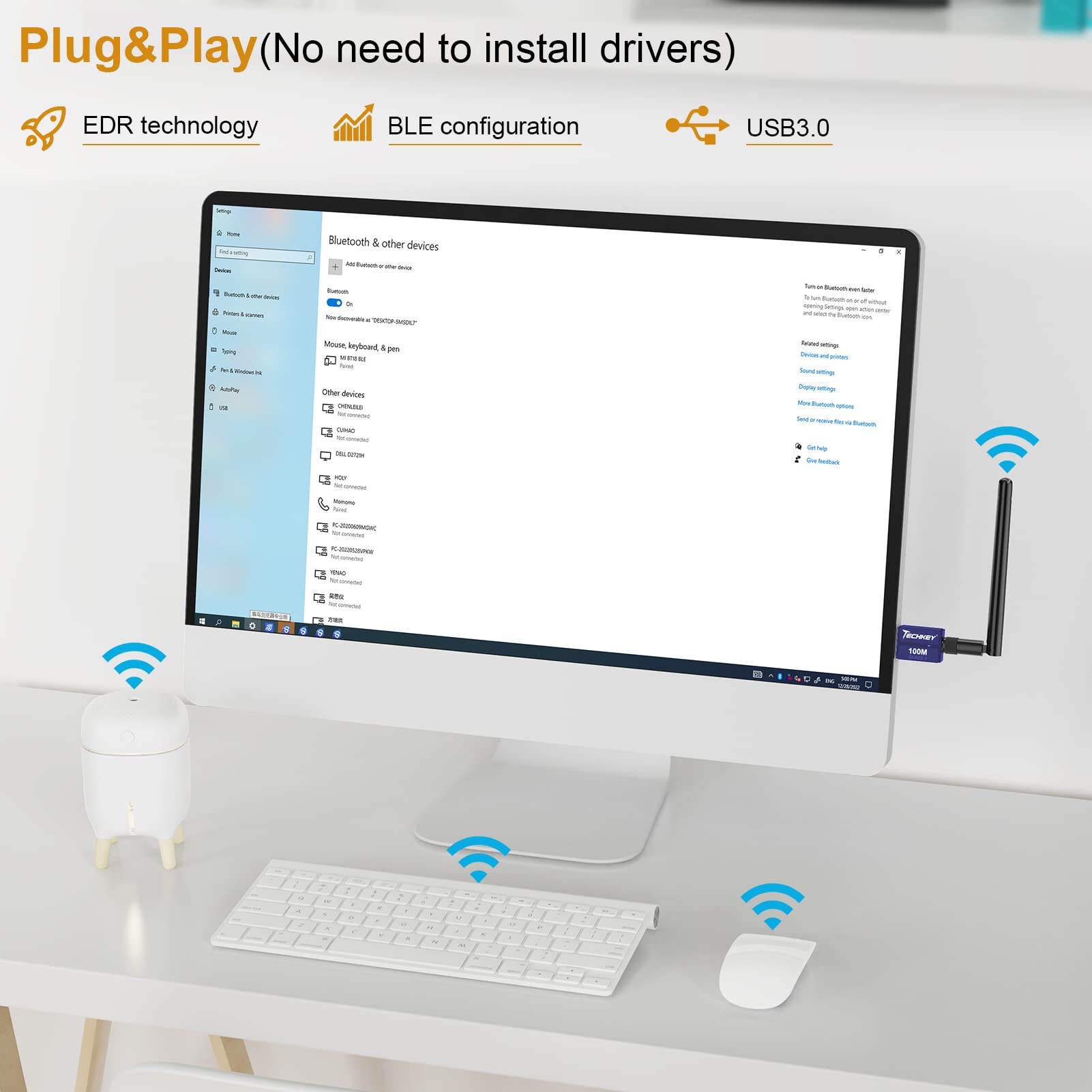
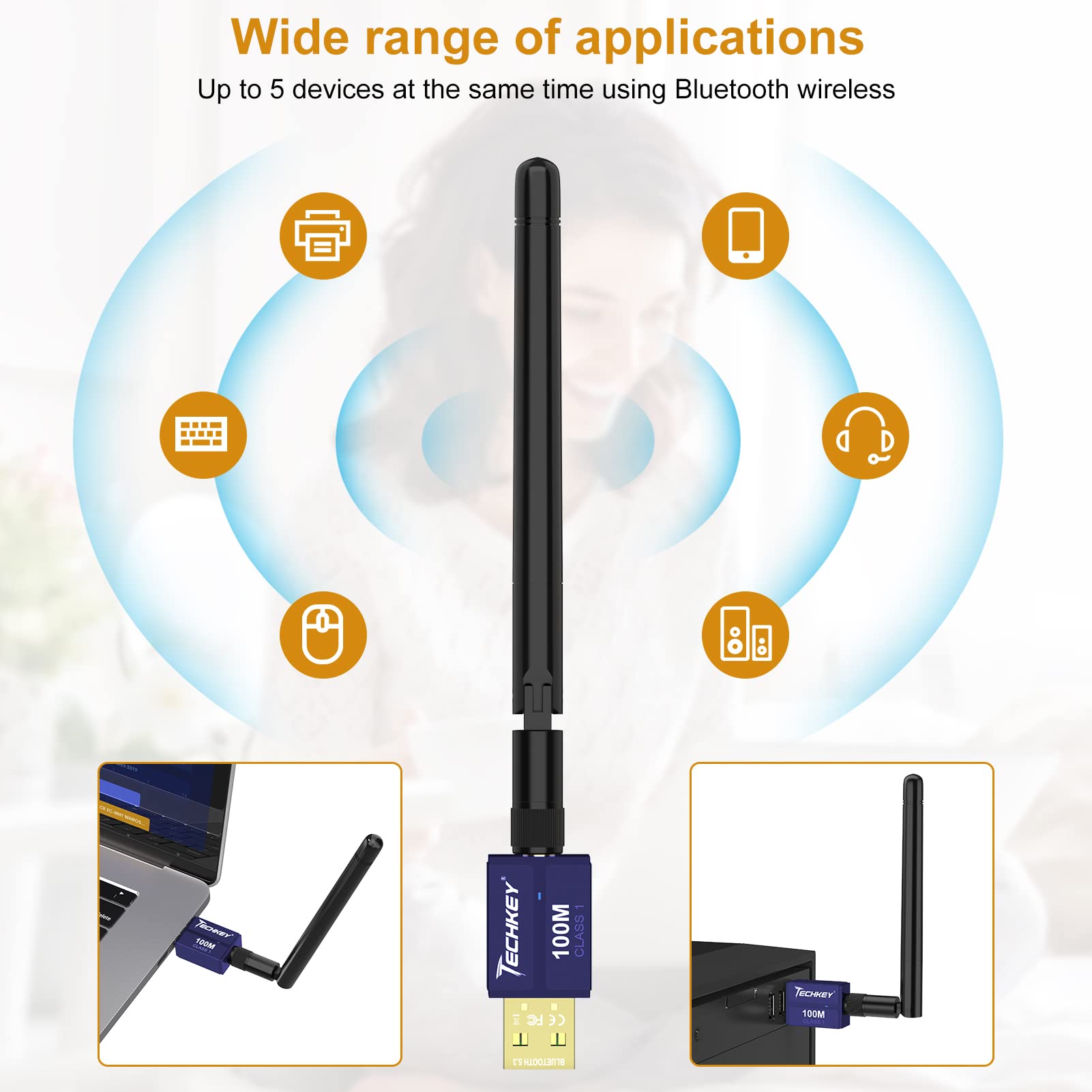
🚀 Elevate your desktop Bluetooth game—long range, lightning speed, zero hassle!
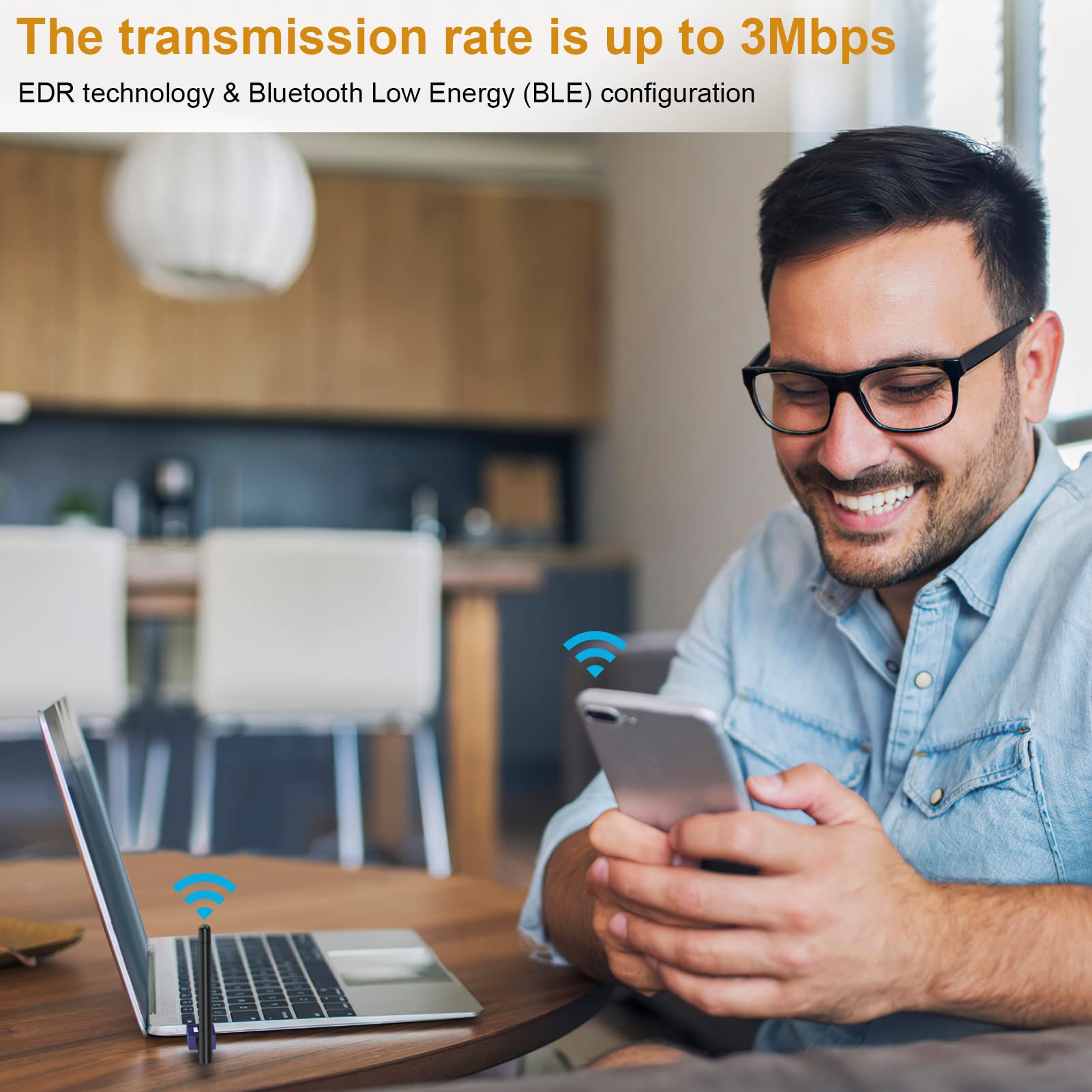
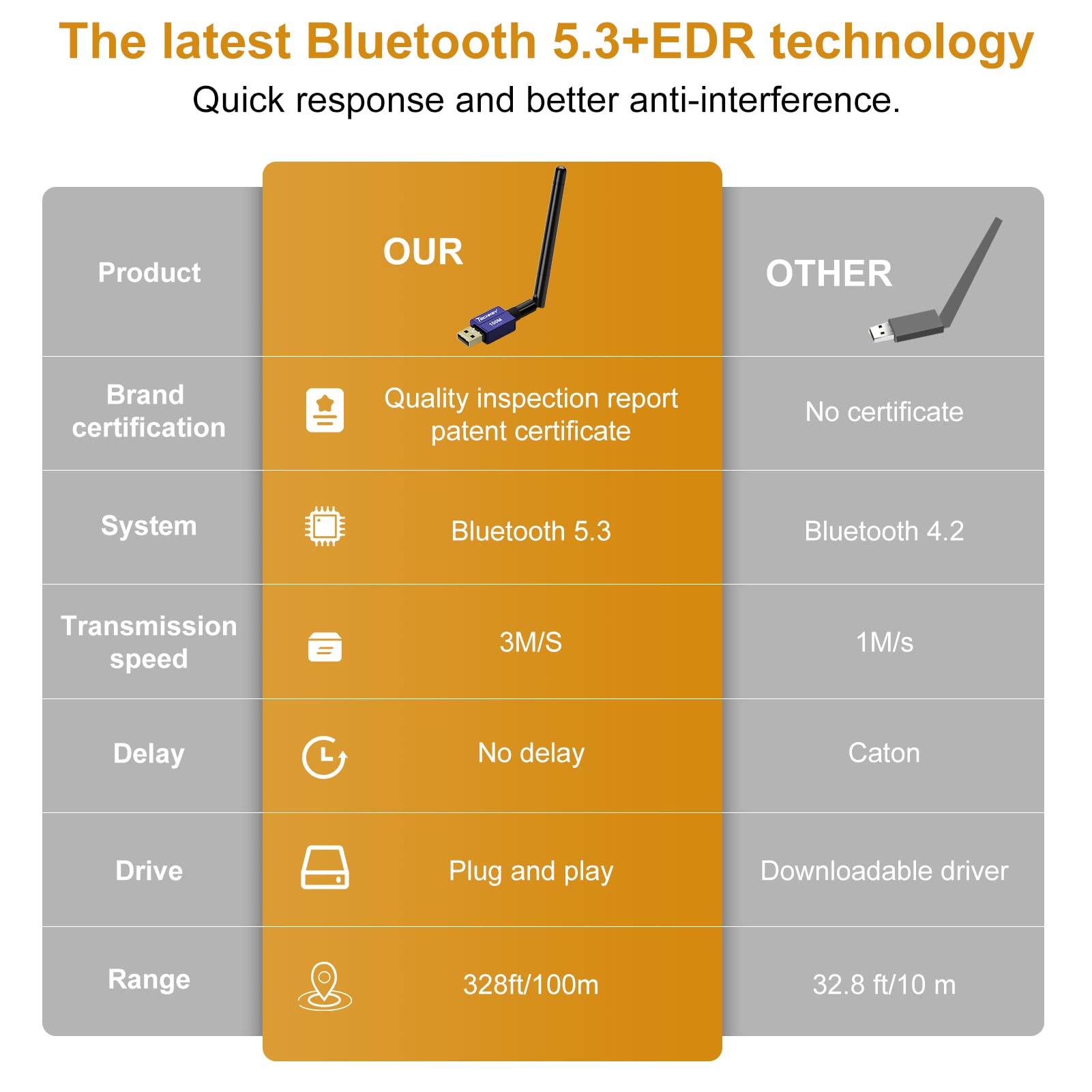
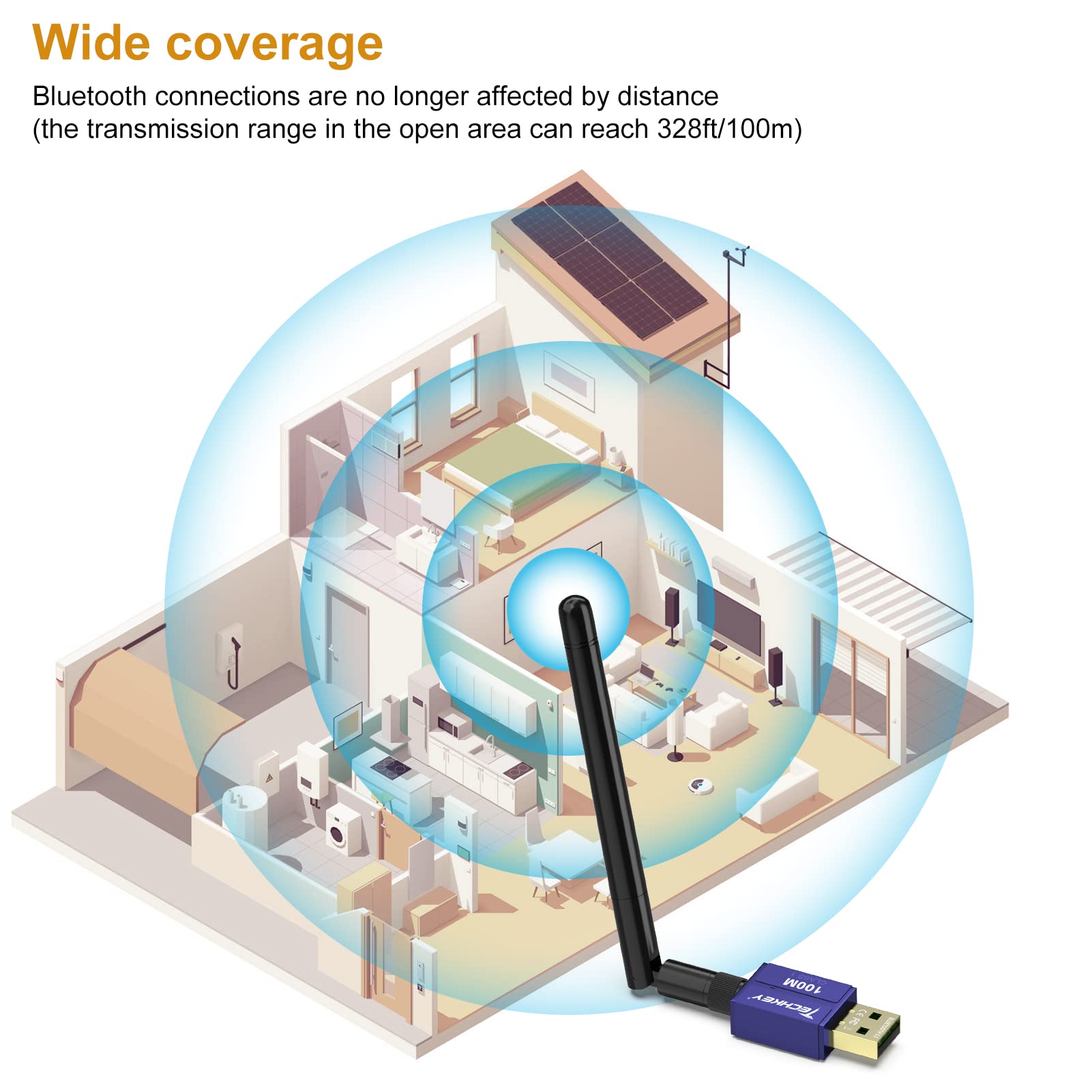
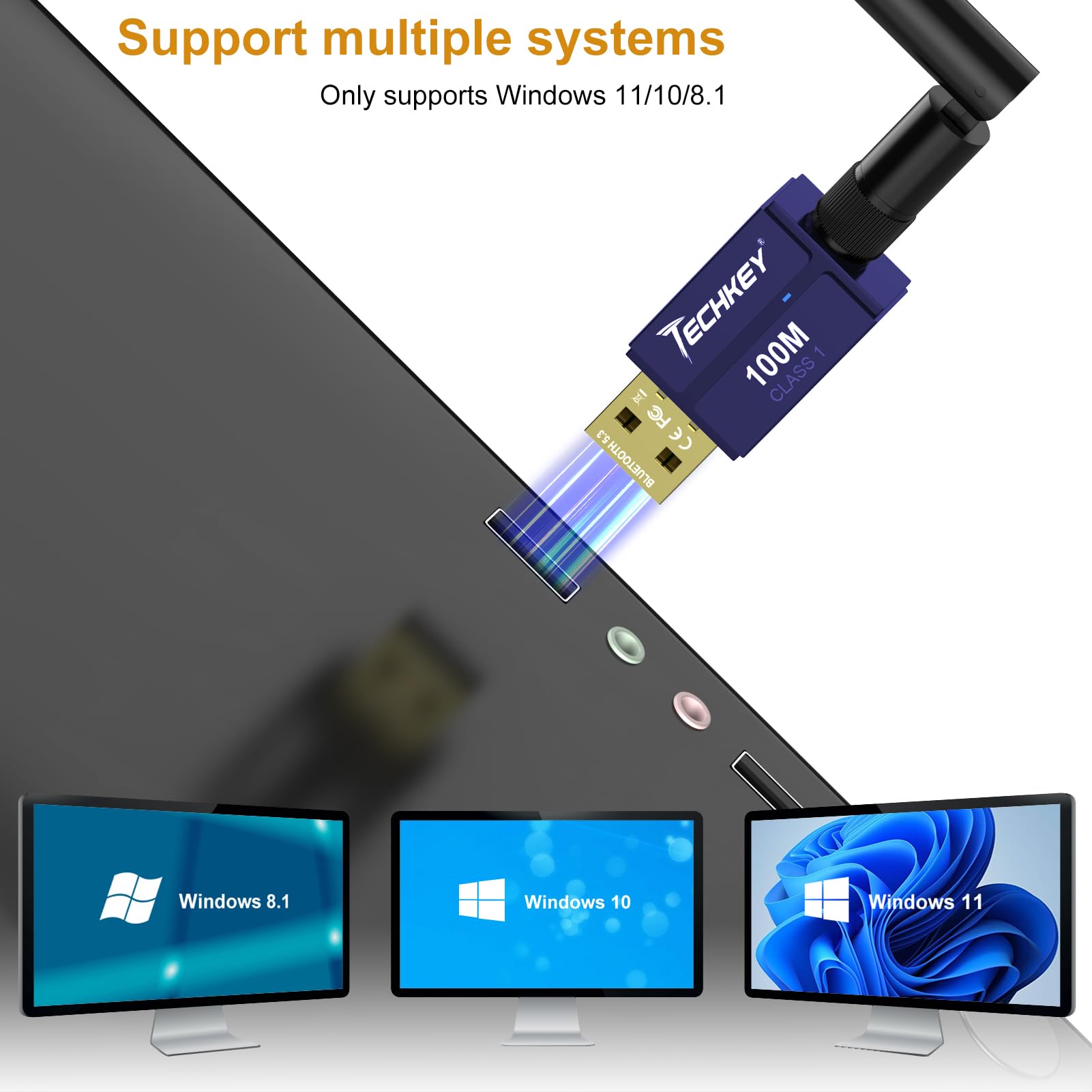
The Techkey 5.3+EDR V3 USB Bluetooth Adapter is a Class 1 wireless dongle offering an impressive 328ft transmission range and fast 3Mbps data rates via Bluetooth 5.3 with EDR and BLE. Compatible with Windows 11/10/8.1, it features plug-and-play convenience and a distinctive powder blue finish, designed to boost your desktop connectivity and productivity.
J**S
The PERFECT Bluetooth 5.4 Adapter!!!
Microsoft Windows has a LONG history of poor-to-nonexistent support for Bluetooth. I have an older but reliable PC whose CPU is not supported by Windows 11. It has some older software that doesn't require Windows 11 but DOES require reliable Bluetooth to operate an Airturn Bluetooth page turner. The onboard wifi/Bluetooth on the motherboard was unable to connect to the Airturn and because I was using the PC as a host for both my DAW and a .pdf sheetmusic reader I needed a current Bluetooth adapter.Quite by accident, I actually purchased two Bluetooth adapters. One was a PCI adapter card and the other was this item. I disabled my obsolete onboard Bluetooth in BIOS and installed the PCI card. As soon as I installed the bundled "Intel Bluetooth" driver I instantly got a very strange BSOD. I would not at all be surprised if the "made in China" driver was intentional malware especially due to the nature of this very unusual BSOD. A normal BSOD is a blue screen with a notice stating that your computer has a problem. This BSOD was a strange pattern of red and black horizontal lines that quickly faded to a black monitor. The BSOD even persisted during reset--which is NOT normal---and I was wondering if I had permanently "bricked" my previously very reliable computer. I switched off the powersupply and let the computer sit in an unpowered state for several minutes. I removed the PCI card and was eventually able to get the computer to reboot. The BSOD even persisted after the card was removed and no Bluetooth device was even active in the system. Once rebooted, I was able to uninstall the bogus "Intel Bluetooth" driver. Even after removing both the card and the driver the BSOD persisted through several restart attempts. After another round of switching off the powersupply for an extended period and attempting to reboot, I was eventually able to successfully restart Windows 10.I installed THIS dongle in a USB 3.0 port (just to be sure) on my computer and once booted, it IMMEDIATELY found my Airturn. No driver was required and the packaging proclaimed a LIFETIME warranty from the vendor. Save yourself some time and frustration. If you need Bluetooth 5.4 for your PC---JUST BUY THIS!!
R**Y
The search for perfection continues...
I am rating this 5/5 because I believe that most accurately reflects what most people would be looking for. But for me personally, it's a 4/5 because it falls slightly short of perfectly solving my problem.For context, I am using a MacBook Pro 13" (2019, 4 Thunderbolt 3 Ports) and running Bootcamp Windows 10. The problem is like this: I have 2 bluetooth devices that I connect to my laptop regularly. The Sony WF-1000XM3 earbuds, and a Keychron K4 keyboard. In MacOS Catalina, I can use both of them over bluetooth simultaneously, with 0 problems. Perfect audio quality/connectivity, and no noticeable keyboard latency. However, this is not the case in Windows 10. In Windows 10, my earbuds suffer from horrible audio distortions, stuttering, and skipping, as long as both the keyboard and earbuds are connected simultaneously. Even while the earbuds are the sole active bluetooth device, the audio will hiccup occasionally, disrupting my listening experience.It seems many have had the same problems as me online, but no one was able to find a real solution to have flawless bluetooth audio on Windows 10. I myself also tried many of the suggested solutions, to no avail. As this does not happen in MacOS, it is most definitely a software problem - yet Windows does not seem to provide any driver fix for this. Thus, the solution many users agreed upon was to get an external USB bluetooth adapter and disable the laptop's internal bluetooth driver on the Windows 10 side.That's where this product comes in. And I want to be clear that without this product, the audio experience was completely unlistenable. Constant distortions, constant stutters. There was never a second of any clarity. Literally you could not listen to anything properly. Before getting this adapter, I had to use my keyboard in wired mode, which was extremely annoying.After using this adapter, both devices can connect simultaneously while maintaining good audio. It is worlds of improvement from before, and furthermore the audio is basically flawless if my keyboard is not connected, thus I want to give credit where it is due.For anyone who has the same problems as me, there are only 2 things that keep it short of perfection. First, when the earbuds and keyboards are simultaneously active, the audio will occasionally stutter. When I say stutter here, this one is a very brief stutter that lasts for a split second; a momentary static that a less attentive listener might not even care about. It is completely unlike the long and heavy distortions on the built-in bluetooth. Second, the connectivity range is a bit lacking. The audio is quick to degrade in quality as soon as I get up from my desk and leave my laptop, which begins to increase the length and frequency of the aforementioned stutters. Walking behind any walls/obstructions will cause the connection to start dropping in and out.One last thing to note is DO NOT plug this into a USB slot that is close by to a USB 3 device. USB 3 produces 2.4 GHz radiation that interferes with nearby devices on the same frequency, like WiFi and Bluetooth. If you are using a dongle of any sort it must be shielded properly, otherwise you will notice problems with your bluetooth connection. As a MacBook user I have limited ports, so it took me a while to figure out the optimal way to hook up this bluetooth adapter. After testing the audio on multiple dongles and ports, I ended up hooking it up to the Baseus USB-C 7-in-2 Thunderbolt 3 hub, and leaving the other USB 3 port on the hub empty, to eliminate interference. My other 7 port USB 3 hub is hooked up to the right-side ports of the MacBook and I keep all my USB 3 devices over there, far away from the receiver instead of using the other ports on the Baseus. If your dongle is not shielded properly it will cut out the 2.4 GHz WiFi on the MacBook. In my tests the Baseus is indeed shielded to not cause interference with the MacBook's internal radios. However you cannot do anything to really shield a bluetooth receiver from a USB 3 device that is sticking out right next to it, thus this workaround is necessary.It is not quite the perfection that I am seeking as I value audio quality, but it is pretty good. However, my search for perfection will continue.
R**B
Does the job and does it well!
Great adapter with long range. Plug and play on windows. Does the job, connects to devices well within a room and even out to approximately 100 feet (down a long hallway and almost into another room in the office I am in). 100 percent would buy again!
Trustpilot
1 month ago
3 weeks ago