Buy anything from 5,000+ international stores. One checkout price. No surprise fees. Join 2M+ shoppers on Desertcart.
Desertcart purchases this item on your behalf and handles shipping, customs, and support to GERMANY.
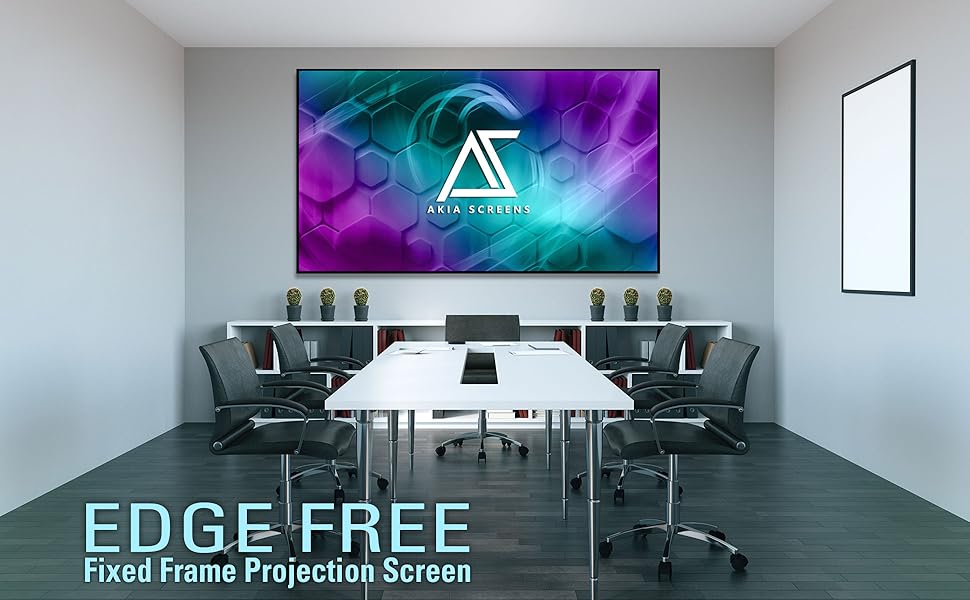
🎬 Elevate your home theater game with Akia’s edge-free 100” cinematic canvas!
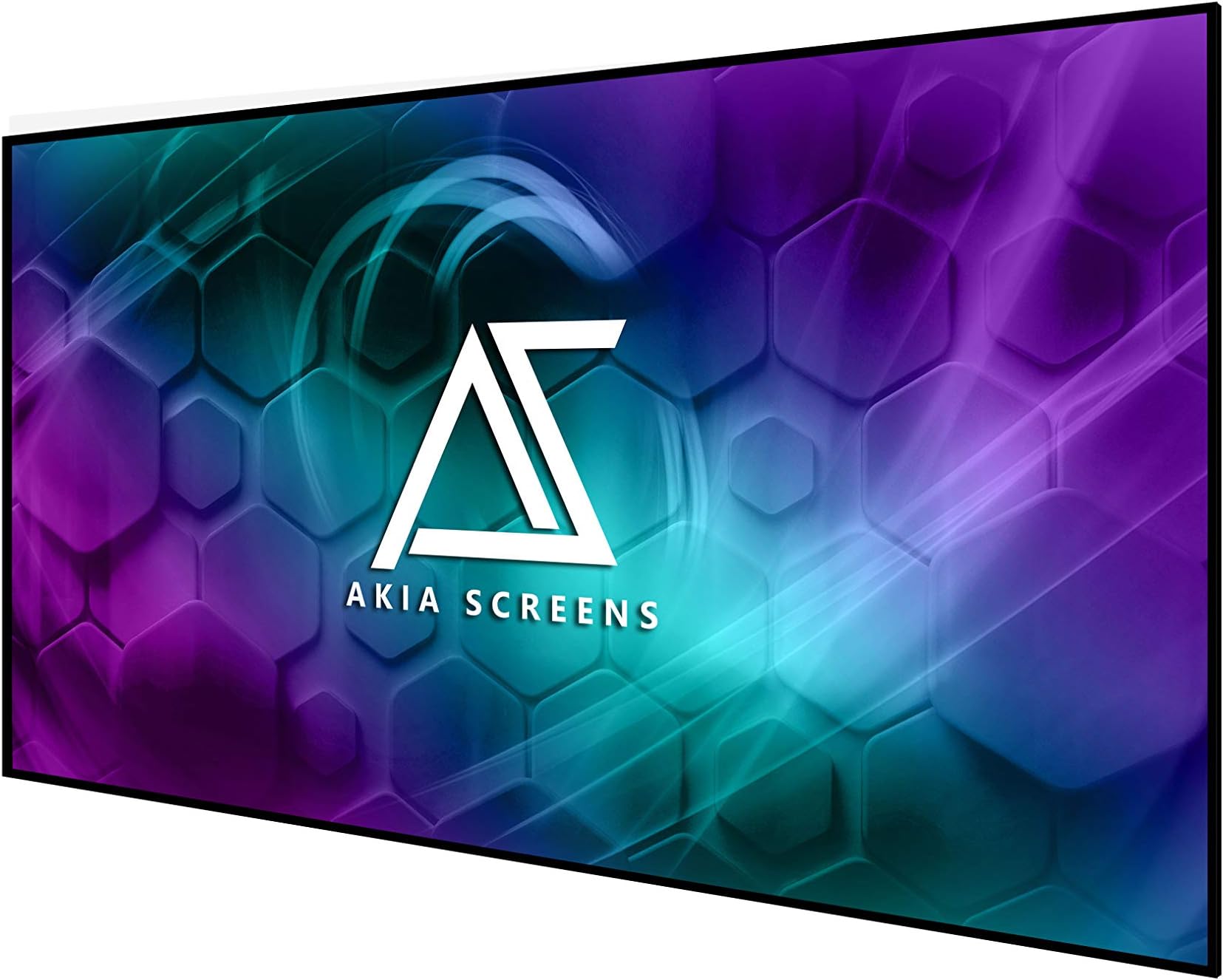
The Akia Screens 100 Inch Edge Free Fixed Frame Projector Screen offers a premium 16:9 viewing experience with a sleek, borderless design. Featuring CineWhite UHD-B 1.3 gain material, it supports 8K, 4K Ultra HD, and Active 3D with a wide 180° viewing angle. Designed for indoor use, it includes easy installation hardware and is backed by a 1-year warranty plus lifetime US-based support, making it a top-tier choice for immersive home theater setups.


| ASIN | B07HF13CTN |
| Brand | AKIA SCREENS |
| Brand Name | AKIA SCREENS |
| Colour | CineWhite UHD-B |
| Customer Reviews | 4.1 out of 5 stars 535 Reviews |
| Display Dimensions | 100 inches |
| Enclosure Material | Aluminium |
| Item Weight | 9.75 kg |
| Item Weight Unit of Measure | 9.75 kg |
| Manufacturer | Akia screens |
| Manufacturer Part Number | AK-NB100H |
| Material | Aluminium |
| Model Number | AK-NB100H |
| Mounting Type | Inside Mount |
| Operation Mode | Edge |
| Screen Dimensions | 100 inches |
| Screen Finish Type | Matte |
| Screen Surface Description | Matte |
| UPC | 851906008313 |
| Unit Count | 1 Count |
| Viewing Angle | 180 Degrees |
M**O
Fantastic Screen
I bought this screen as I moved to a new apartment and had to set up my projector in essentially the brightest room imaginable without much ability for light control. My previous screen was a Silver Ticket 100" Grey screen and I am using a Xiaomi UST laser projector for reference. Akia is the same build and material as an Elite screens but at a better price point on amazon. The silver ticket screen is great for its price point but this screen is a significant improvement. The main thing to keep in mind is that the CLR3 material will not magically reduce wash-out in a nonlight controlled room. In the daytime the screen is very washed out which is annoying but a realistic expectation when using a projectors in a typical living room. The material does not do much to block out horizontal light from the windows. The screen really shines, however, n medium to low light situations. The contrast, blacks, brightness, and reduced glare blow away the silver ticket screen. The living room lamp no longer blows out the blacks as before. The screen material almost completely eliminates bounced light to the ceiling which is a major contributor to maintaining the image contrast. It also makes this screen appear more like a huge TV than a typical screen with light scattering everywhere. The viewing angle is excellent. Packaging was done well. The materials are well organized and the metal is smooth without sharp edges. Set up is not difficult but boring and time consuming. Two people are recommended but I did it solo without much difficulty. The screen is not heavy but I would recommend having another person assist you in hanging it up as it is very large and awkward to hold. In terms of mounting the screen the instructions and videos on Akia's site are not useful. If you have not mounted a projector screen before I would strongly suggest you take your time to plan it out. You have limited ability to manipulate the image position/size on a UST than on a standard projector. A couple of laser levels, painters tape to mark off borders, measuring tape, ruler, and a level were all necessary for me to get the perfect location on the first try. If you mess up the brackets can be positioned slightly higher or lower and the screen can slide horizontally. I used the included drywall anchors which were fine.
M**A
Great Screen. Take your time, and you will get a perfectly flat quality screen
I am very pleased with the final result of the 125-inch fixed frame series AKIA screen. I was able to fully assemble the screen alone. I originally was concerned that the screen material would not stretch over the frame, and was certain that I was sent the wrong size screen. I contacted customer support by phone and was given encouragement that convinced me to continue. I reviewed several videos on assembly of these type of screens that use springs and slowly but surely was able to complete the process. My setup may be different than most. I basically did a ceiling mount (Actually floated from L brackets), so the frame is about 8 inches from my wall. This was needed as I had 2 windows behind my wall that would limit the size of the screen. Previously I had a 82 inch custom build projection screen that fit between the 2 windows on the wall. I always wanted to go much bigger on the screen but originally felt that would not be possible. Here is what I finally did: I added 6 L-brackets to the top of my wall. Four of the brackets would be to support the screen using the supplied Wall Brackets. (The directions tell you to use 2 of the brackets for the top and 2 of the brackets for the bottom. I changed this and placed all 4 of the wall brackets on the top. I purchased a large curtain rod from Amazon that was adjustable from 120 to 170 inches. This Rod was simply supported on the top of the 6 L-Brackets. I also purchased 8 Theater Grade Extreme 100% Blackout Grommet Curtain Panels, 52” x 95”. 6 of the panels were black and for the ends, I used 2 red panels. This took care of blacking out the background from the 2 windows, and I was now able to have full light control in the room. I was able to make 4 custom metal bracket adapters that I painted flat black, which allowed me to mount the screen to the L-Bracket and wall mounting brackets to float the screen. Wire or other mounting options would have worked here as well. The screen had a tendency to angle in toward the wall slightly. For this reason, I placed 2 additional L-Brackets at the bottom of the screen hitting the Frame so that the screen was now perfectly vertical. The curtain panels completely hide all brackets and the screen has a nice floating look. I am considering adding 2 4x4 blocks cut to size from floor to the bottom of the screen to relieve any pressure on the bottom of the screen. In all honesty, I am not sure this is even needed as the frame this screen is supported on is very heavy duty, and I doubt any sagging would occur over time. Overall, I am very happy with how this has turned out and I believe the screen is of exceptional quality and a very good product. The only issues I had are as follows: Tension Rods: Horizontal rods, were fine with proper overlap. The 2 Vertical rods were too short. The rod length just matched the length of the outside holes of the fabric. This result on one of the sides tearing through the mounting hole. I ended up having to purchase 2 brass rods of the same diameter to get some overlap for the springs to attach to the frame. While nowhere in the manual is this mentioned, I found it much easier to mount the screens with the spring oriented in a certain direction. One end of the spring seems to make a perfect half circle (Better for tension rod), and the other end, is less angled, and that end seems to more easily mount to the metal frame. Also, I found that in many cases it was easier to first start the spring by attaching it to the frame, and then pull it over through the tension rod hole. The supplied Allen wrench was not of the greatest quality. It was starting to strip as I was tightening the screws. I switched to a much higher quality Allen wrench I had, which greatly improved my ability to tighten down all screws without slippage or striping. Overall, I am very pleased with the result. It is a bit of work, and my fingers are still a bit numb from stretching the springs into position, but the supplied tool does get the job done.
D**S
Excellent in the end.
This was well packaged and thought out. The springs are a bit tricky but comparing the price it was worth the extra effort. Some of the springs shot off and we had to find them. I decided to skip the boarder and glad I did. The contrast is amazing with my Epson projector. The 16:9 format fades away on cinematic movies. The dark grey punches out the blacks and contrast is excellent.
M**E
Has to be the best alr clr screen for the money
Assembly was pretty straight forward and the material and quality of build is apparent. Take your time and follow the instructions and be careful. It’ll be the best hour you’ve ever spent. The position is also important. Place the screen so your eye is roughly at the the top of the bottom 1/3 section of the screen. Measure between bracket mount locations. Just over 46” so leave the bottom two loose. The picture improvement over just showing on the wall is massive. Blacks are sharper and darker. And the detail stays sharp even in a lit room. I use a Casiris A6 projector. This screen really brings out the capabilities of this projector. You can spend more but I don’t think you’ll find any at this quality near this price. If you have a $3000 or below projector this is your screen. I’m at 10’ distance so the 103” is still massive without over filling the field of view.
S**K
Great projector screen (AK-NB123H-CLR4) for ultra short throw (UST) / table top projector
I recently purchased AK-NB123H-CLR4 from Akia screens and paired this with my VAVA 4K ultra short throw (UST) projector (black version). I mounted this screen in my living room with two large west side windows (exposed to Arizona sun :)) and pretty much I have been using this setup as a replacement to my living room TV. After using for a week, I can confidently say that (with little ambient light control during afternoon direct sunlight) this screen worked perfectly fine for watching movies (even with night scenes with low light). I’m happy with this purchase and recommend this screen AK-NB123H-CLR4 to pair with UST projector with little light control. Setup was easy with little help from my wife, I was able to mount this screen in two hours from opening the package to mounting on wall. All the required hardware was included and no wrinkles at all, it came out very nice.
Trustpilot
1 week ago
2 weeks ago