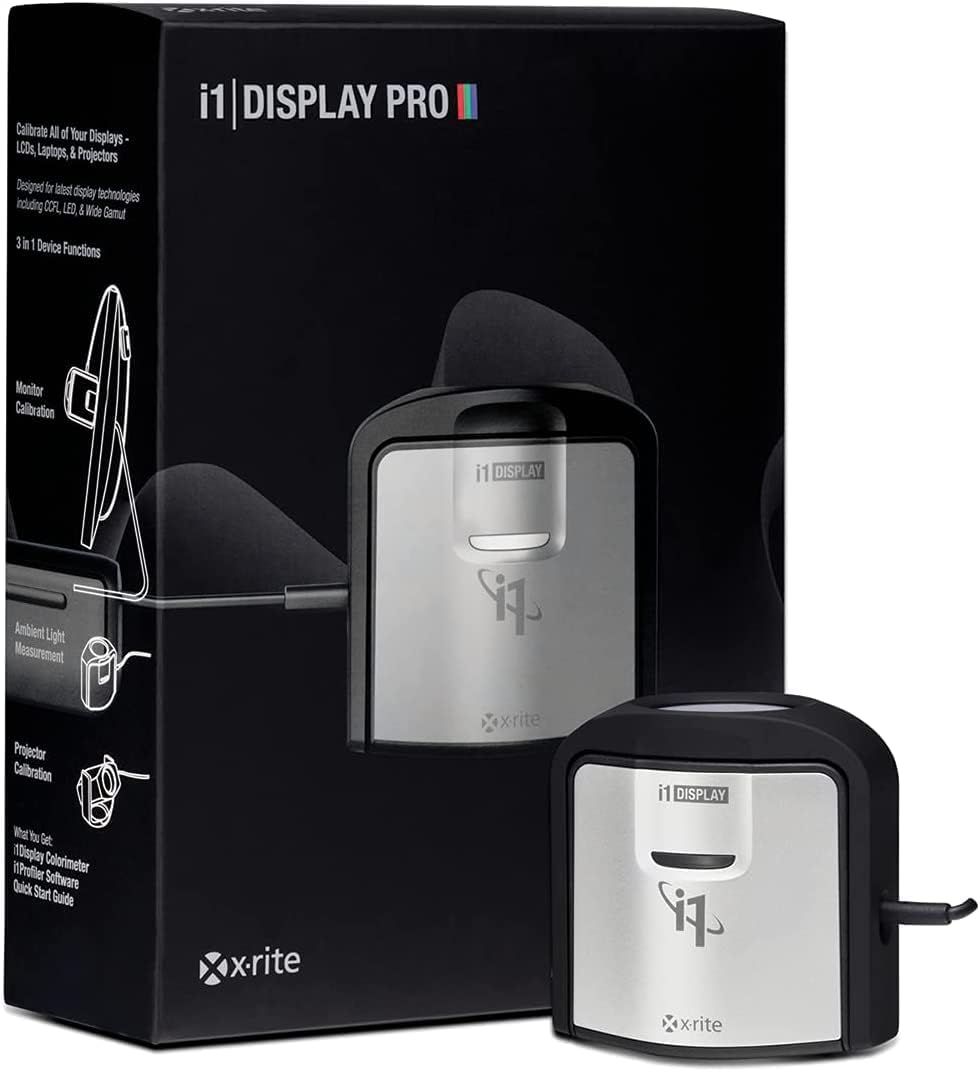



🎨 Elevate your color game with precision that professionals trust!
The X-Rite ColorChecker Classic (MSCCC) is a compact, matte-finished color calibration tool designed for professional-grade luminance measurement up to 2000 nits. Featuring cutting-edge black current subtraction technology, it delivers superior accuracy in dark tones, especially on OLED and high-luminance displays. Bundled with i1Profiler software supporting HDR and video workflows, and USB-C compatibility with adapter included, it’s a future-proof essential for color-critical workflows.
| Operation Mode | Automatic |
| Screen Finish | Matte |
| Mount Type | Table Mount |
| Item Dimensions W x H | 2"W x 3"H |
| Material | Matte |
A**R
Fantastic Results, Powerful (but Complicated) Software
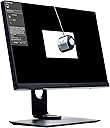
This is a comparison of the Datacolor Spyder4 Elite and the X-Rite i1Display Pro, both of which I had here at the same time.First, let's compare the physical devices themselves. The Spyder4 device is purposely designed to look like a "spider" (if spiders had 3 legs) to stay in line with the marketing of the name brand. It's a very large device. It's hung from its own USB cable from the top of the monitor, with a counterweight in the back to keep the device in place. It's very large, which can make it difficult to use on the lower sections of the screen during screen uniformity tests. I have a large-ish 27" monitor, and I had to hold the spider in place at a 90 degree angle with my hands during those parts of screen testing. In addition, the position of the cable on the device means that if you have a screen that sits deep in its bezel, it's physically impossible for the Spyder4 to sit flat against the screen on its own unless you can tilt the monitor way back. Even on my screen with relatively shallow bezels, and with a stand that can tilt back 20 degrees, it was often difficult to get it sitting flat on the screen. This can get frustrating.On the other hand, the i1Display Pro is a very small device that can easily fit anywhere on your screen. The setup is mostly the same, where you hang the device from its USB cable over the top of your display, with a counterweight to hold it in place. In this case, the cable is positioned so that it contributes towards holding the device flat against the screen, no matter how deep your panel sits compared to the bezels. I never had any trouble getting it to sit flat against my screen, I didn't even need to resort to tilting the screen. And it sat comfortably flat on its own anywhere on the screen, even at the extreme bottom corners where the Spyder4 could not reach.There are really 2 main performance criteria to consider with these devices: speed and accuracy. I used these devices with their respective software packages, so I'm not sure if they'd work differently in a single profiling software package that supports both of them. However the differences I observed within their own environments were very noticeable. First and foremost, the Spyder4 was clunky and slow, while the i1Display Pro was lightning fast and intuitive. For example, while setting brightness and contrast early on in the profiling process, the Spyder4 would take a reading, ask me to make changes, then wait for me to click the "Update" button to take another reading and update the results. This is slow, tedious and error prone. Meanwhile, the i1Profiler software gave me a constant readout of the screen brightness as I made changes, with results displaying immediately.Also, during the profiling process, the Spyder4 Elite software frequently paused to wait unnecessarily for my input. For example, after setting the brightness properly, there was another button to proceed with profiling. And when it was done profiling, there was another button to "Finish". And these buttons show up half-hidden under the Spyder4 device itself, with no obvious screen prompts to let you know they're there. So if you're away from your desk and just glancing at the screen once in a while, you might not realize that the profiling process is waiting for your input. It's a very frustrating design.On the other hand, the i1Profiler software had no such issues. When there were prompts, they were few and far between, and clearly noticeable from anywhere in the room. Most of the process was very automated. The ability of the software to adjust most monitors automatically makes the process even more quick and straightforward.Patch color reading with the Spyder4 is painfully slow. A patch is displayed, the Spyder4 flashes briefly, then there's an interminable moment before the next patch comes up and the process repeats again. With the i1Display Pro, patch color reading is blazing fast. You can see color patches flying through the display faster than they can be identified by eye. The reading speed for each patch can vary, so I assume the software is waiting for the color to stabilize before accepting the reading from the device. This gives me confidence that the software is performing its job as fast as it can while still being accurate.The end result with the Spyder 4 was disappointing. I always ended up with a magenta cast on my Dell U2317H. This was true with the monitor in both sRGB and wide-gamut modes. On my super-old Asus V242H, I ended up with a blue cast (this is an sRGB CCFL LCD monitor).The i1Display Pro is directly supported by my Dell monitor for hardware calibrating, and results were superb. I was able to add a flawless sRGB preset and a full-gamut preset that covered 99.5% AdobeRGB (plus much, much more beyond). Colors are neutral, whites are white, and shadows are crisp and detailed while still reaching pitch black levels. These settings are stored right in my monitor's LUT, so they're not dependent on a software LUT modification in the video card.I also used the i1Display Pro to calibrate my Asus monitor using software calibration. Results were again superb. My Asus perfectly matches the Dell when I have the latter set to my custom sRGB mode.As far as software features go, I found the Spyder4 Elite software to be kludgy and clunky. It's mostly geared for consumers, with most of the advanced stuff hidden away. Even then, the advanced stuff isn't very configurable. The different package levels of Spyder4 (Basic, Pro, Elite) don't actually have anything to do with the device. They all come with the exact same device. It's just that certain software features are arbitrarily removed from the software as you go down in tiers. This makes the varying cost of each level kinda suspect. I'm pretty sure they're not making a loss on the Basic version, so they must be more than doubling their profits on the Elite version in comparison. It's not like they developed 3 different versions of the software for each level. They just developed the main one, then hacked away at the good stuff for the other levels.In contrast, the i1Profiler software is incredibly advanced and can do just about anything... but getting it to perform anything beyond the built-in generic tasks is very difficult. You can build your own workflows from scratch, but this tales knowledge and experience and a lot of manual work. Once the workflow is created and saved, you can run it anytime with just a couple of clicks. There are no different levels of this software, no "Pro" vs "Basic". However there are certain features in the software which are enabled/disabled depending on which device you have plugged in. For the i1Display Pro, only the monitor and projector modules are active. You need different devices to calibrate a scanner or printer, etc, all of which gets done in this exact same software.I ended up returning the Spyder4. Results were disappointing, and after I got to try the i1Display Pro, the Spyder4 just paled in comparison. It's like comparing a point-and-shoot camera (Spyder4) with a full-featured DSLR (i1Display Pro).
S**N
Excellent hardware, mediocre software - but works with other Open Source SW
Preface: I'm not a professional and not even an amateur photographer, just a display enthusiast who can't stand inaccurate greys, crushed dark details, washed out midtones, color tints, etc.Others have already discussed the high quality of the i1D3's hardware, as well as the disappointing software (one example: makes blacks brownish on lower end displays with mediocre sRGB coverage).So I just want to make sure everyone knows that it works with DispCalGUI (using Argyll CMS) - this is free & open source software - and produces great calibration results with it (also gets better black levels than i1 Profiler). The i1D3 also works with HCFR, which I use to measure the before & after in detail (gamma curves, primary & secondary color accuracy, saturation sweep, grayscale, color temperature, etc) which apparently the included i1 Profiler software can't do properly (or I haven't figured it out), it just gives a very basic report.Of course, amateurs & professionals probably already know that it also works with higher quality paid software like SpectraCal CalMAN but I didn't want to have to spend another $100.Some of my displays which I have calibrated and have achieved pleasing results considering what they were before:- Asus VG236H (TN, 98% sRGB coverage) - I'm assuming these are as good as things get with a good TN: color dE R5.8 G2.8 B3.1 Y4.2 C2.1 M4.3, gamma 2.2 perfect, grays dE average 4.0 (with >20% at under 2.0), etc. The "before" measurements were: grays average dE was 18.4 (WTF!), color dE R8.1 G2.9 B17.3 Y2.0 C25.8 M23.3 (again, big WTF)- Dell Studio 15 (2008 laptop, around 85% sRGB IIRC) - cheap laptop TN, but still: calibration resulted in HUGE improvement: no more blue tint, big gamma correction, grays quite neutral, etc. Contrast reduced only slightly- Samsung Series 9 laptop: PLS (IPS) screen with 66% sRGB (disappointing) - even with the limited color space, at least color temperature and gamma and greys and so on were nicely corrected so it is still a pretty big improvement.So obviously none of these results are good for even amateur photo editing (the Asus might just be ok if it wasn't for bad TN viewing angles) but they are fantastic for my enjoyment of all of these devices (web browsing, watching video, documents, etc. - typical consumer). Unfortunately, ICC Profiles are largely ignored by games which makes me very angry but what can I do? Not recommended for gamers - buy a screen with good factory calibration. Otherwise, completely worth the $250 I paid for it - I see it's flirting with $210 now.
Trustpilot
1 day ago
2 weeks ago