
Laden Sie die App herunter


Kundendienst
Copyright © 2025 Desertcart Holdings Limited
Laden Sie die App herunter


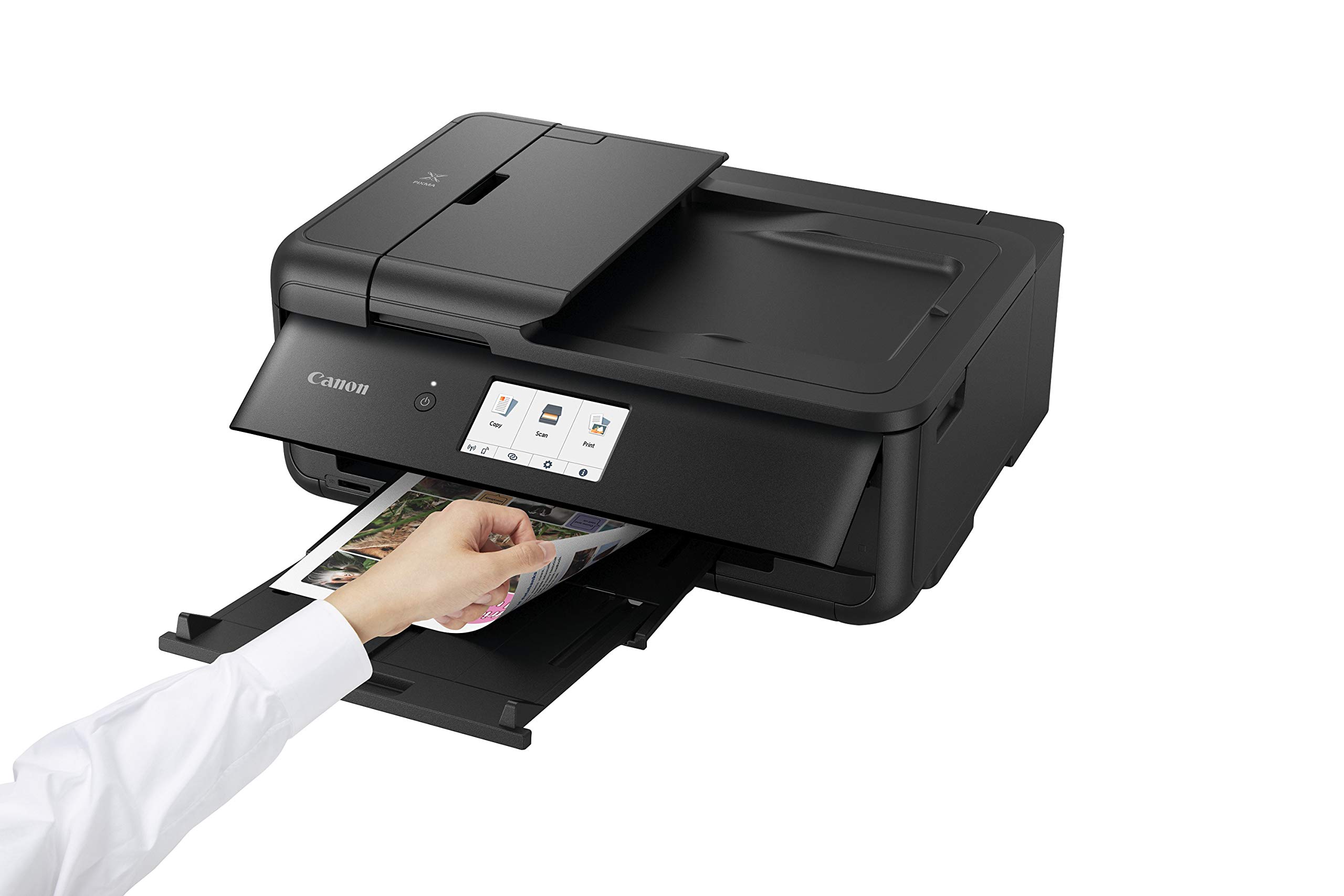
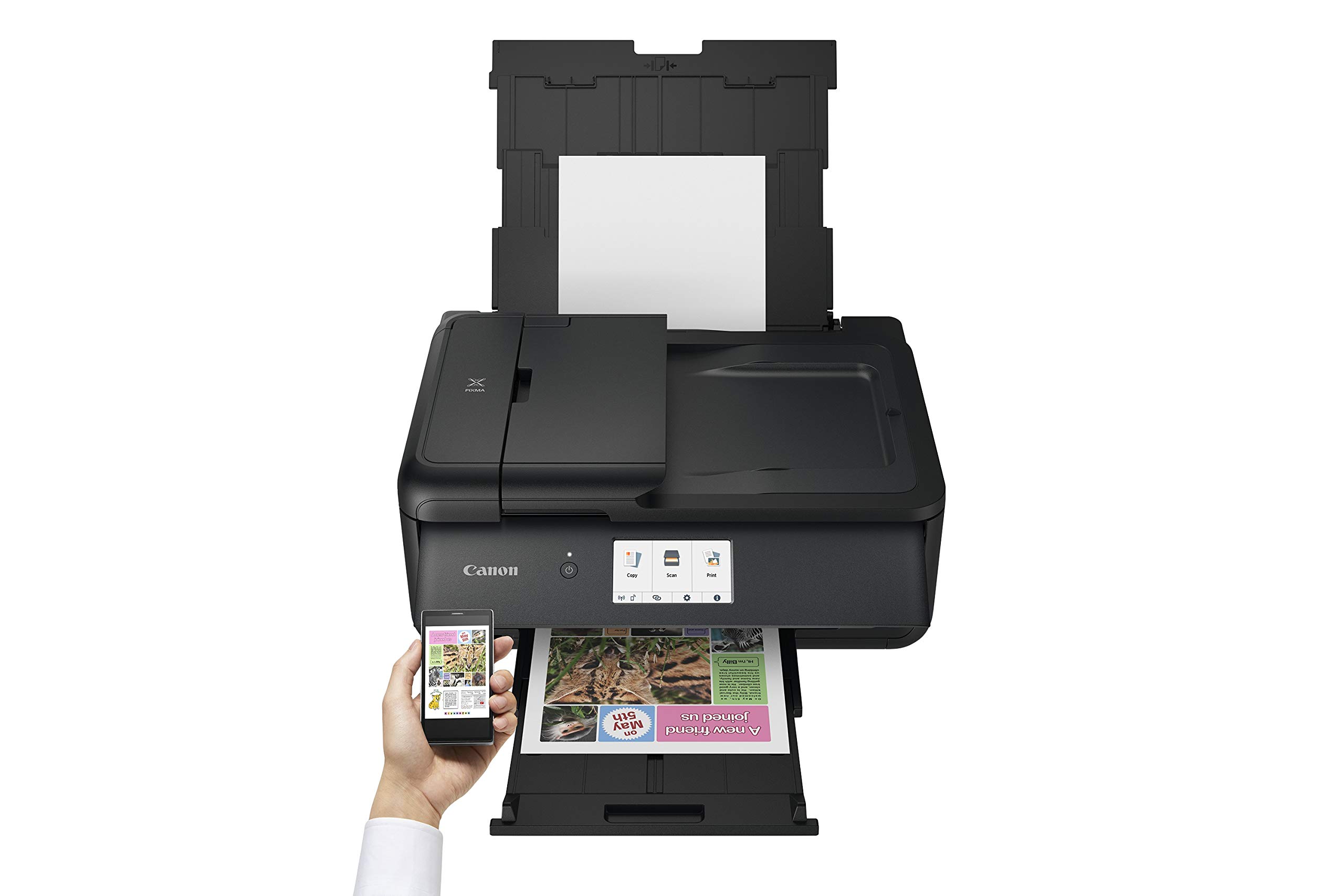



🖨️ Elevate your workspace with compact power and smart connectivity!
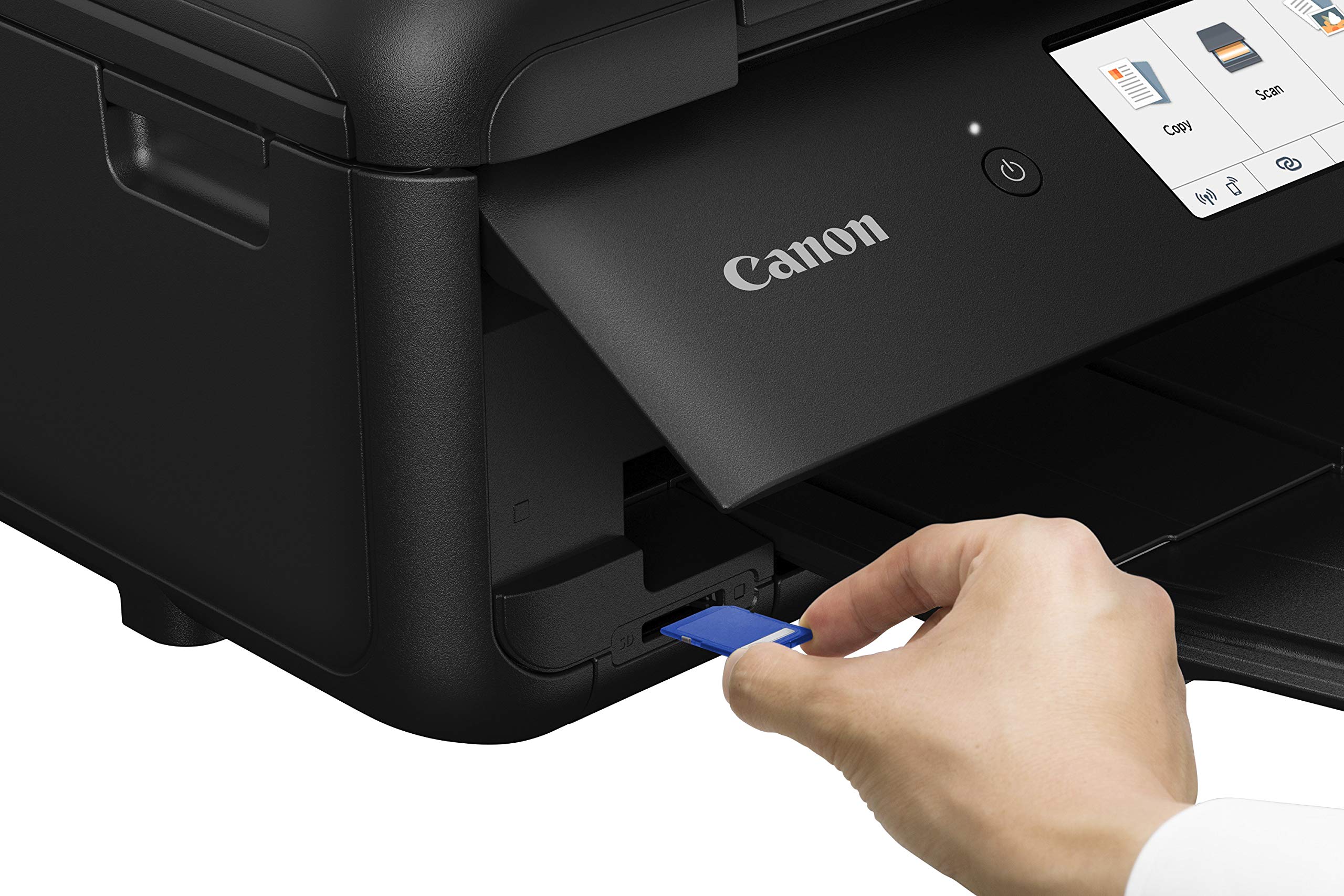
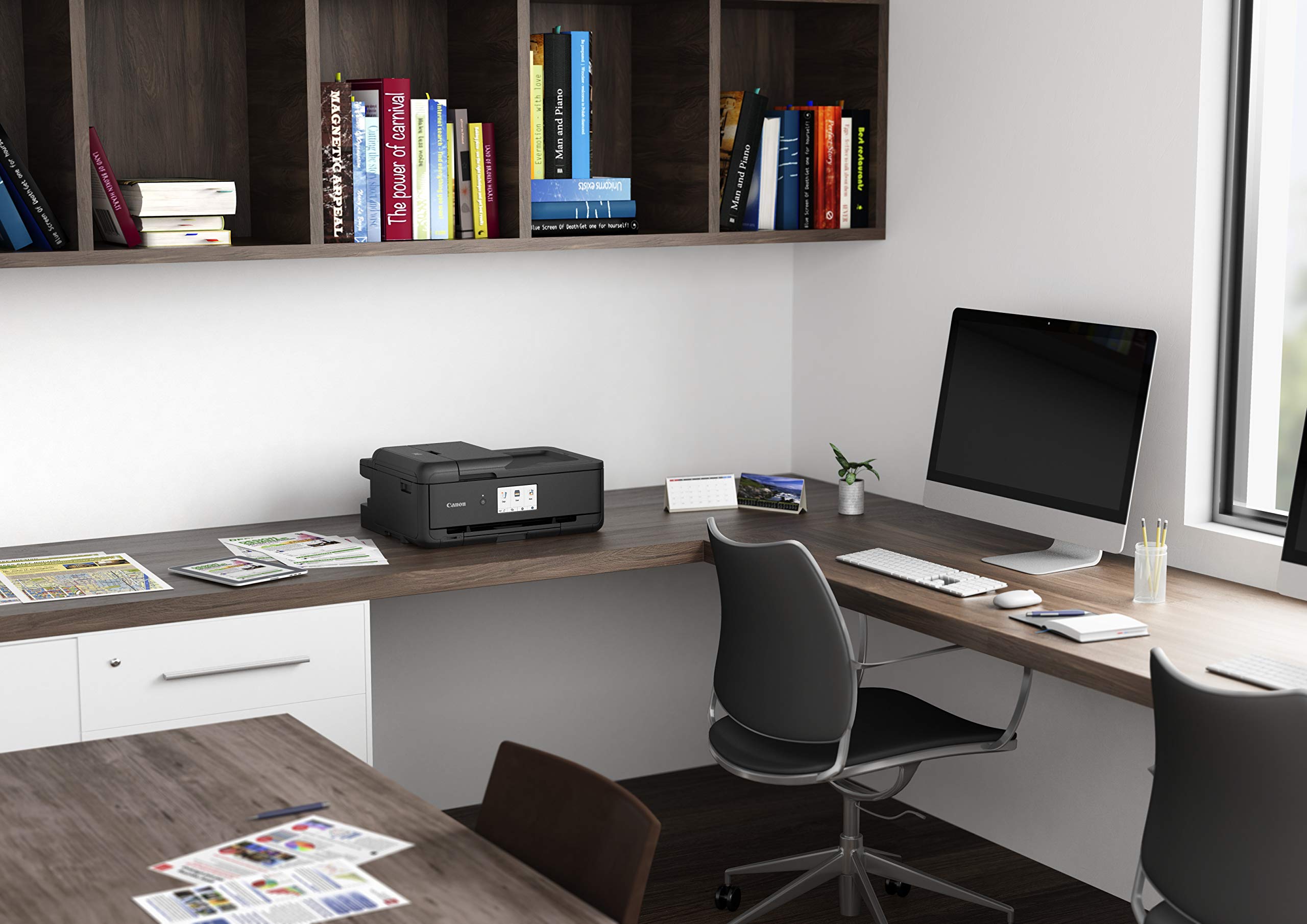
The Canon TS9550 is a compact multifunction inkjet printer designed for professionals who demand A3 printing capabilities without the bulk. Featuring a large 4.3-inch touchscreen, wireless and Ethernet connectivity, and direct cloud access, it streamlines printing and scanning workflows. With a 20-sheet ADF, 2-way paper feeder, and dedicated pigment black ink, it delivers crisp, professional-quality documents ideal for small businesses and home offices.




| ASIN | B07G165L98 |
| Additional Printer Functions | All In One |
| B&W Pages per Minute | 10 |
| Best Sellers Rank | 52,861 in Computers & Accessories ( See Top 100 in Computers & Accessories ) 114 in All-In-One Printers |
| Box Contents | All-In-One A3 inkjet printer – PIXMA TS9550, Set-up ink tanks, Power cord, Set-up CD-ROM, Manuals and other documents |
| Brand | Canon |
| Brand Name | Canon |
| Color Depth | 24 bpp |
| Color Pages per Minute | 15 ppm |
| Colour | Black |
| Compatible Devices | Laptops, PC, Smartphones, Tablets |
| Connectivity technology | USB |
| Control Method | Touch |
| Controller Type | Android |
| Customer Reviews | 4.4 out of 5 stars 262 Reviews |
| Display Type | OLED |
| Dual-sided printing | Yes |
| Duplex | Automatic |
| Global Trade Identification Number | 04549292117622 |
| Hardware Interface | USB 2.0 |
| Ink Colour | Color |
| Is Electric | Yes |
| Item Dimensions D x W x H | 14.4D x 18.4W x 7.6H centimetres |
| Item Type Name | Multifunction Inkjet Printer |
| Item Weight | 12.02 Kilograms |
| Manufacturer | Canon (UK) Ltd |
| Maximum Copy Resolution Black and White | 4800 x 1200 dots_per_inch |
| Maximum Copy Resolution Color | 309.9, 480.6 |
| Maximum Print Resolution Black and White | 4800 dots_per_inch |
| Maximum Sheet Capacity | 100 |
| Maximum Supported Paper Size | 11.7 x 16.5 inches |
| Maximum print Resolution Color | 600x600 dpi |
| Model Name | Pixma |
| Model Number | CO11762 |
| Model Series | Pixma |
| Model name | Pixma |
| Network Connectivity Technology | USB |
| Number of Drivers | 4 |
| Number of Trays | 1 |
| Other Special Features of the Product | Compact |
| Output sheet capacity | 100 |
| Paper Size | 11.7 x 16.5 inches |
| Power Consumption Size | 14 Watts |
| Print media | Paper (plain) |
| Printer Output Type | Colour |
| Printer Resolution Horizontal Max in Color | 121.92 Centimeters |
| Printer Resolution Vertical Max in Color | 1892 Centimeters |
| Printer Type | Inkjet |
| Printing technology | Inkjet |
| Processor Count | 1 |
| Product Warranty | 12 Month Warranty |
| Resolution | 4800 x 1200 |
| Scanner Type | Flatbed |
| Special feature | Compact |
| Specific Uses For Product | graphic design, home_office, printing_photo, school_projects, small_business |
| Total USB 2.0 Ports | 1 |
| Total USB Ports | 1 |
| Unit Count | 1.0 count |
| Wattage | 14 watts |
A**R
Great Printer
This printer was a replacement for an older printer that was now end of life. It was another Canon printer, they have proved reliable and have long life. The TS 9550a was easy to setup with the DVD and was complete in 10 minutes and prints photos wonderfully.
D**N
Excellent, small footprint A4/3 scanner/printer. Expensive ink
We bought this, having downsized and after our behemoth Brother A3 printer started sulking. So far very impressed. Shame about the cost of the ink (same with all Manufacturers). Has 5 cartridges. 3 x replacements will be equivalent to the cost of a new machine. So far stuck with Canon inks. Friends say that ml for ml they last longer than "compatible" inks. Here's a great mini-research project for someone with more time than I - compare and contrast Manufacturer inks versus "compatibles" for controlled pages per ml, etc. Otherwise, so far so good.
C**K
Good Printer but inks a rip off!
Bought this to replace my Canon MG6250 which gave Stirling service till it gave error 5B00 "Ink absorber is full" and locked itself down. So a perfectly working printer became uneconomic to "repair" which means sending it back to Canon (just to reset the counter and clean or replace what are actually absorbant felt pads). Back to the TS9550: The TS9550 is a good replacement. For an A3 printer it is quite compact and fitted in the same place as the previous one. The print quality is as you would expect from Canon. Though it is not advertised as a photo printer, I find photo prints are very good. So I think I made the right decision. Though as there are only 4 inks, makes me feel that there might not be the "tone" or delicate nuance of a photo printer. Installation from the supplied disk is quite straightforward The scanner is easy to use and gives good results, though the paper feed does not support double-sided scanning and you need to feed in the second side manually. Follow the instructions on the screen. I have not used the disk printing facility yet. Though I like that the disk holder tray cannot be misplaced as it is stored under the lower paper tray. Single sided printing is quite quick BUT... double-sided, see my point 2) below. Two con points: 1) We need a government enquiry on the rip off prices of original replacement ink cartridges (not only Canon). Three changes would pay for a new printer! Even though ofcourse cheap inks are available from other sources, the prices of original inks really need explanation. 2) The printer does print double-sided, the first side of each page is quite quick, but for second side there is a delay 20-25 seconds before each page starts to print. So largish two-sided documents can take some time.
P**D
Great printer for card making.
Great printer for card making. Takes 300gsm card with ease. A little quirky with its error messages. The nozzles need regular cleaning. Print quality is good.
C**H
Easy to set up and high quality printing
I advise you to set this up by first using the built-in screen to establish a connection with your router - the printer will detect your network and then ask you to use the on-screen keyboard to supply your network password. Then install the driver on your computer (I ignored the supplied CD and simply downloaded the most recent release of the relevant driver from the Canon UK website). It is then very easy to use the driver's setup routine to find and communicate with your printer - the wireless option is the installation default. I find the wireless connection fast and stable - the print quality is excellent, even on basic office paper; draft quality is also very good. I can confirm that the printer is happy with 300 gsm card - loaded from the rear feed. 4 stars because it is early days but so far so good.
J**P
Top notch printer dumb software
Great printer. Easy to set up and works like a dream. Can't day about the ink as yet. Only let down is the supplied software which looks and is as clunky as something from the 90s. Luckilybyou don't needs. As printer fast and pretty quiet
P**E
Does what I wanted it to do !
After a very long research , I basically ended up wanting a lot of things in a printer Well this almost ticked 99% of my list First A3 printing: Unless you are professionally required to print A3 , it is just a perk , but a very handy perk indeed, I can print gift paper for gifts, big coloring pages for the kids and nice big A3 photos for hanging (photo quality will come later) 2- Footprint: Amazingly compact for an A3 printer 3- Touch screen: very responsive and big enough size, you can get a lot things done directly through the printer 4- Crafting: Prints on all materials and sizes a rookies craftsman/woman would want, bookstyle printing works fine but slow 5- Touch and Feel: Printer feels sturdy, rear tray is huge to accommodate A3, and folding it in (semi telescopic mechanism) sometimes feels tricky but you will get the hang of it 6- Convenience: Connects easiyto a number of device , it has smart feature to link it to your google account, but missing Auto open option for the front tray, which means you have to manually pull the tray out lift the front up before you print 7- I will make this short , as a 5 colors printer it produces amazing photoquality , photos you can hang on ur wall comfortable, close enough to professional photo printing to my eyes. I gave it 4 stars because of the relatively flimsy rear tray, manual tray opening and of course ink prices (I think still cheaper than Epson's running cost)
A**N
Great all round A3 printer.
Loads of spec for the money, A3 printer A4 scanner, touchscreen AirPrint and print to disc.
TrustPilot
vor 1 Monat
vor 3 Tagen