We remain fully operational. Our teams are working around the clock to ensure your deliveries continue safely.

Laden Sie die App herunter


Kundendienst
Copyright © 2025 Desertcart Holdings Limited
Laden Sie die App herunter

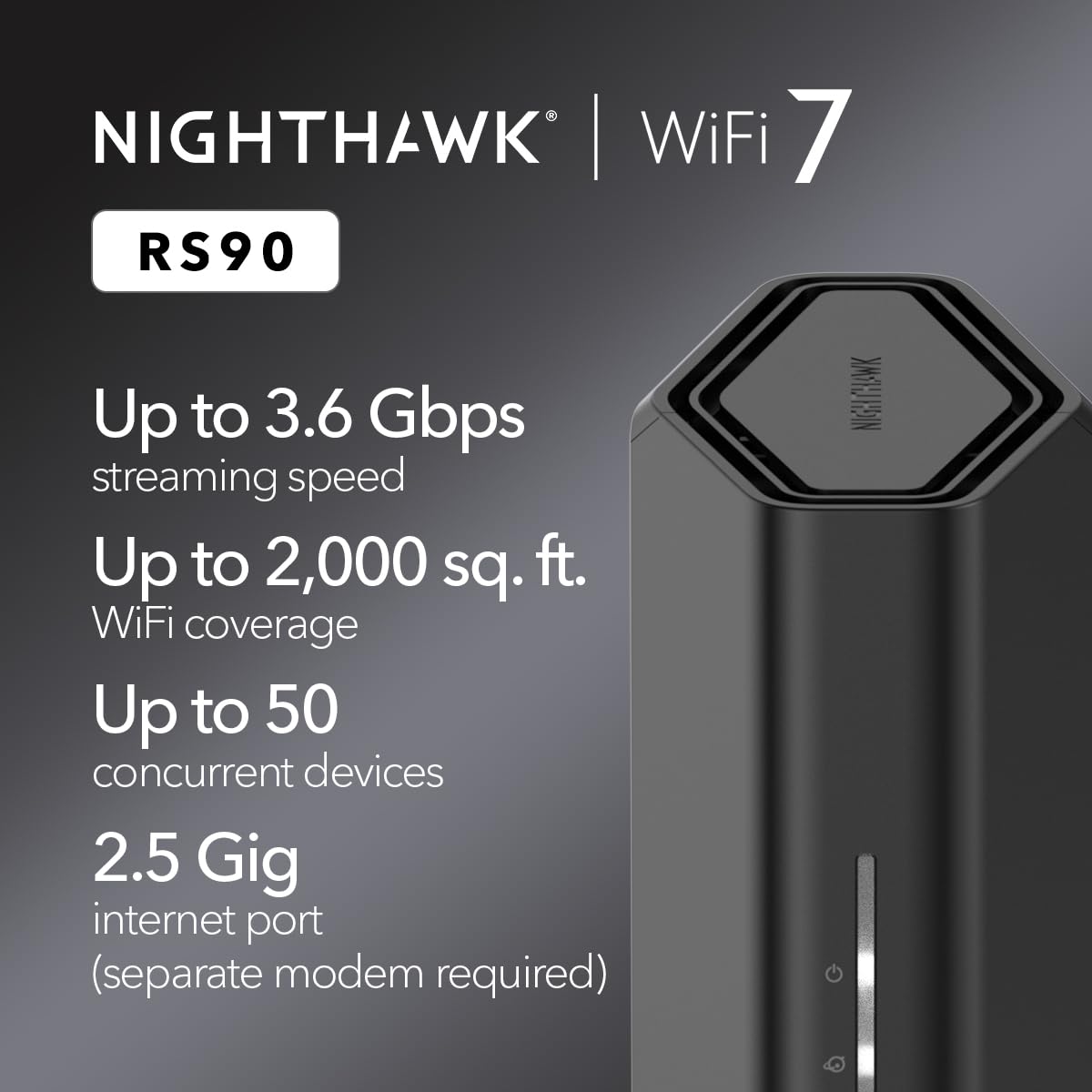


🚀 Elevate your home network to WiFi 7 speed and security supremacy!
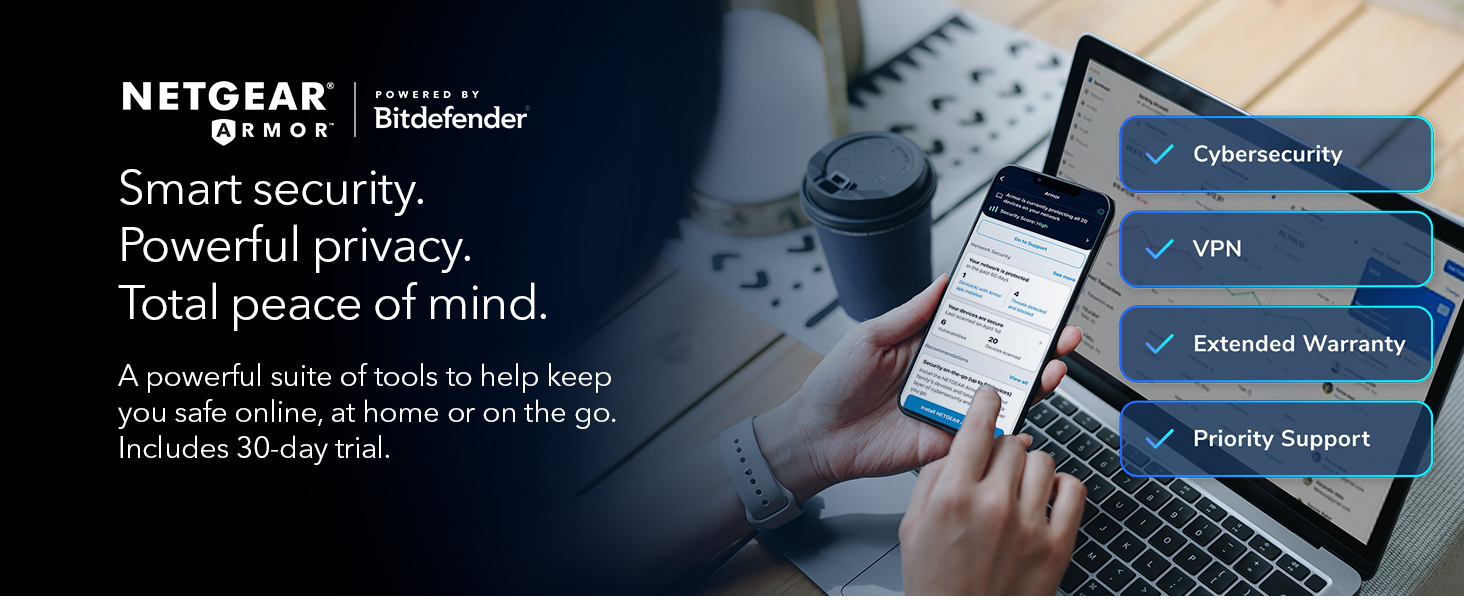
The NETGEAR Nighthawk RS90 is a cutting-edge WiFi 7 dual-band router delivering blazing speeds up to 3.6 Gbps and coverage for up to 50 devices across 2,000 sq. ft. Equipped with a 2.5 Gigabit Ethernet port and advanced NETGEAR Armor security, it ensures a fast, secure, and reliable connection for gaming, streaming, and smart home integration. Managed easily via the Nighthawk app, this sleek router is designed for the modern connected lifestyle.




| ASIN | B0DW27FNG3 |
| Are Batteries Included | No |
| Brand | NETGEAR |
| Colour | Black |
| Customer Reviews | 4.3 4.3 out of 5 stars (800) |
| Date First Available | 16 Feb. 2025 |
| Guaranteed software updates until | unknown |
| Item Weight | 839 g |
| Item model number | RS90-100NAS |
| Manufacturer | NETGEAR |
| Operating System | NETGEAR firmware (based on Linux) |
| Product Dimensions | 27.41 x 18.01 x 13.21 cm; 839 g |
| Series | RS90-100NAS |
| Voltage | 12 Volts (DC) |
| Wireless Type | 802.11.be |
G**E
Excelente!
R**.
El soporte de la Netgear esta en la India, no hablan español, apenas hablan ingles, y forzosamente quieren tu nombre, apellido y correo electronico para tomar tu llamada. Si no das esos datos, te cuelgan. Netgear ahora se dedica a la venta de datos personales, ya que no hacen routers que sirvan. Compre este router por que la pagina de netgear insiste que puedes configurar un cliente VPN directamente en el router. Esto es categoricamente FALSO. El submenu que su misma documentacion indica, NO EXISTE dentro de este router, ende, NO ES POSIBLE configurar una VPN. Falla seguido. De la nada mis servicio deja de navegar. No indica falla o perdida de señal, o un timeout. Simplemente deja de cargar lo que sea, ya sea por wifi o por ethernet. El problema se soluciona inmediatamente conectando directamente al modem de mi provedor de servicios. Si, es cierto. Es Wifi6, pero solo para dispositivos mobiles. Mi PC tiene una tarjeta de red que tambien es wifi6, y por ninguna razon el router solo le permite una conexion tipo 802.11n, lo cual te limita a 200Mbps. No hay forma de conectar mi PC en 802.11ac o 802.11ax. Curiosamente, al compartir datos con mi celular a la misma PC, esa conexcion SI ES 802.11ax. Es decir, no es un problema con la PC, ni con el celular. El router simplemente limita las conexciones de PCs a 802.11n, y no hay forma, no hay manera de forzar al router a utilizar 802.11ax. Y por alguna razon todo quieren que sea por su jodida app.
B**N
Title: Easy setup, good coverage Description: The basic router setup was simple and I was up and running in under 10 min. It's been working for about a week now and speed is great, coverage is adequate for my home.
M**A
I bought this as open box/used. It was half the price of new. Included everything as a new item would, (original box, instructions, Ethernet cable, AC adapter). The box was a little beat up but the router looked brand new and had the plastic wrap still attached. The ac adapter cord and Ethernet cable were still wrapped in their original twist ties. I'm assuming it was never actually used, just returned. Setup was simple. I hate using my phone to set up routers so I chose the 'no phone' option when I plugged everything into my PC. I was able to manually choose my settings like I prefer through the PC interface. Netgear products have always worked well for me. This one is no exception. I've had a couple drops here and there in the four months I've owned it but at least two of those have been my ISP. So, maybe twice it's dropped signal in that time. To me that's fine. I had read several reviews that reported horrible signal drops and losses. No real problem with that in my case. Firmware updated right out of the box. Not sure if that helped with any signal drop problems but I was happy to see an update right away. I'm in a small efficiency apartment so my signal strength needs aren't huge at the moment. I will say I don't get a total drop in signal unless I'm driving or walking outside around 100 yards away from my building. Netgear, ftw.
P**.
Title: Yes, But Description: Be prepared to spend an inordinate amount of time on the phone with a support person. Excellent router, but it arrives with no actual instructions, just a piece of paper with a barely recognizable cell phone, which I didn't want to use in any event. When we couldn't get to the app to download it to my pc, we tried my phone, which also did not work, then my laptop, which did. I will say the tech support was great, but what an ordeal! And I then had nearly two hours to go to get my TVs set up. One, connected by cable to the router, was easy. The one that wasn't required a factory reset and reentering all my sign-ins. I also did not appreciate that Netgear notified me that they were pulling support for my old router on the same day they stopped supporting it. If they had a worthy competitor, I'd have taken my business elsewhere.
TrustPilot
vor 3 Wochen
vor 3 Tagen