We remain fully operational. Our teams are working around the clock to ensure your deliveries continue safely.

Laden Sie die App herunter


Kundendienst
Copyright © 2025 Desertcart Holdings Limited
Laden Sie die App herunter
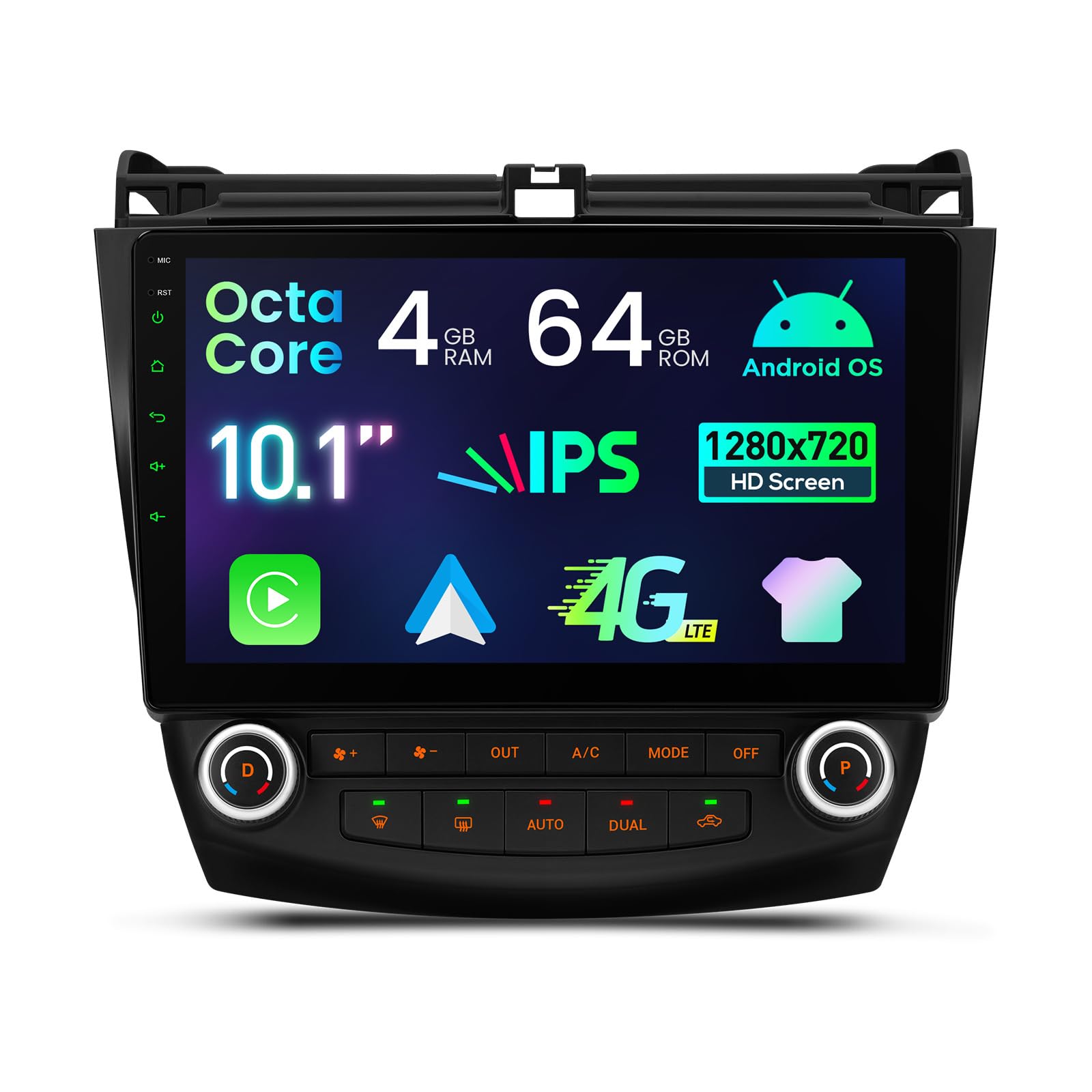
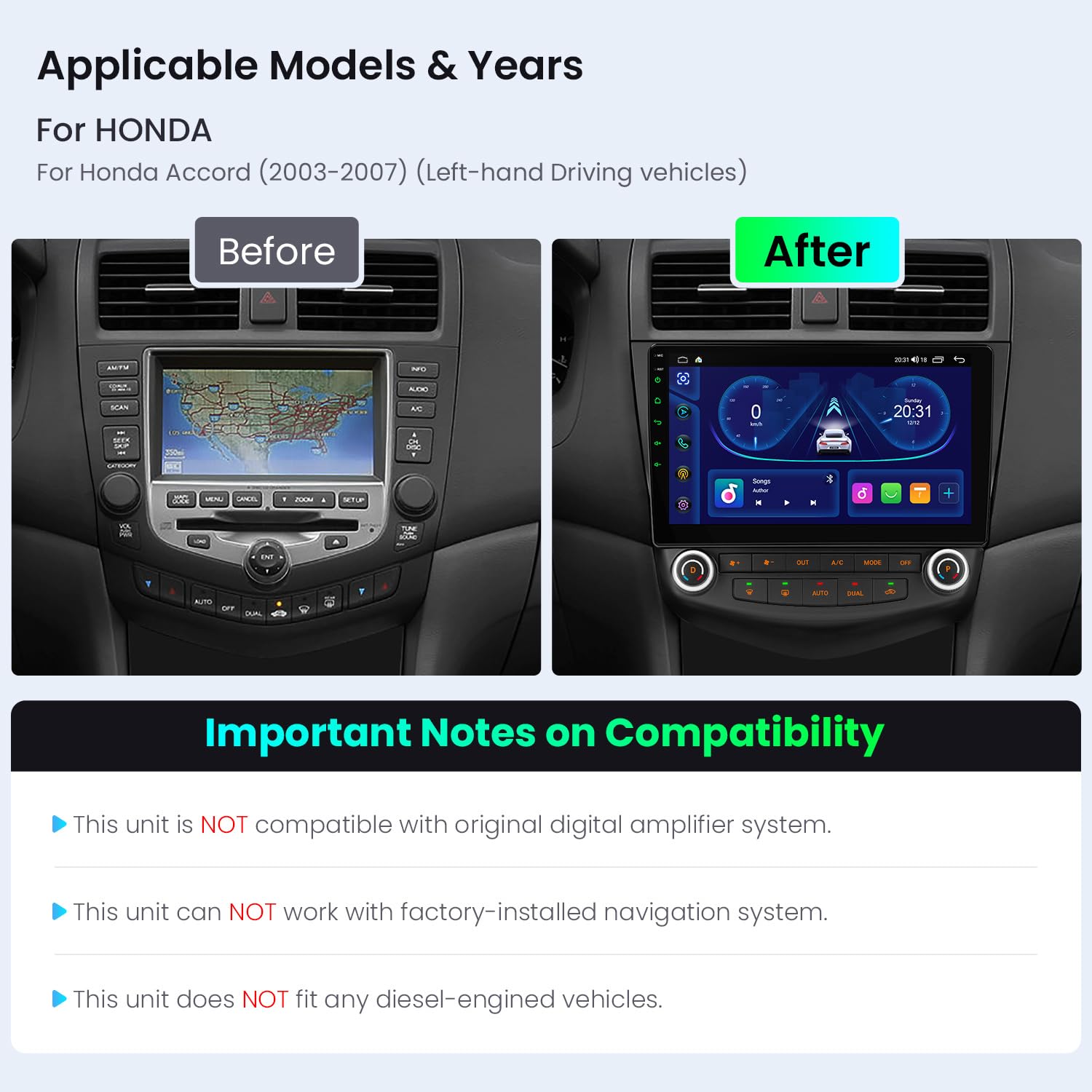
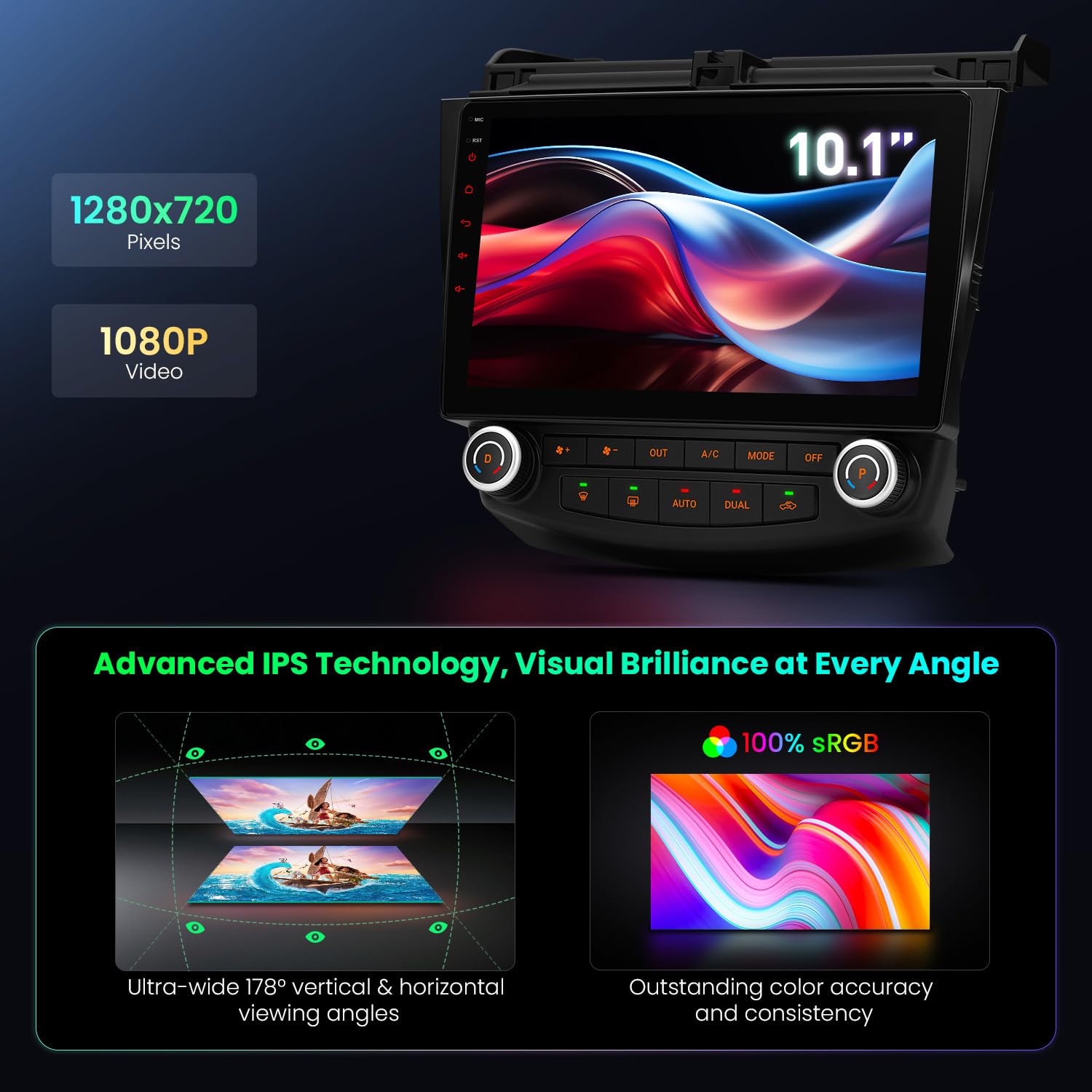
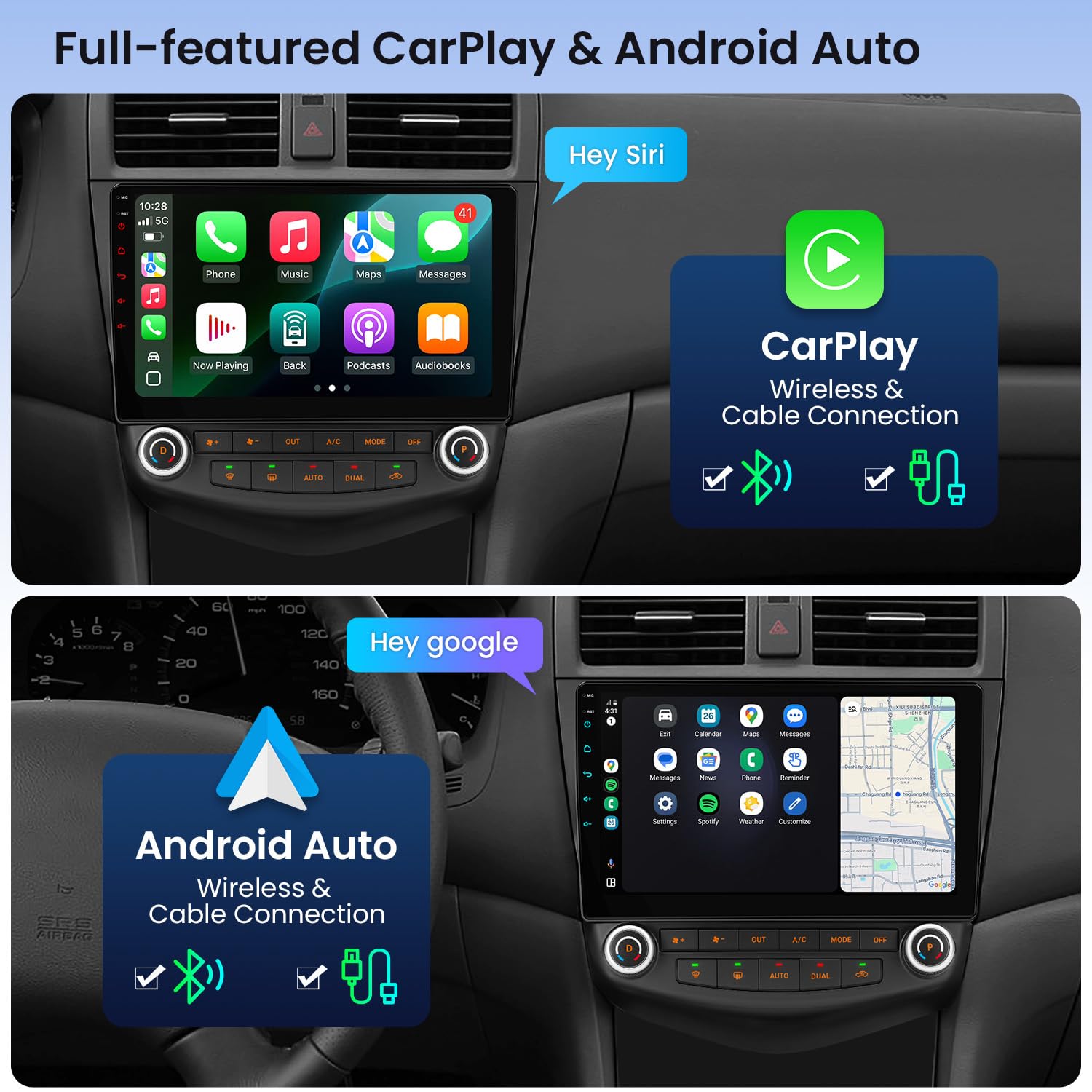
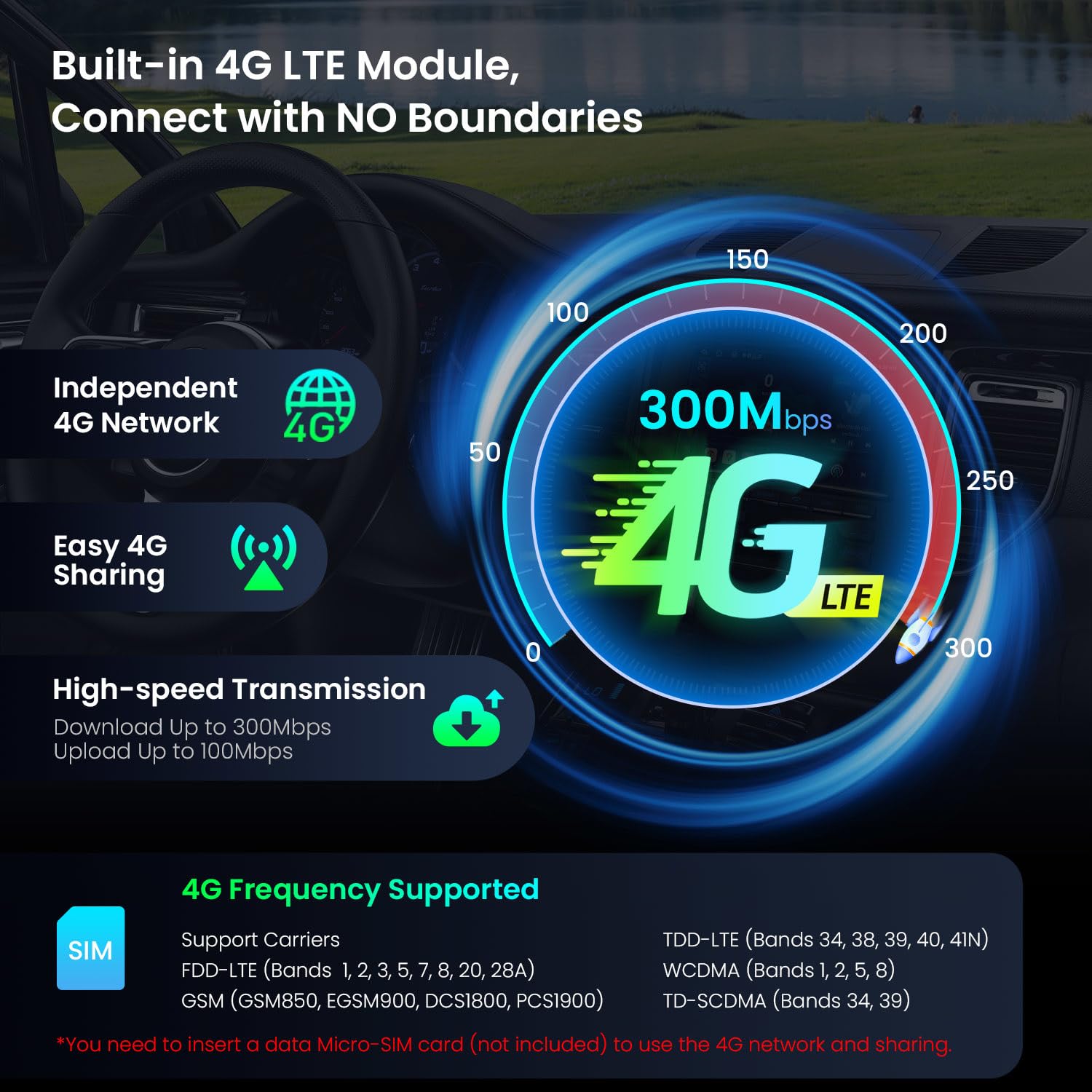
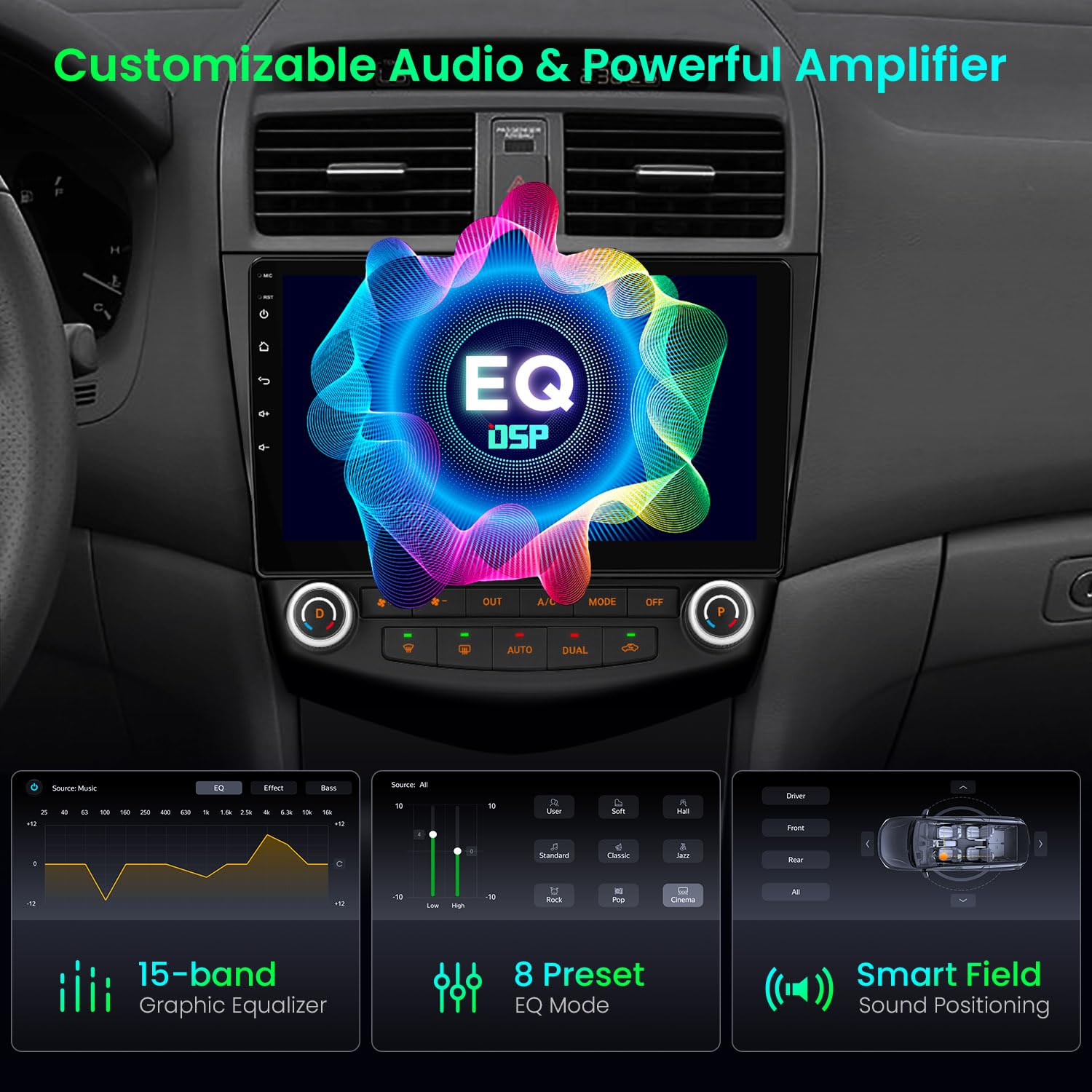

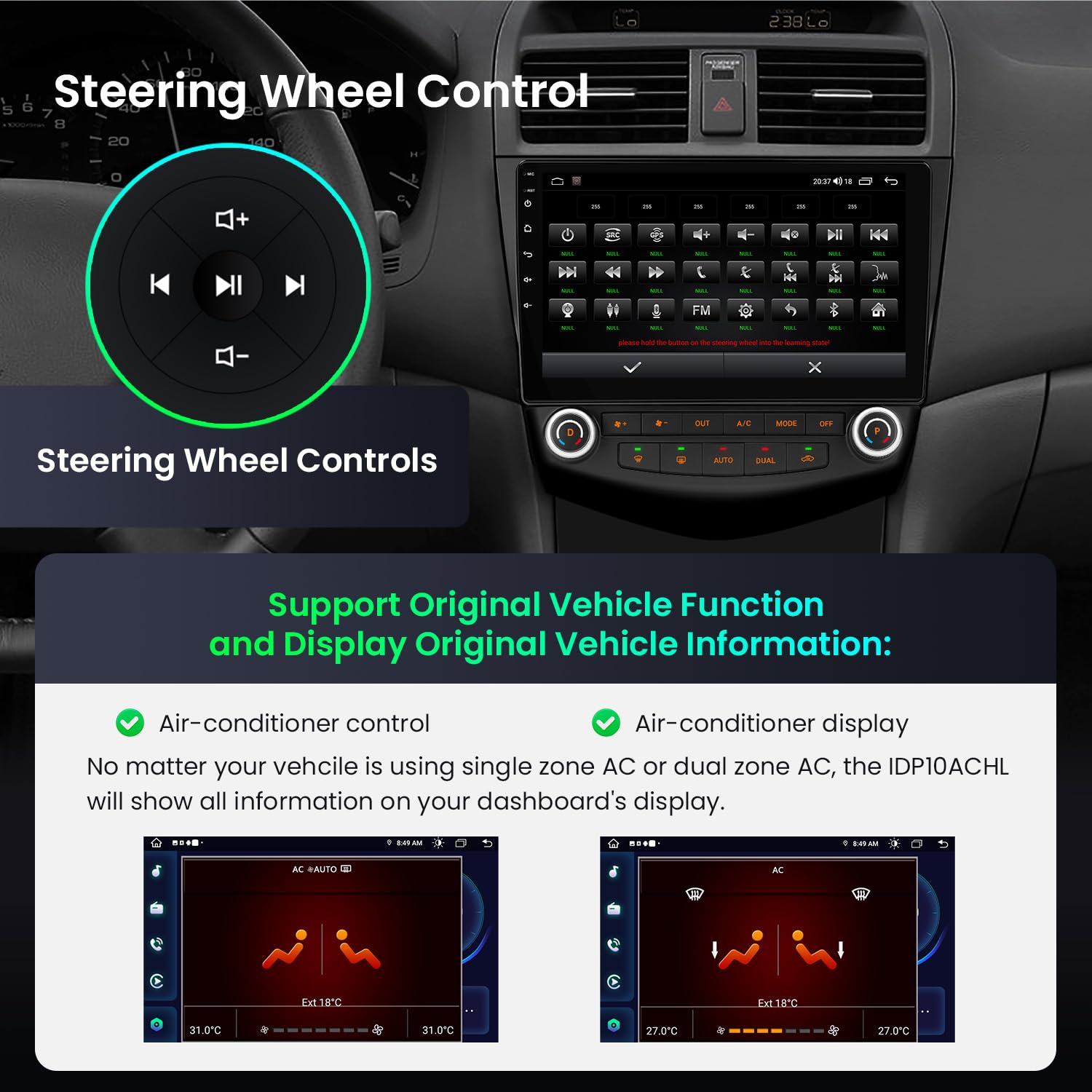
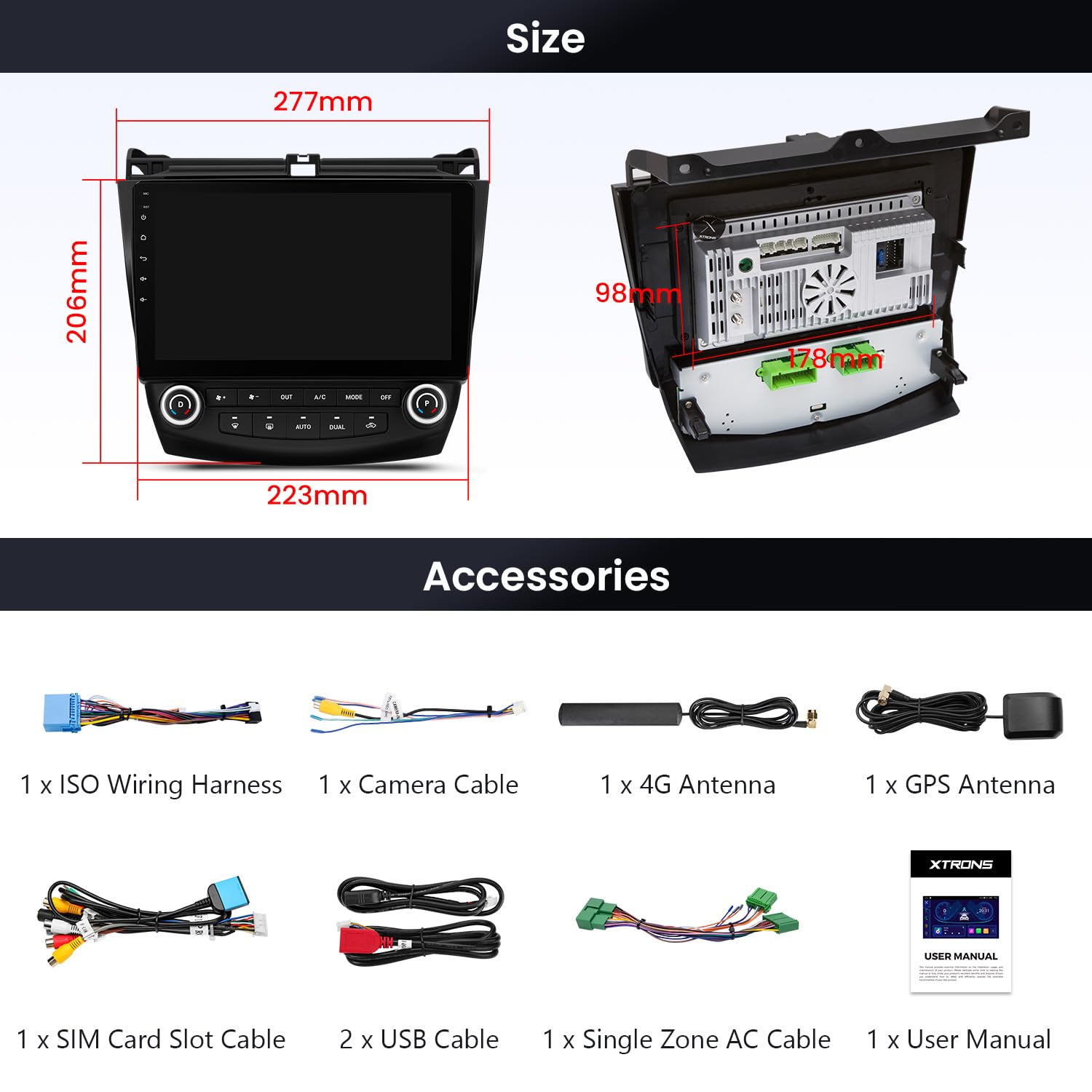
🚗 Upgrade your drive with smart, sleek, and speedy tech!
The XTRONS Android 14 Car Stereo is a cutting-edge 10.1-inch touchscreen head unit designed specifically for 7th generation Honda Accord models (2003-2007). Featuring a vibrant HD IPS display, powerful Octa-core processor with 4GB RAM, and 64GB storage, it delivers smooth performance and rich visuals. It supports wireless and wired Apple CarPlay and Android Auto, Bluetooth 5.0, and global 4G LTE connectivity for uninterrupted internet access on the road. With customizable UI themes and built-in DSP, it offers a personalized and premium in-car entertainment experience, making it a top-tier upgrade for your classic Accord.


| ASIN | B0DXZWM4M6 |
| Best Sellers Rank | #34,140 in Electronics ( See Top 100 in Electronics ) #196 in Vehicle GPS Units & Equipment #243 in Car In-Dash Navigation GPS Units |
| Customer Reviews | 3.8 3.8 out of 5 stars (664) |
| Date First Available | February 21, 2025 |
| Display Size | 10.1 Inches |
| Item Weight | 6.5 pounds |
| Package Dimensions | 16.77 x 13.11 x 5.55 inches |
| Voice command | Touchscreen |
| Warranty | 1 Year Manufacturer |
A**A
great option for 7th generation accords
Nice upgrade for my 2007 ex-L accord with factory navigation. My radio had stopped working a while back and I was avoiding replacing it because of the cost. Also, the dash kits available thru crutchfield have the hvac controls high and the screen low, and you lose the storage compartment below the radio. This radio has a much bigger screen and cost less, and you keep the cubby. Biggest advice, read through the reviews and q&a people have gone to the trouble of posting. Also watch the videos on available youtube. You have to use the correct harness for your car (dual or single zone) and make sure you have connected all the wiring harnesses correctly. Then use the settings, car infotainment, about this car, settings, 8888 to get to the secret menu which I took a picture of. From here you pick CAN type which sends you to the place where you enter your car (75) even though it looks like it is already entered. just select it and type 75 again. You can also change from C to F while you are here. There is also a boot logo option on the secret menu as well, I put in the honda one. Your controls should work from the bottom of the radio as well as from the touch screen. If touchscreen doesn't work here, maybe you didn't connect the small interconnecting wire harnesses on the back of the radio. I also changed to the newer format for the radio display using an app that was included on the radio called topic switching. Not sure why they didn't call it UI switch, but for some reason I clicked on it and found out it was there. I liked how it looks more like a phone screen, just a bit more modern than the one that comes up when you first start it up. And I moved the apps around so the ones I use are on the first page. I did not connect the parking brake wire so some functions will not work for me, but I do not plan to watch videos. I installed a backup camera off ebay ($20) and am very pleased with it, functions perfect so far:) Super happy with this. Overall, this is a great system for me. Major upgrade for my car. Cons, 1) I had factory navigation on my car, so I have a small gap above the radio as a few other reviewers reported. It doesn't bother me too much. Maybe I will glue a piece of trim in there if it starts to annoy me. Heck, it is a 14 year old car, the stain from my kid's spilled drink on the carpet bothers me more :) Also, my model had an extra thin screen above the vents for the clock, it is dead now but I don't really mind much. 2) The wires were kinda tricky to arrange so that the door to the lower cubby didn't hit them. I also had a couple extra harnesses for the factory navi that are just living back there now, and the wires are not as secure as I would like. It would have been nice to have a little shelf or something to wire-tie stuff to, but it seems to be ok. Hopefully I don't have to pull it apart in the future if stuff shifts around. 3) The random temperature displayed in left upper corner must be measuring the temperature inside the radio. It seems to run about 30 degrees higher than the cockpit temperature. I contacted XTRONS to see if I they knew how to make it stop showing and they were sorry but could not help me. They were pretty quick to respond to my emails though. 4) The Easy Connect App worked well with my phone when I could get it to connect. But, it was flaky to connect. Sometimes it came right up, sometimes it wouldn't come on at all. I gave up on it and ended up getting a wired carplay/android auto dongle ($40) which seems to be more dependable. Maps, calls, texts, spotify all working together nicely:) Happy driver but $40 poorer. 5) The system is a little laggy, takes about 30 seconds to start up from ignition. The AC will come on while it is booting, which is good cuz it is hot this summer. It is not perfect but good for the price. I hope it last a while because I hope to drive the car for a while longer.
M**L
Works ok
Works great except the backup camera will not work and front speakers, 2004 Honda Accord 2-door V-6 with navigation and CD player original. But was easy to install.
D**T
GREAT unit! There IS a trick however....
Purchased this unit for my cherry '06 Accord ELX after considerable research on the various "look alike" units. At first I was disappointed as the AC controls would NOT play nice with my dual automatic AC system. I had NO Auto OR Dual button capability or system functionality. In addition the right side of the car was blowing full hot irrespective of the temp that was set by either knob. This being an Android 10 system and a relatively new headset to the market, there was ZERO online advice. I suspected that there had to be some hidden settings, but no where was how to get to them documented. I finally contacted XTRONS via Amazon and they responded with EXACTLY the needed into within 24 hours. The trick is that you have to go into "Car Infotainment, then selected the settings (gear symbol upper right corner"), then enter 8888 to get to the hidden settings page, then select CAN Type. REGARDLESS, I repeat, REGARDLESS, of what it is showing, enter 75 as the type, then ensure that the Dual AC is selected. I actually had to do this several times before the car and the AC control clicked and everything worked perfectly. This back page is ALSO where you can set the temperture UNIT to either Centigrade or Fahrenheit. One thing I have noticed is the indicated temp on the display when it is showing the AC page, are sluggish to register changes to the temperature setting BUT the AC system itself responds immediately. The next time you enter that page of info the temps shown reflect where the system is presently set. A minor glitch overall. I also installed the wireless Apple CarPlay module which works PERFECTLY! I installed the TPMS system and the Sony CCD reverse camera. I did install a small unpowered USB hub as the unit only has 2 USB ports and one is for marked for the mirror link functionality. The hub worked perfectly as it allowed me to easily locate the hub and the TMPS and CarPlay modules under the center panel mounted to cross members NOT the upper panel. I made use of the cross members for the system GPS module. FYI, this unit does NOT require a separate WiFI antenna as that is built into the unit. I might add that while this is a 2GB Ram, 16GB Rom, Quad core Android system , it is silky smooth even on the Apple CarPlay which is using WiFI for the comms link. The sound quality has exceeded my expectations. I was anticipating upgrading the speakers next along with separate amps and sub, but after hearing how well the 4X45 watt internal amp and the Honda factory speakers (at least the ones on my Accord) perform, I can certainly live with those speakers for the time being. The only complaint I have is the lack of installer docs availability online. Granted this system is not that difficult to install and configure, the lack of how to reach those hidden settings had me ready to return the unit. That said, I can't say enough nice things about the way that XTRONS promptly responded with the precise information needed to resolve the problem as well as open up all those other hidden setting for exploration. FYI, the quality of design and construction are superb and the unit looks totally factory once installed. The only nit is the inability to change the color of the backlight on the AC control buttons from red to something close to the Honda factory greenish white. Why they changed to red when not ANY gen 7 Accords used that color is a mystery. HIGHLY RECOMMEND this headset for anyone with a gen 7 Accord. Brings a great car into the world of touchscreen infotainment
W**!
I’ve had this head unit now for a couple of weeks and wow… so impressed and satisfied. I spent about a whole month reading up, looking around and searching through soo many head units, and I eventually found this Xtrons head unit. I read all the reviews and got a mixed opinion about it. (Some people had bad experiences, and some really good) After thinking about it for a few days, I bought it, and about roughly a week later, it arrived from the US. Yeah… I totally forgot that they were opposite driver’s side. (You can set it up to be opposite. But the Driver’s and Passenger’s Dual AC knobs are opposite still…😂 Ok with dual aircon turned off.) Very pleased with the speed, quality and sound. I’m still struggling a bit with the bass settings, but we’ll get there!
TrustPilot
vor 1 Monat
vor 1 Monat