We remain fully operational. Our teams are working around the clock to ensure your deliveries continue safely.

Laden Sie die App herunter


Kundendienst
Copyright © 2025 Desertcart Holdings Limited
Laden Sie die App herunter
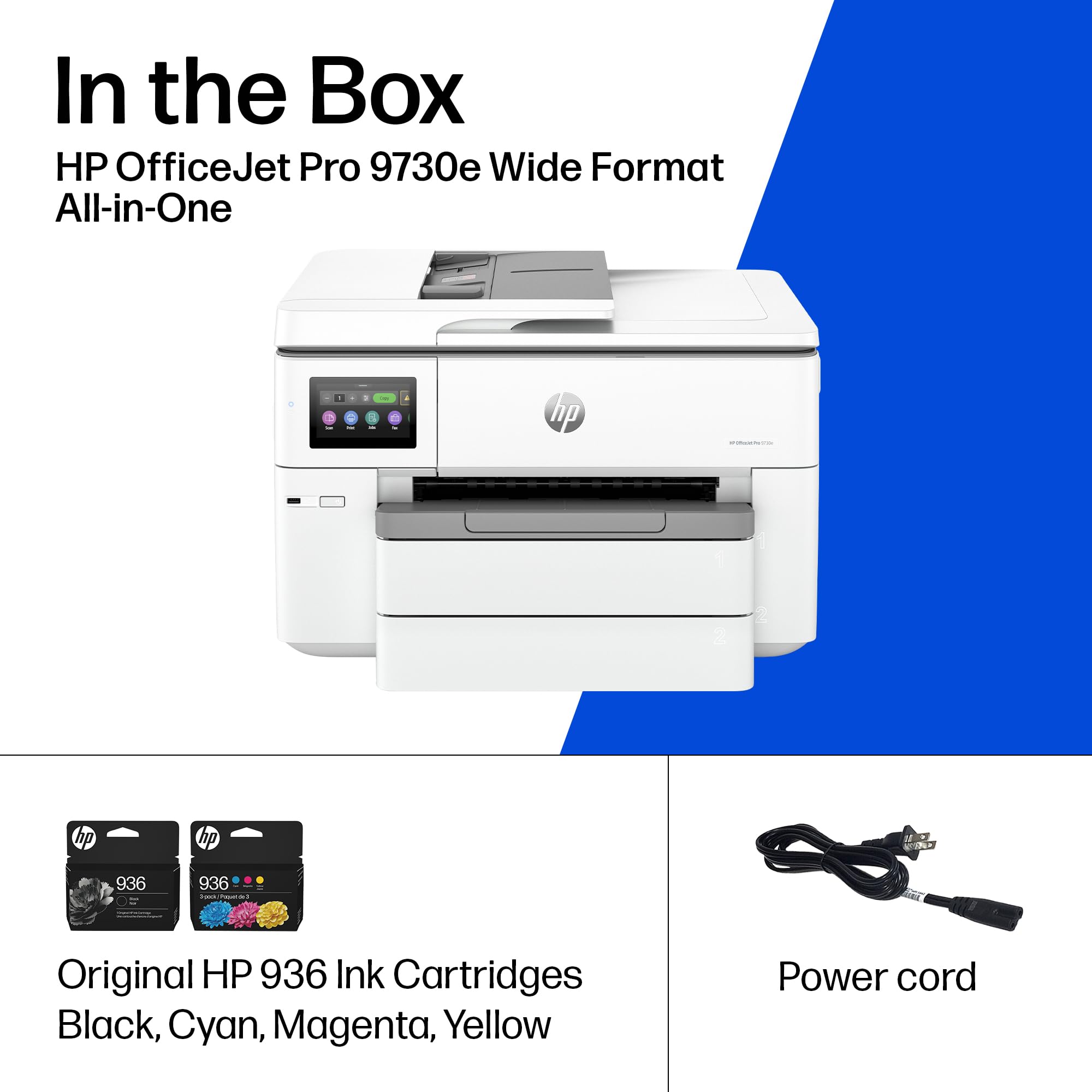
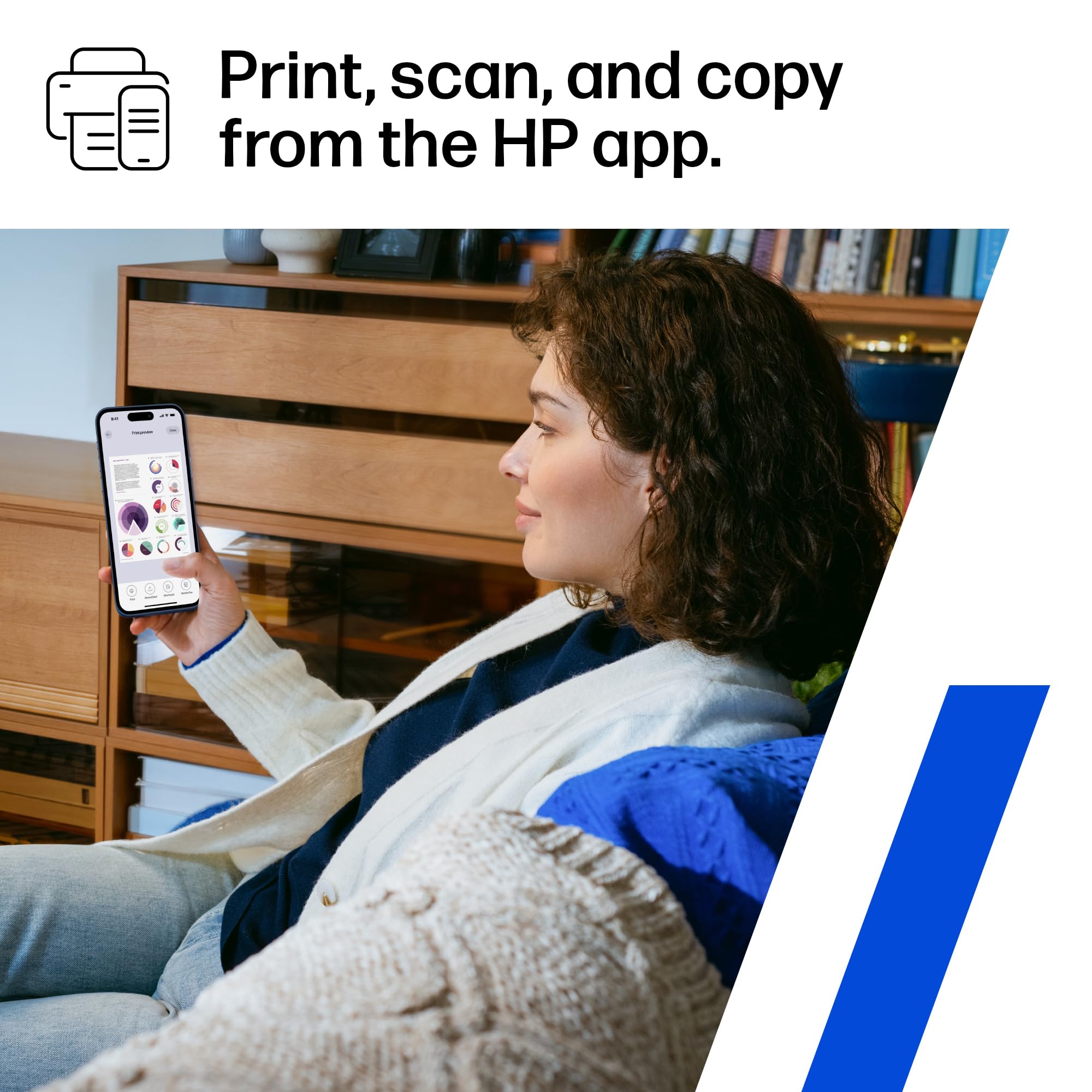
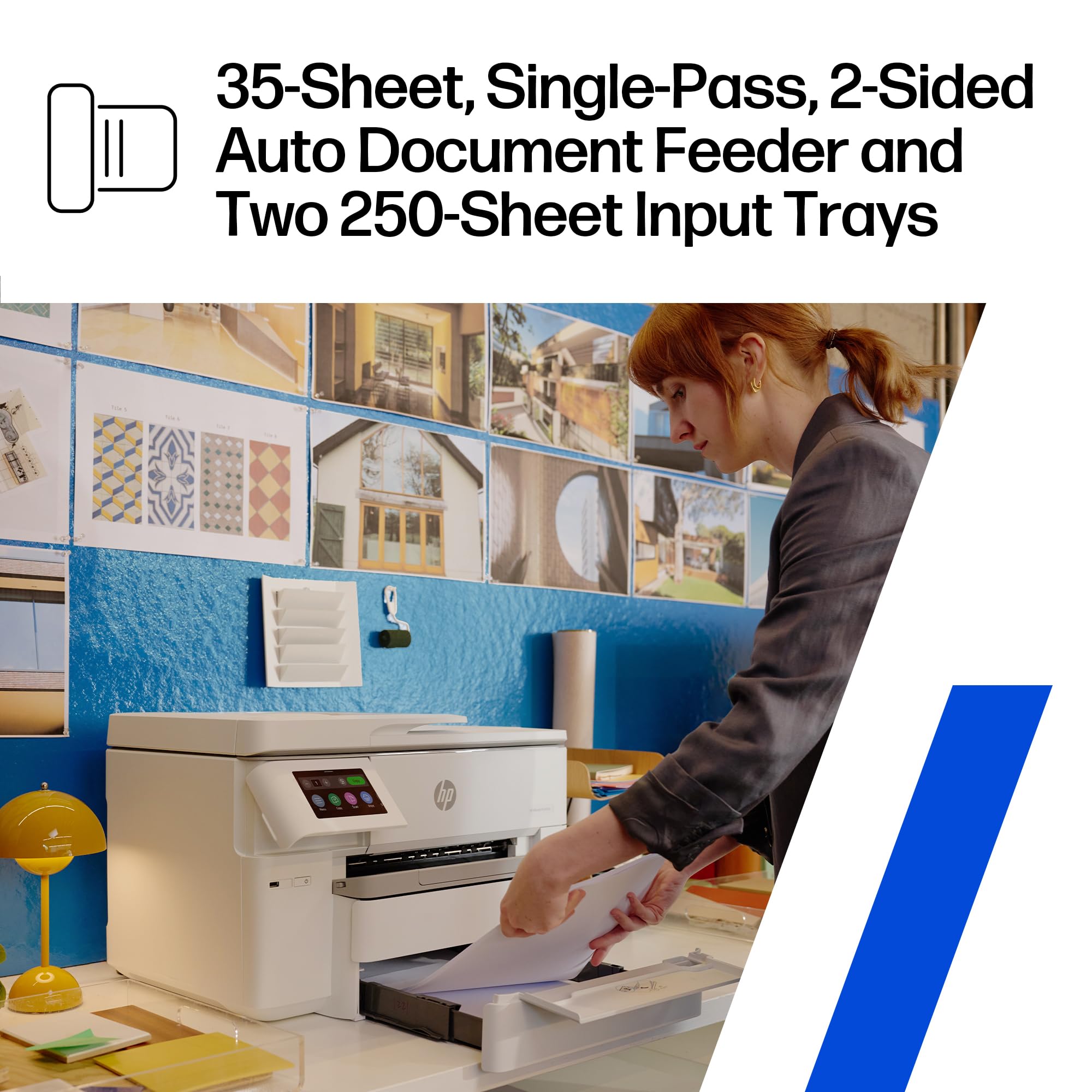
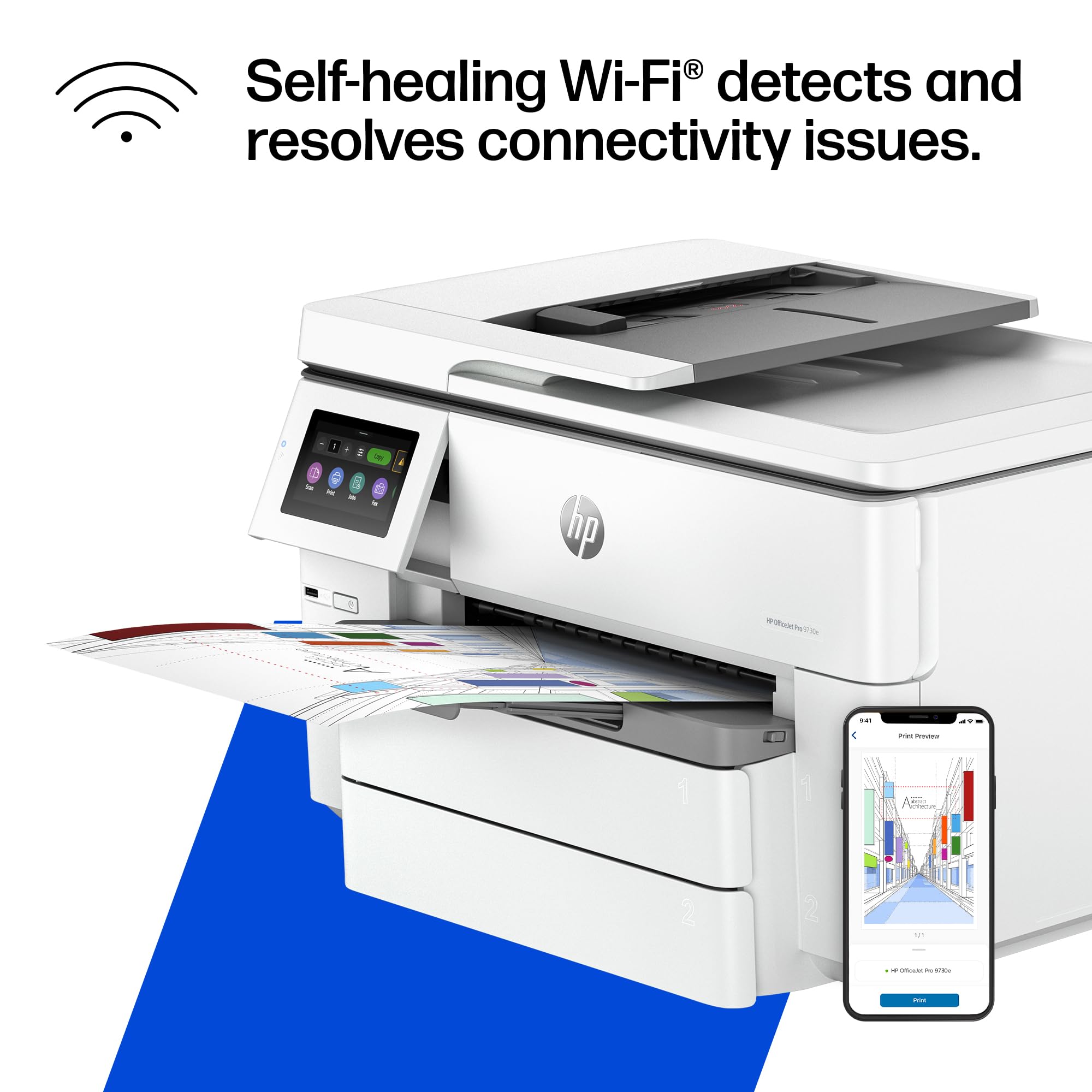
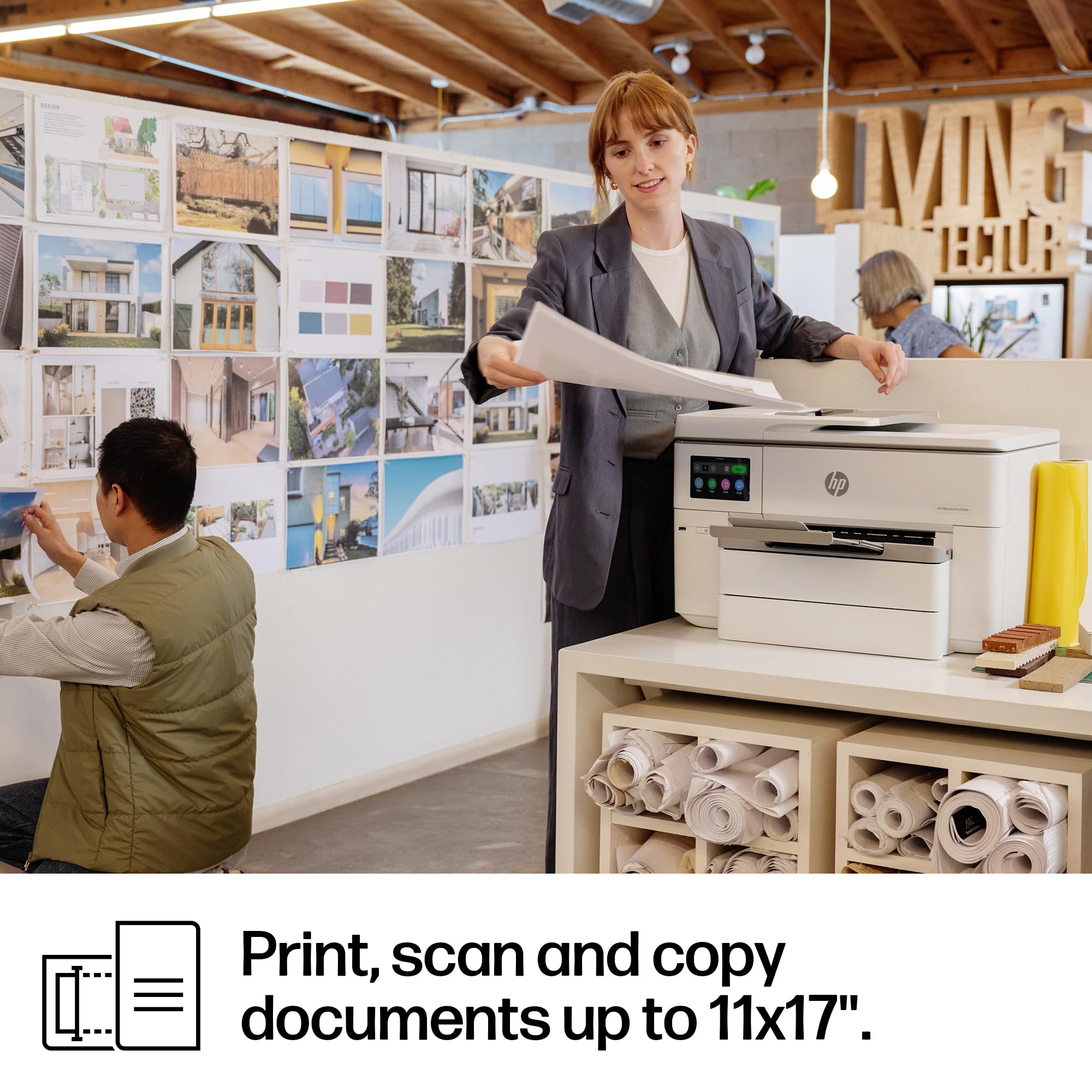
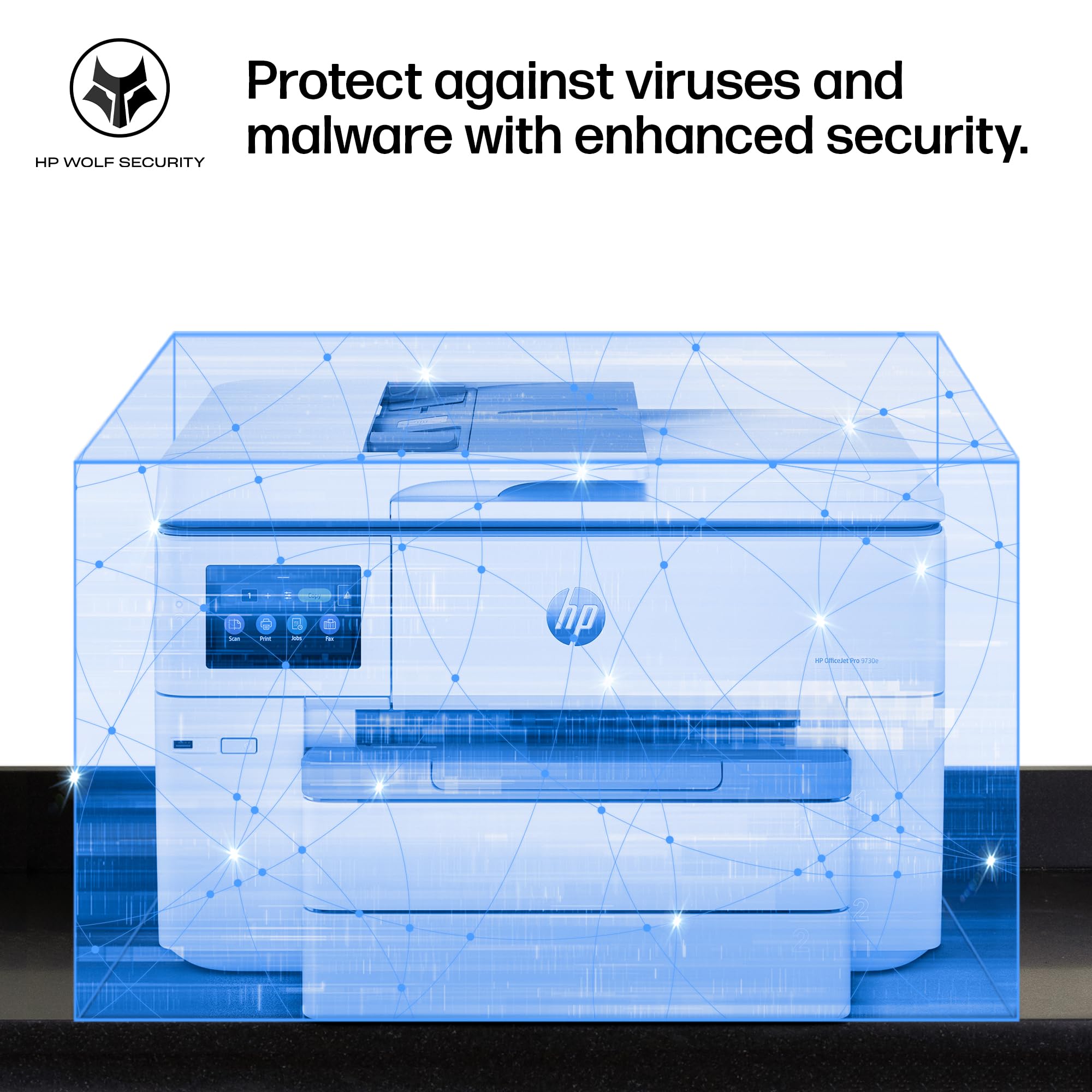
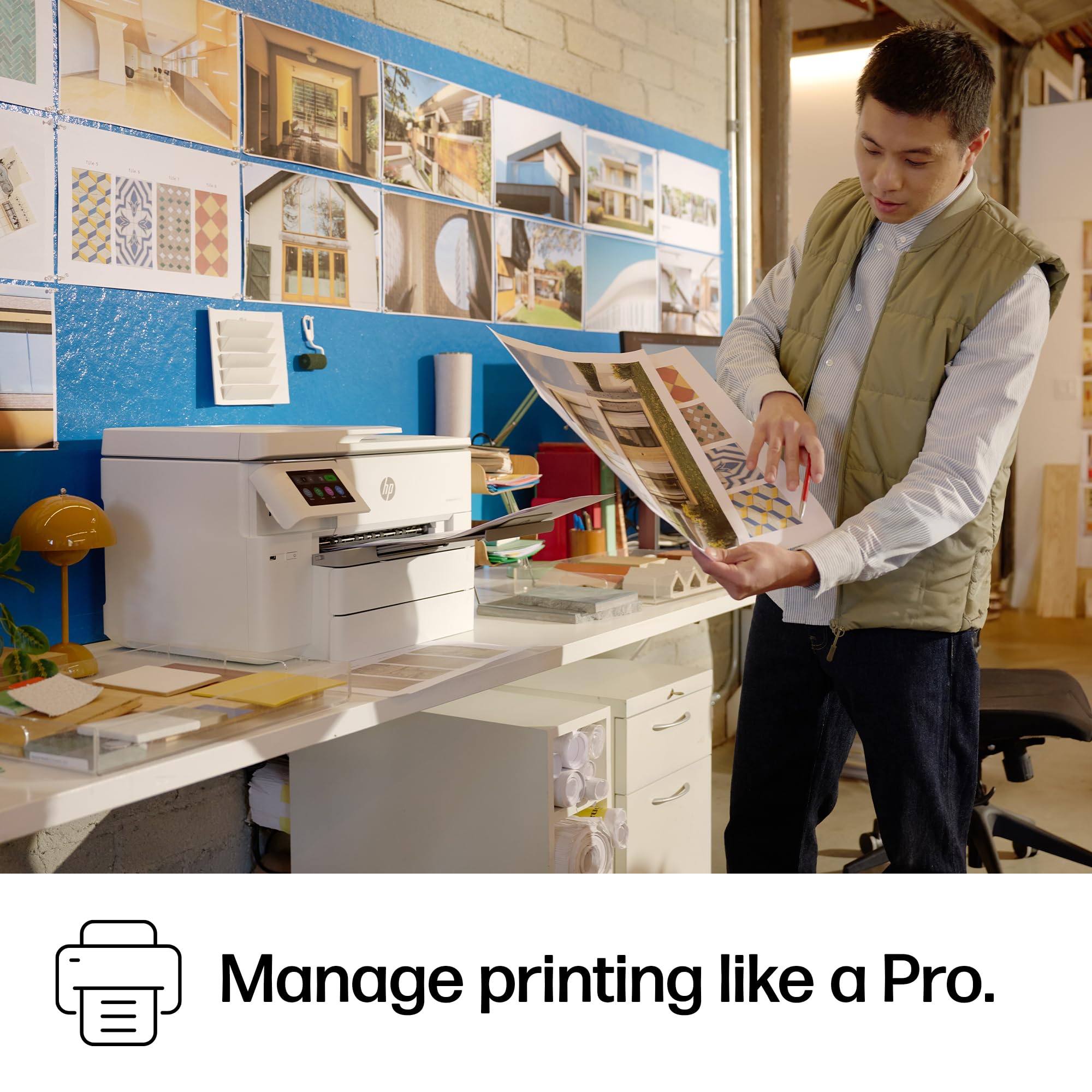

🚀 Elevate your office game with precision, speed, and security — print like a pro, every time!
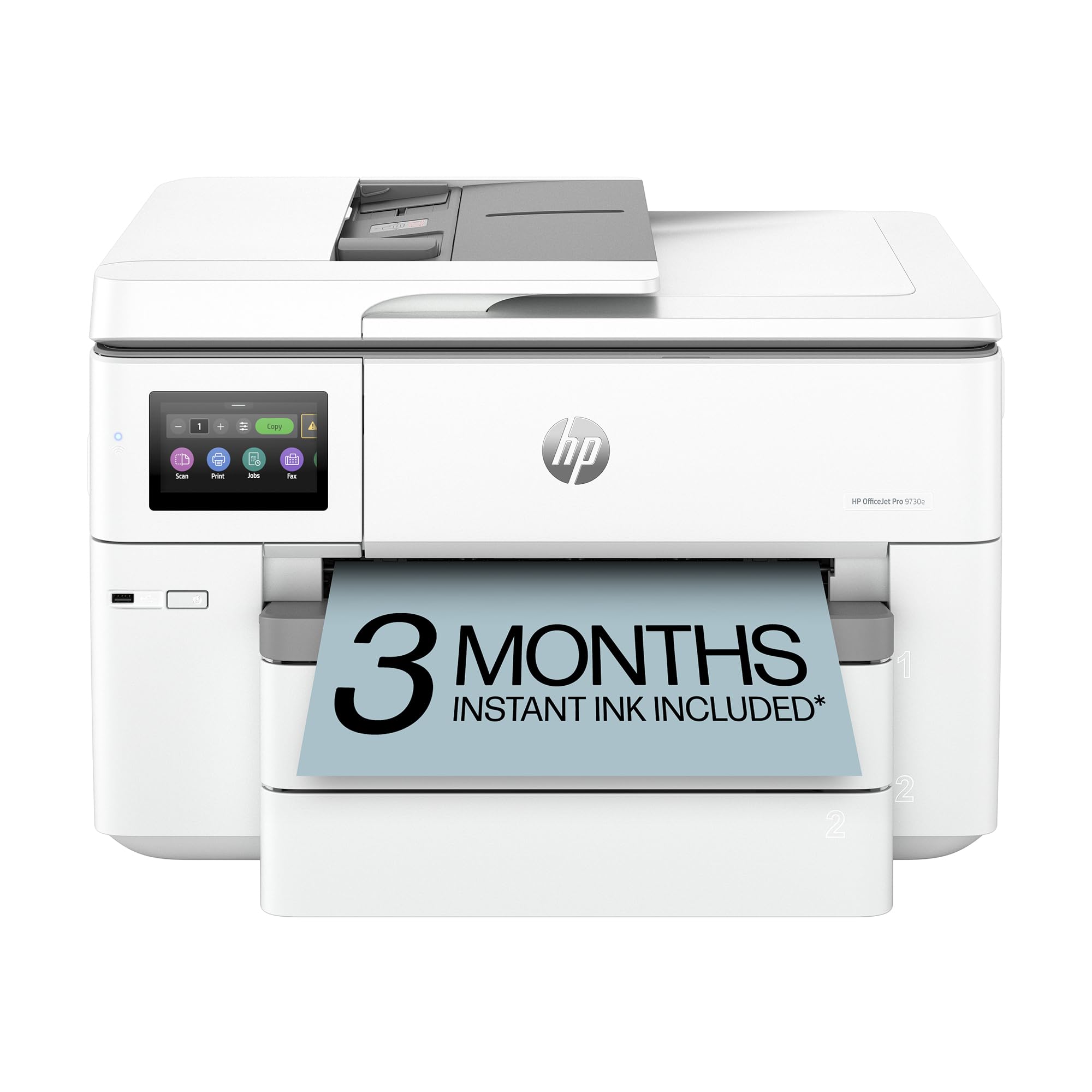
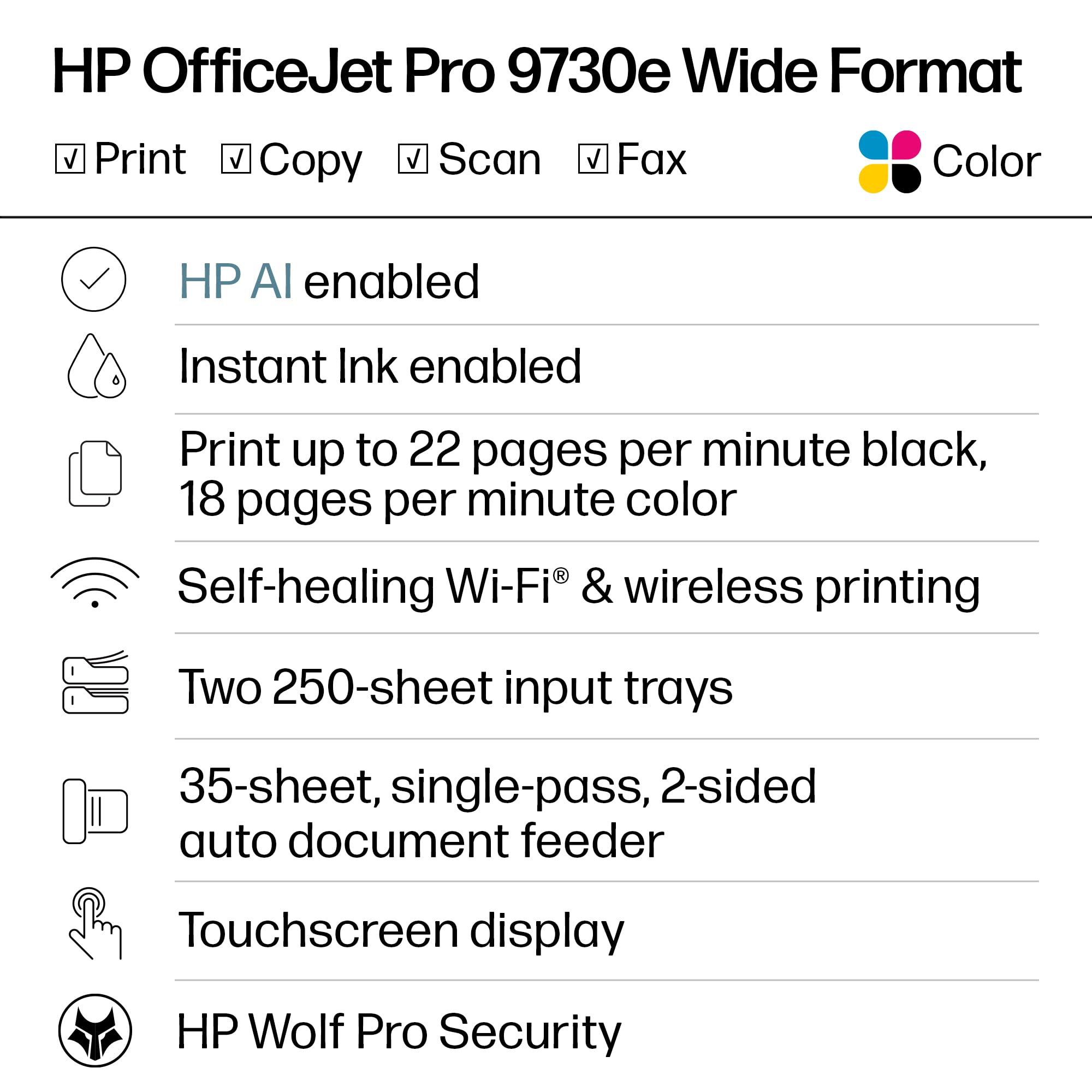
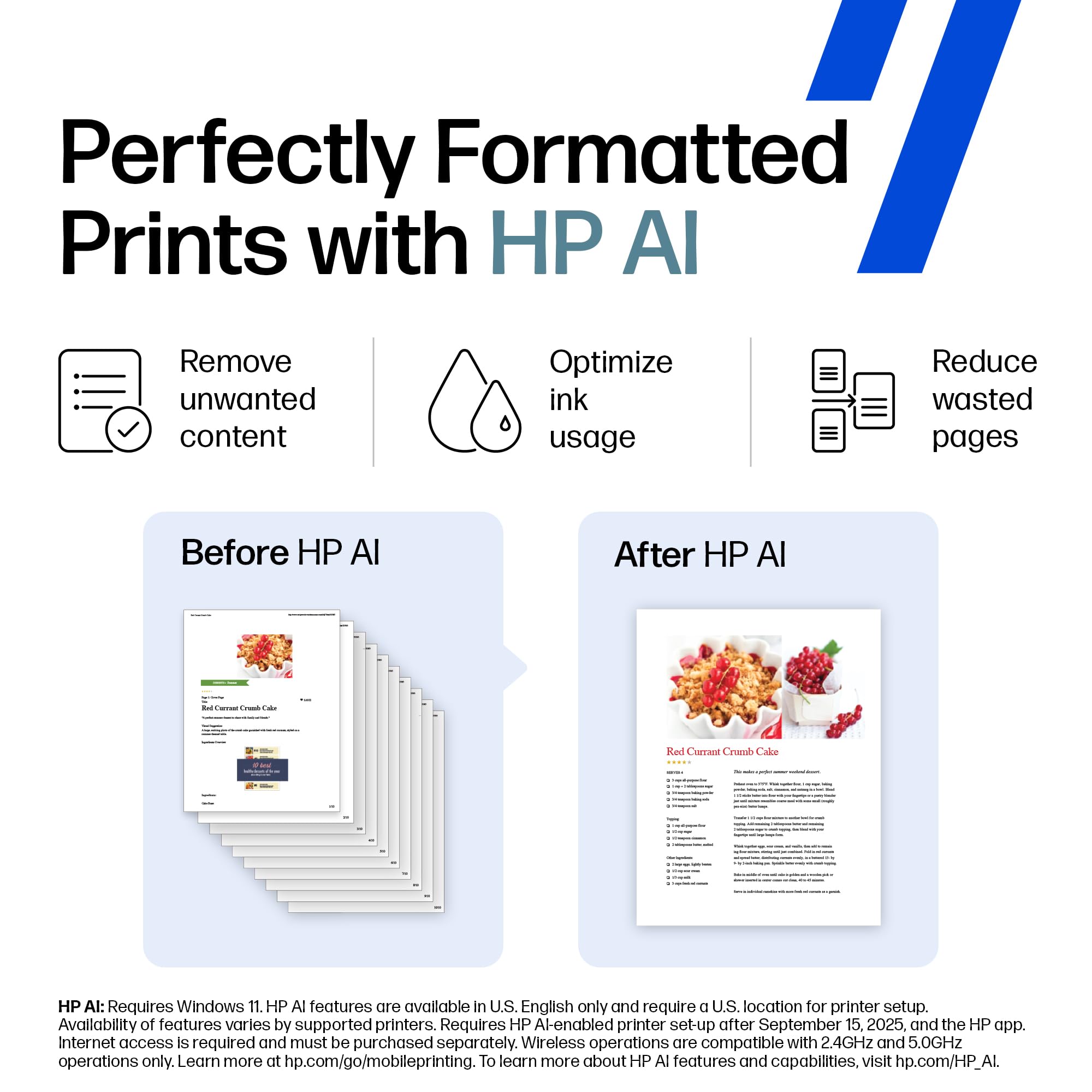
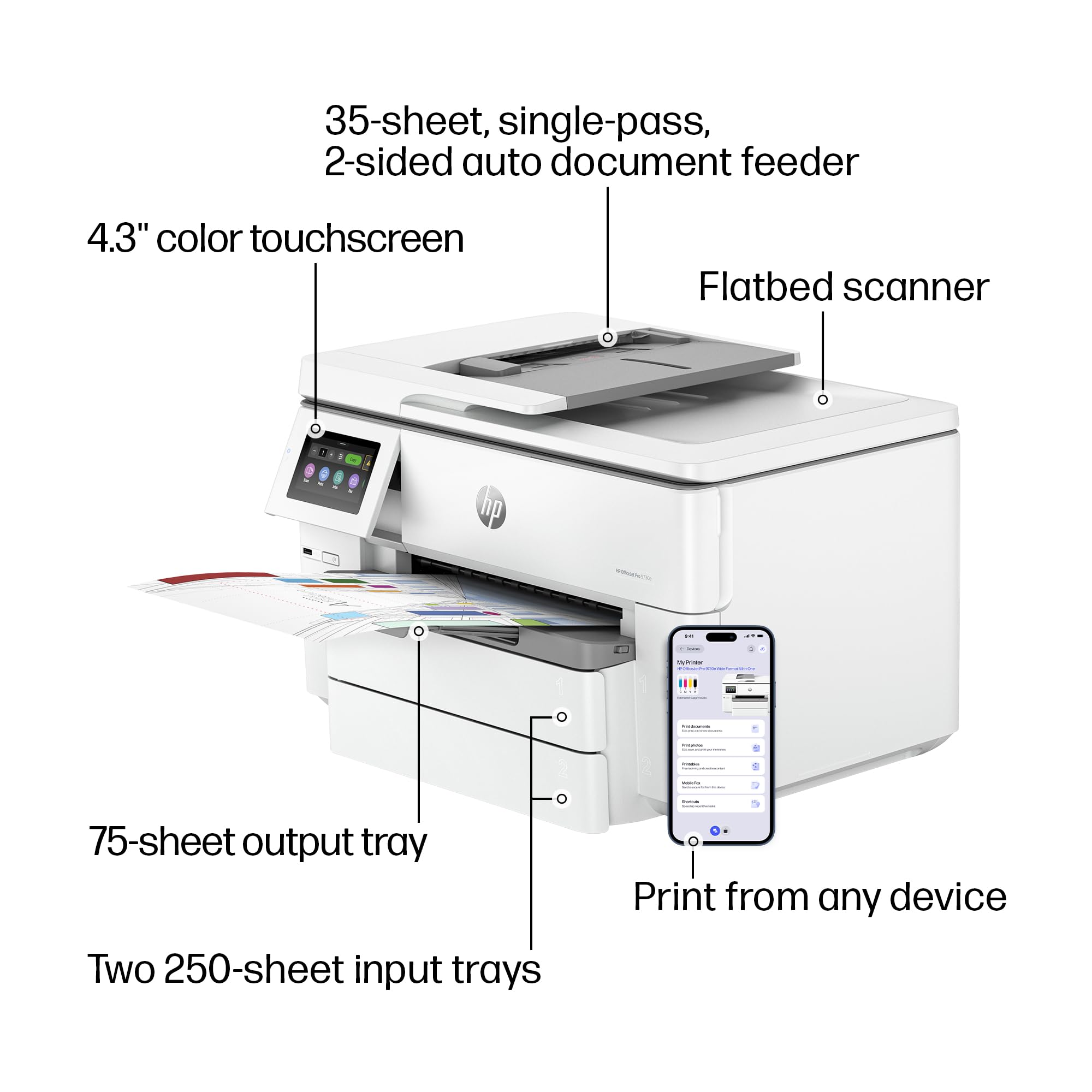
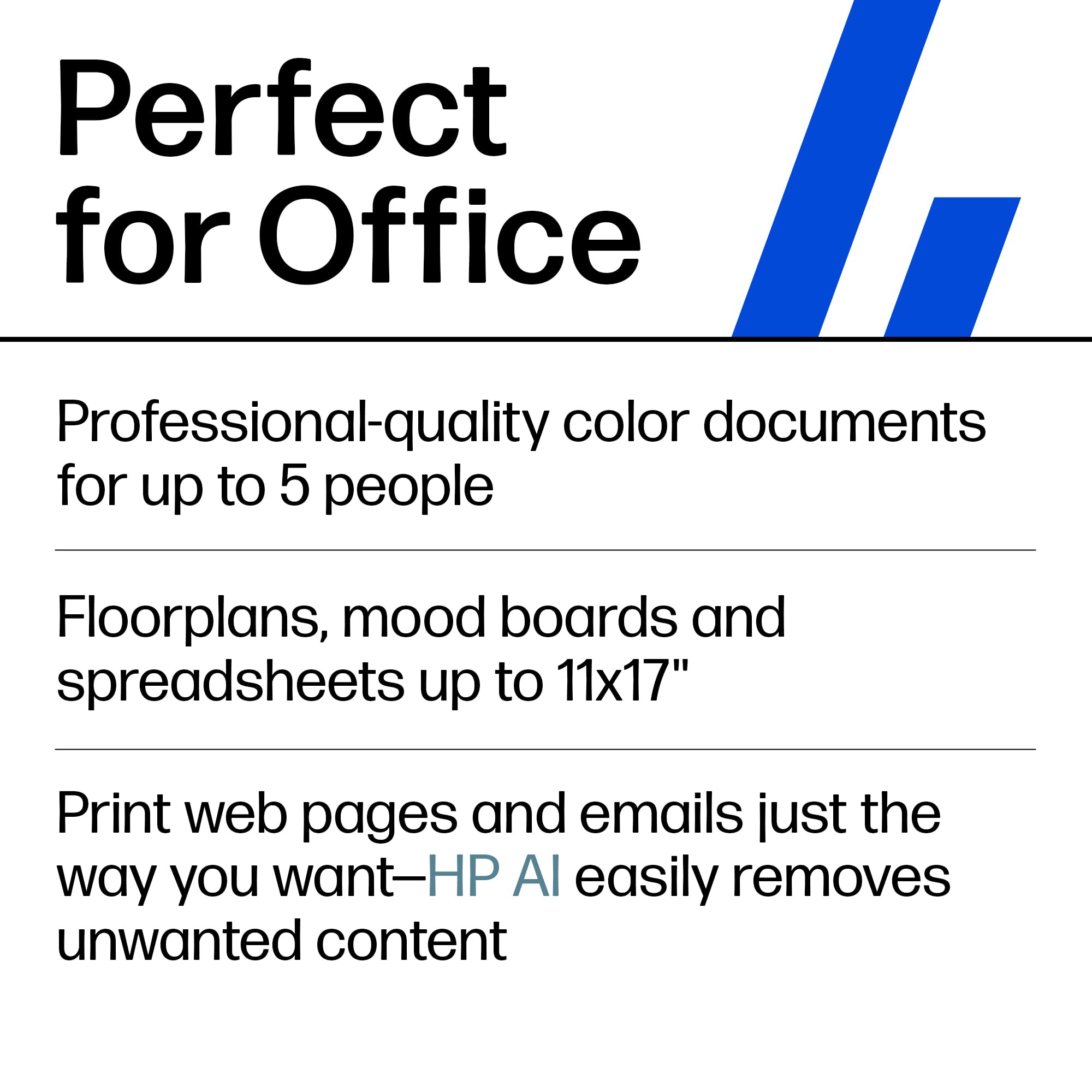
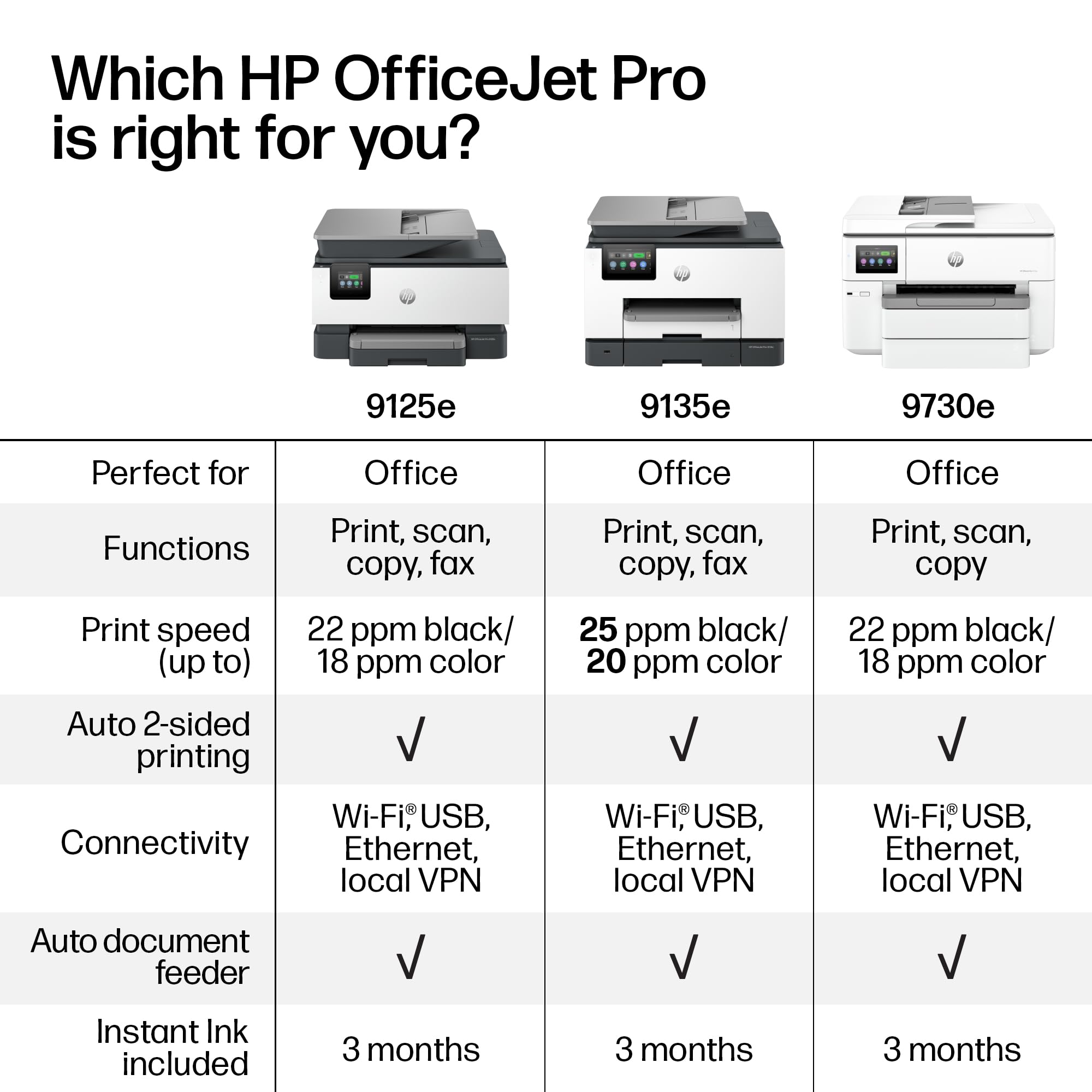
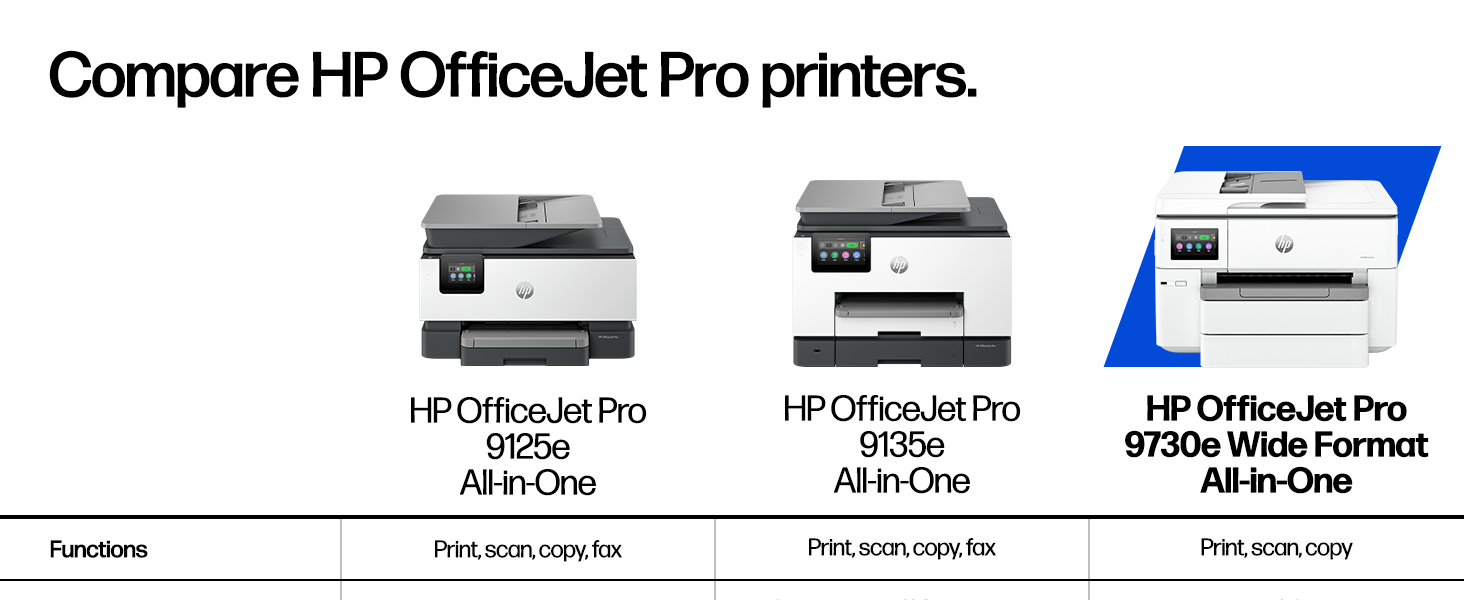
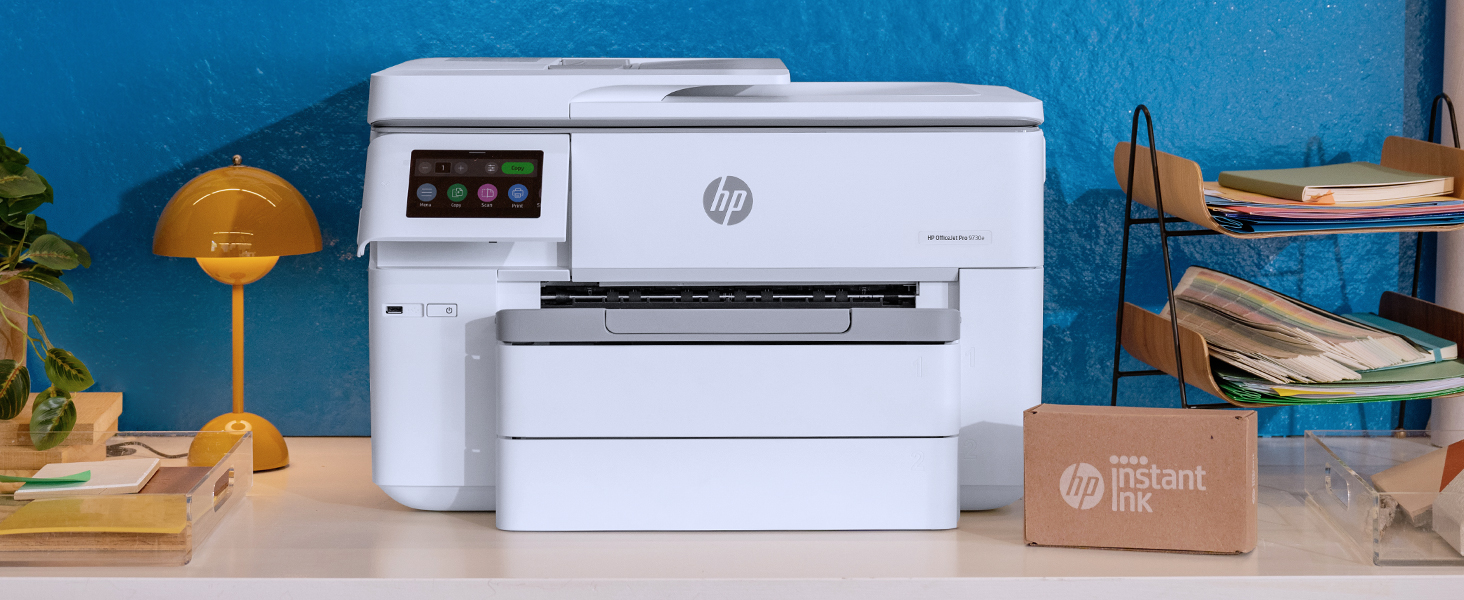
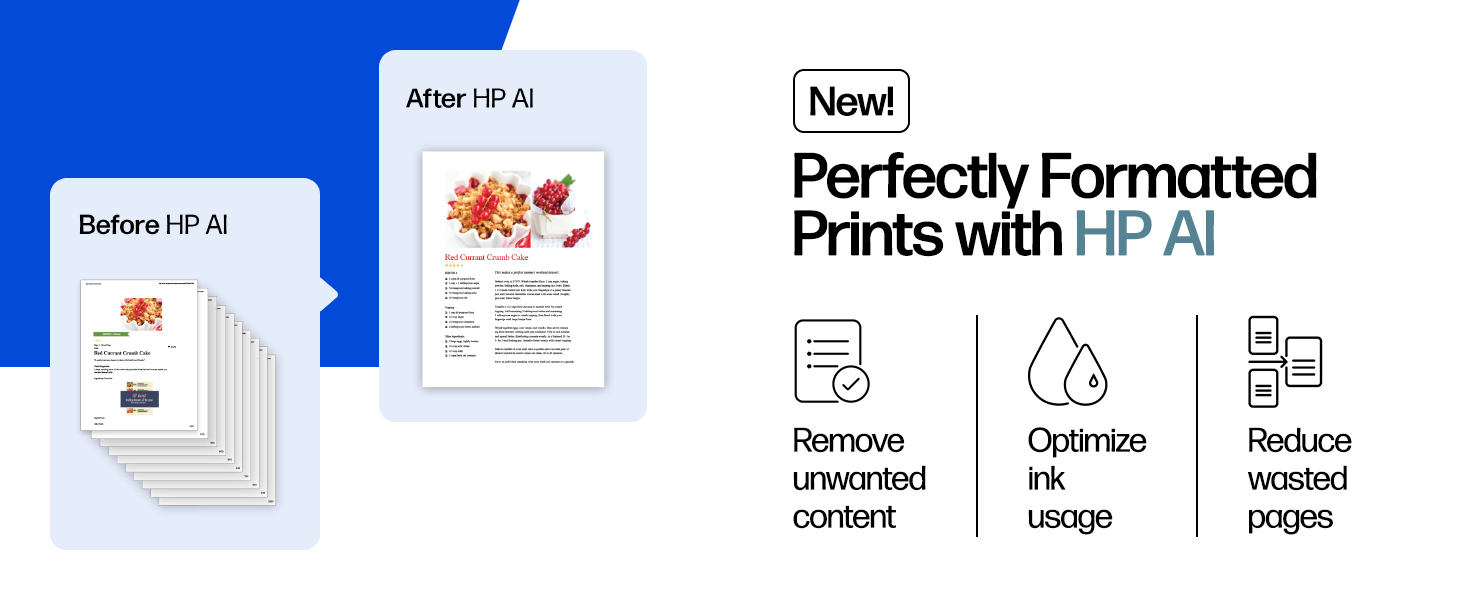
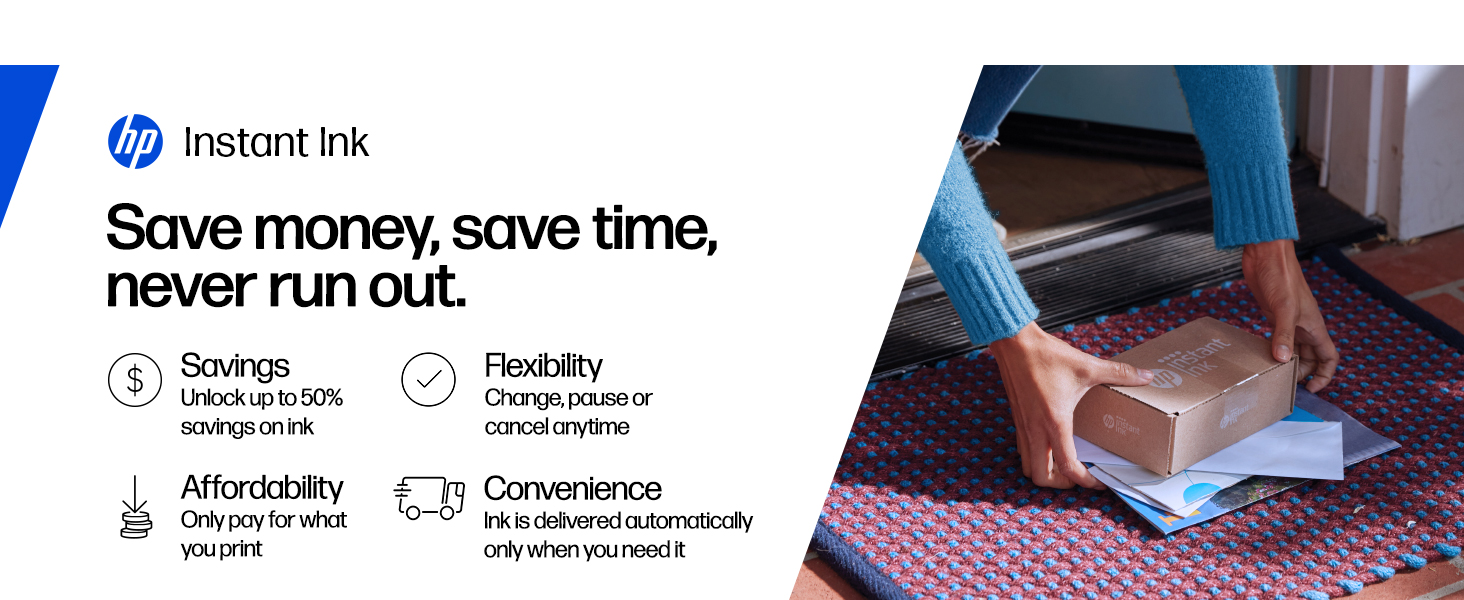
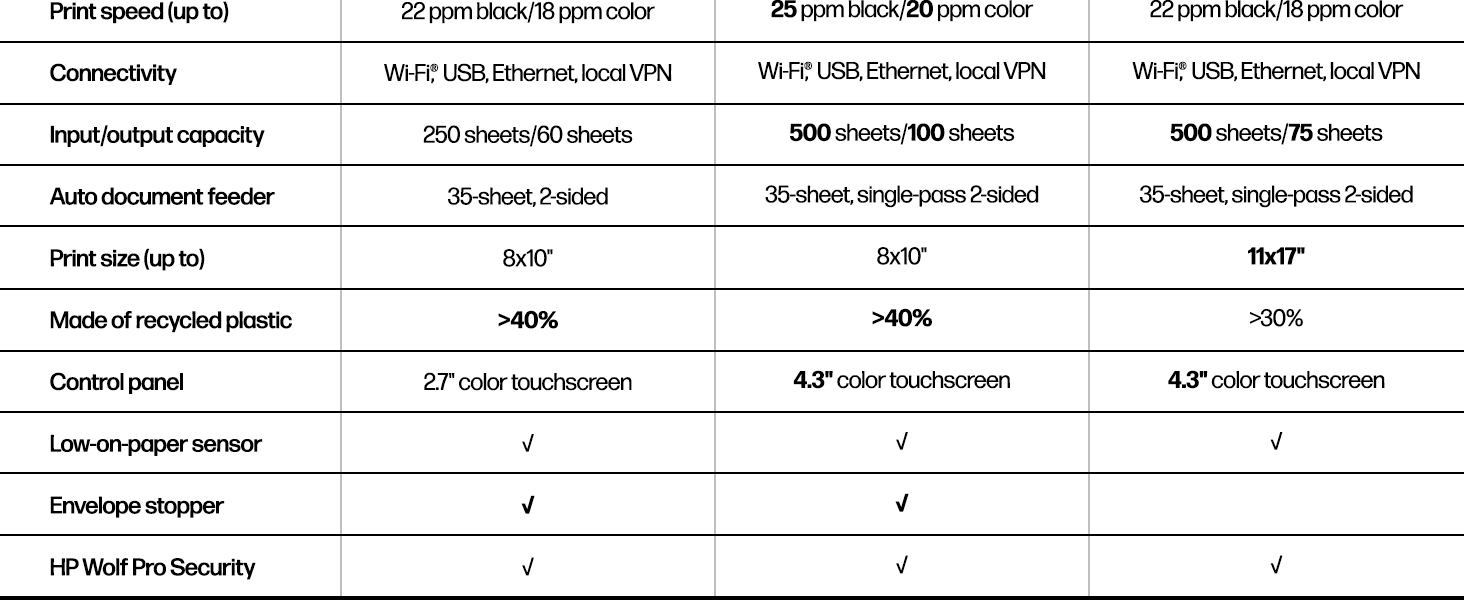
The HP OfficeJet Pro 9730e is a versatile all-in-one wide-format inkjet printer designed for professional office use. It delivers fast, high-resolution color and black & white prints up to 11x17 inches, enhanced by AI-driven layout optimization and the world’s only P3 color gamut for vibrant, true-to-screen results. Featuring dual 250-sheet trays, automatic duplexing, a 35-sheet ADF, and robust wireless connectivity, it supports seamless printing from smartphones and PCs. With HP Wolf Pro Security and a sustainable design using recycled plastics, it combines performance, safety, and eco-consciousness. Includes a 3-month Instant Ink trial to keep your workflow uninterrupted.



| ASIN | B0CFM94G5H |
| Additional Printer functions | All In One |
| Best Sellers Rank | #7,348 in Office Products ( See Top 100 in Office Products ) #38 in Inkjet Computer Printers |
| Color Depth | 24 Bits |
| Compatible Devices | Smartphones |
| Control Method | Remote |
| Controller Type | Android |
| Customer Reviews | 3.9 3.9 out of 5 stars (4,404) |
| Date First Available | March 29, 2024 |
| Dual-sided printing | Yes |
| Duplex | Automatic |
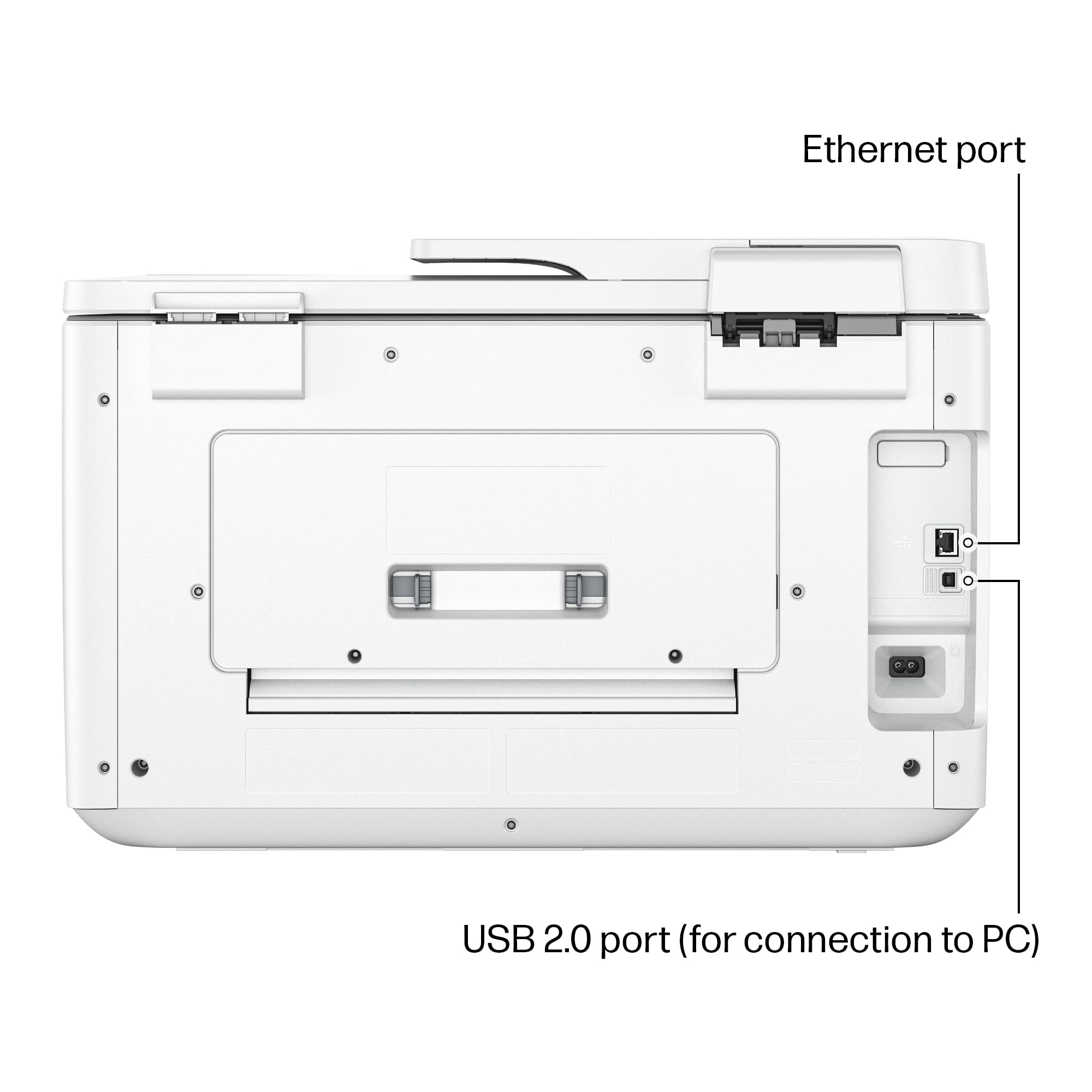
| Hardware Interface | Ethernet |
| Included Components | HP OfficeJet Pro 9730e Wide Format All-in-One Printer |
| Ink Color | Cement |
| Item Weight | 43 pounds |
| Item model number | 9730e |
| Manufacturer | HP |
| Max Copy Speed (Black & White) | 34 ppm |
| Max Input Sheet Capacity | 500 |
| Max copy resolution black-white | 1200 x 1200 |
| Max copy resolution color | 4800 x 1200 |
| Maximum Black and White Print Resolution | 4800 x 1200 optimized dpi or higher |
| Maximum Color Print Resolution | 4800x1200 Dots Per Inch |
| Maximum Media Size | 11 x 17 inch |
| Model Series | OfficeJet Pro 9700e-series |
| Number of Trays | 2 |
| Output sheet capacity | 75.0 |
| Print media | Glossy photo paper |
| Printer Ink Type | Original HP |
| Processor Count | 1 |
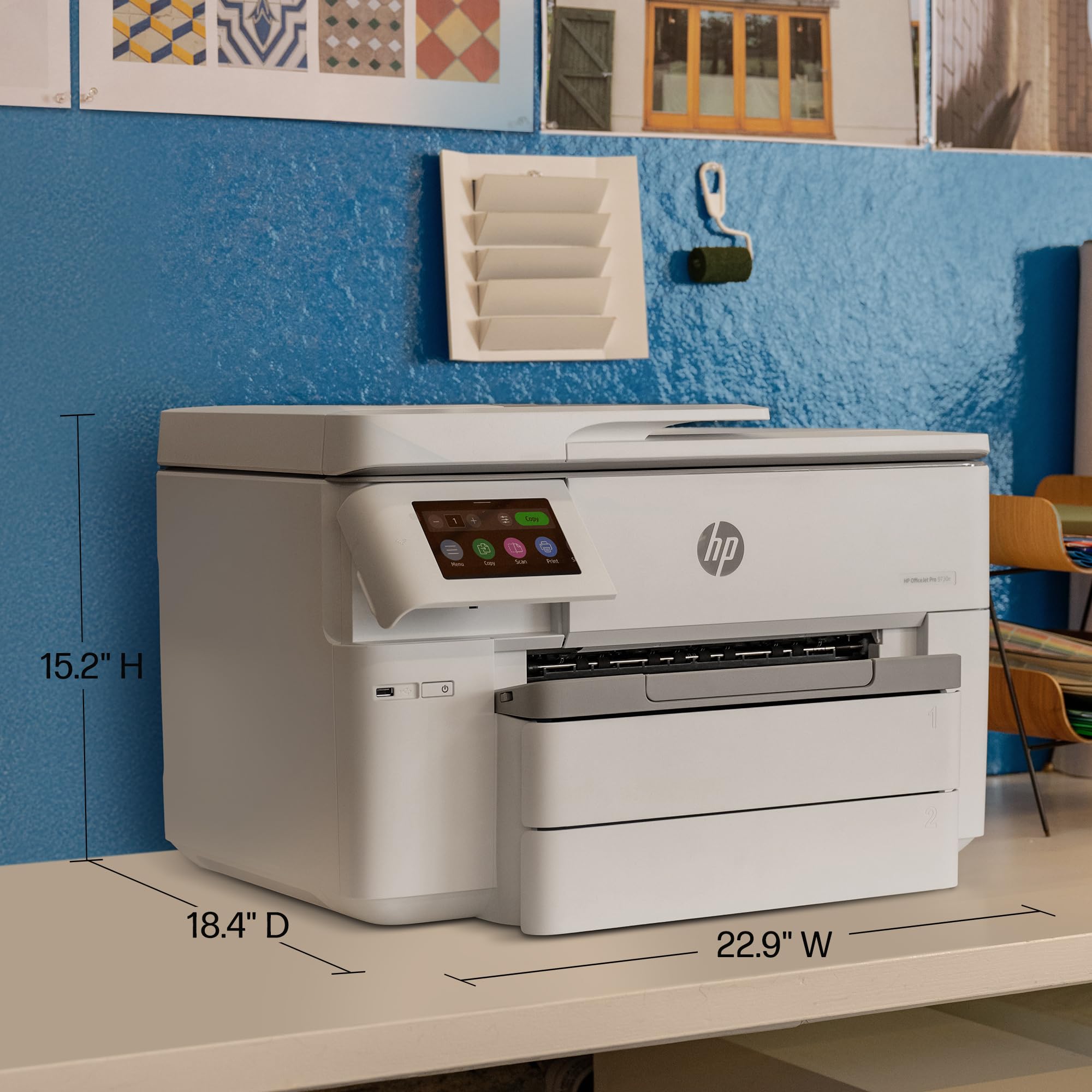
| Product Dimensions | 18.39"D x 22.87"W x 15.2"H |
| Scanner Type | Flatbed |
| Sheet Size | 3 x 5 to 11 x 17 |
| Smart Home Compatibility | Smart Home Compatible |
| Specific Uses For Product | office settings, professional presentations, large-format document printing, small business operations |
| Supported Media Sizes | Tabloid (11 x 17 inches) |
| Total USB Ports | 1 |
| UPC | 196337487925 |
| Warranty Type | Limited |
N**N
Easy to setup and prints well
Easy to set up and connect to WiFi. Holds both letter and tablet paper. Prints fast and good quality.
A**.
A Decent Printer for the Money
This HP 7740 replaced a several year-old HP 8710 (which is still running fine), but I needed to be able to print on larger paper - 11x17 (for technical drawings), and the 7740 does that. It also takes the same 952XL ink cartridges as the old 8710, so that's another big plus for me. NOTE: This printer (right out of the box) will accept and run "aftermarket" (non-genuine) HP ink cartridges (that's what I'm using), as does my 8710. HOWEVER, do NOT do the firmware updates if the printer prompts you to. That way, you can continue to use the aftermarket cartridges. DO NOT opt for "automatic updates" during the printer setup. Once the printer was unboxed, the set-up was very easy. Ran the power cable (to my UPS), and an Ethernet cable, for local network printing. Powered it up, installed the ink cartridges, and the unit went through its "maintenance" routine (first run), and then was ready to go. I initially had to install the genuine HP cartridges, but after its initial "maintenance routine", I installed the larger generic XL ink cartridges, which work fine. I had a bit of trouble getting my office PC to load/install the Windows HP print driver (from the HP download site), but once that was done, the printer is working perfectly. Overall, it's a very nice printer. Not sure why there are several negative reviews... It is a bit big (physical size)... However, it does print quite well - AND - it will accept & print 11x17 tabloid size paper, so I can deal with the size.
M**D
Worst printer I ever bought - Returned!
There were pretty much nothing but unpleasant surprises with this printer. The installation was a nightmare. HP wants the user to install over the web. Fine, except it cannot find the installation software to download. I then used the included optical media to install the printer drivers and software. While I could ping the printer on the network, access the printer's internal web server and print a test page from there, it wouldn't print a test page from Windows 10 nor from Word. So, I uninstalled everything and found the installation software on HP's web site. It still would not print. After hours of wasted time and research, I found an obscure article that said the user needs to change the security settings on the Windows temp file. I did that and it printed. Finally. I've set up at least 50 printers in my career. No other printer I've ever seen, including the other three HP printers I own have this problem. Then, setting up the fax, it told me that I have the wrong telephone cable. What? It is a standard phone cable, with an RJ-11 jack on each end. It turns out that I can actually fax just fine - the software is messed up. Loading 11 x 17 paper requires the user to expand the paper tray and when inserted, it sticks out a full three inches - HP doesn't show that in any of its product literature, of course, because it looks terrible and lets dust into the tray. The LED touch screen is tiny, under 3 inches diagonally and difficult to use because everything is so small. There is plenty of room for a decent sized screen. The 8620 printer has a much larger screen and is very usable. The lid for the scanner is so thin and flimsy that I think it is broken every time I lift it. The product basically works, but is just horrible to use. I really hate it and am not sure whether I will keep it or not. Updated review. I tried to use the printer's scheduling firmware to turn it off at night on schedule, or after X hours of non-usage. The printer put out an error message that a telephone cord is attached to the printer and it would not accept faxes if it is powered off. Duh. It wouldn't print or copy either it if it powered off. I tried to contact HP support. They only offered Chat or Tweet. After the usual five minute delays between each question and having to repeat everything I wrote, because the bot or person simply puts "I understand that you ..., is that correct?" 30 minutes went by with nothing to show for it. I said that I need to speak with a person. The agent gave me a phone number which told me to go back to the web site. Eventually, after many attempts, I finally got through to a support person who said that there is no way to make the printer power down using the built-in features, if there is a phone line attached. That did it. I returned the printer to Amazon. HP's support, as bad as it was, since the spin-off, is now even worse, and their products, as bad as they were, are now abysmally poor quality. I feel lucky to have such a bad experience right away, so that I could get my money back. The two "premium" laptops I bought from HP both had hinges break right after the warranty expired. I doubt that I will ever buy anything from HP again.
A**A
Impressive Performance for a Sub $200 Printer
Unboxing: First off, the box is HUGE. It was well protected, and was a struggle to remove from the box. I can see why people recommend this as a two-person job. It's heavy (a little over 40lbs), but not unmanageable. Setup: Some of the reviews have indicated difficulty with the setup. I will say HP makes it a bit more convoluted than it needs to be mainly because of their proprietary software, etc. After unpacking and removing all the protective tape, installing the included cartridges was fairly straight forward, although initially I got an error on the touch screen saying at least one cartridge was installed improperly or defective (but it didn't tell me which one). I went back through, and the second try did the trick. Connecting it to the Wi-Fi network was simple enough via the touch screen however. That's the point it gets a bit convoluted, and you have to login to a special HP website to register it and download software, updates, etc. Total time spent was probably about 15 min. If you're not comfortable with this sort of thing, I can see how it might be a challenge. Performance: I've only done a limited amount of printing thus far, but the main reason for purchasing this particular model was the ability to print 11x17. After the setup process, this was what I tried first. After filling tray #2 withe 11x17, you need to use the touch screen to let the printer know that's the size you added, otherwise you'll run into a problem printing. The printing is relatively quick on 11x17, and the color quality is very good. There was no banding, and the paper fed through evenly. I only need to print 11x17 infrequently, but when I do it's nice to be able to load the entire tray with it and know it will feed through without any issue (at least thus far). This printer replaced a 5+ year old Brother that also did 11x17, but the ability to just leave it in a tray and not have to feed it through the back one piece at a time is fantastic. I've yet to find out how long a life I can expect out of a set of cartridges, but if it's anything extraordinarily short or long, I'll update this review. It's Ginormous: I felt the need to add this. As I said, I replaced a 5+ year old Brother printer that also did 11x17 (one sheet at a time fed through the back) which worked pretty well up until the past few months (though 11x17 printer was always a pain, as you'd have to feed it through by hand and it often wouldn't feed through straight and would require multiple attempts). When I saw the photo of the printer, I could tell it was taller than my old Brother printer, but I had no concept of just how much larger the footprint is. It's GIGANTIC. If you don't have a dedicated space for this beast (forget about a shelf... it's too heavy and large, and it will take up the bulk of an average size desktop), you'll be out of luck. I have it set on top of a tall steel filing cabinet, and it not only takes up the entire top but requires extra space from the overhang of the 11x17 paper tray and extension that hold sheets after the are spit out of the printer. It's unfortunate, but this could be a deal breaker for a lot of buyers. That's unfortunate, because it seems like even with the 11x17 tray and printing capability, HP could have slimmed it down a bit. Other than the extreme size-- which won't be a problem for everyone-- the only other negative is the small dimensions of the touch screen. There's definitely room for a larger screen, and you have to take your time pushing the icons and keypad to get it right. I'm happy with this purchase and so far would recommend it. But be advised that it might simply be too massive for a small office space and will likely require a dedicated (and sturdy) piece of furniture to accommodate it.
S**H
But the cartridges are way too expensive . Just for a use of a3 size scanner
D**N
Been looking at A3 printers for ages to mainly print maps for walking/cycling, trips away and general home office work. I looked at and compared many different makes and models, but this one seemed to keep coming up the best value and with good reviews. Out of the box, it's obviously big and lumpy, but I expected it to be, so not a massive problem and I wanted separate drawers for A3 or A4 paper to save faffing around, but makes it bigger. Setting it up was an absolute breeze and very painless. From switching it on, loading ink, a quick run through settings, setting up Air Print and printing the first document was literally less than 10 minutes! The speed of printing; even double sided is fast and the quality of printing on paper or photo is brilliant, and a proper play with the settings gives you easy options for sizing, layout etc. A big concern was printing costs, as the slow nasty Epsom thing I had before cost a small fortune in ink over the years, which is I know, how they make money on cheap printers. In the first few months I went berserk with this, printing off dozens of OS maps, documents, photos etc, and the ink colours are only now showing low. But I have just got replacements for less than £80 which should last me a long time now. All in all, very impressed and would highly recommend.
M**.
In the realm of versatile office equipment, the HP OfficeJet Pro 7740 Wide Format All-in-One Printer stands out for its multifunctional capabilities and exceptional performance. Ideal for businesses and professionals requiring a broad range of printing tasks, this model combines efficiency with quality. Here’s a detailed look at its features and performance: Wide Format Printing: One of the HP OfficeJet Pro 7740’s most compelling features is its ability to print in wide formats up to A3 size. This capability is invaluable for businesses needing to produce large-scale documents, presentations, and marketing materials in-house, providing flexibility and creativity in document production. All-in-One Functionality: As an all-in-one device, the 7740 excels beyond printing, offering scanning, copying, and faxing functionalities. Its versatility makes it a cornerstone device in any office setup, catering to a multitude of operational needs without the clutter of multiple devices. Wireless and Mobile Printing: In today's mobile-centric world, the ability to print wirelessly is a must. The HP OfficeJet Pro 7740 delivers robust wireless connectivity options, including compatibility with HP ePrint, Apple AirPrint™, and Google Cloud Print™. This feature ensures seamless integration into existing workflows and enables printing from smartphones, tablets, and laptops with ease. High-Quality Outputs: Despite its broad functionality, the printer does not compromise on quality. It produces sharp, vivid prints, thanks to HP’s advanced inkjet technology. Whether it’s text-heavy documents or color-rich graphics, the outputs consistently impress with their clarity and color accuracy. User-Friendly Design: The HP OfficeJet Pro 7740 is designed with user experience in mind. Its intuitive touchscreen interface simplifies navigation and operation, making complex tasks more manageable. Additionally, its efficient design supports dual paper trays, enabling different paper sizes to be loaded and ready for printing, enhancing productivity. Cost Efficiency: For businesses mindful of operating costs, this printer offers notable efficiency. The use of high-yield ink cartridges allows for a lower cost per page, making it an economical choice for offices with regular printing needs. Final Assessment: The HP OfficeJet Pro 7740 Wide Format All-in-One Printer is a standout choice for professionals and businesses seeking a versatile, high-quality printing solution. Its wide format capability, combined with all-in-one functionality and ease of use, positions it as an essential tool for enhancing office productivity and creativity. Whether for regular office documents or specialized large-format prints, the HP OfficeJet Pro 7740 meets and exceeds expectations, offering reliability and performance that HP customers have come to expect. In conclusion, the HP OfficeJet Pro 7740 is not just a printer; it's a comprehensive solution that addresses a wide range of business needs, making it a smart investment for any forward-thinking office.
D**D
La impresora como tal es hace su servicio, no es de mucha calidad la impresión pero puede servir para el precio que tiene. Es la segunda que tengo y las dos con el mismo problema de cabezal. Se la han llevado a reparar (tiene 4 meses la impresora) y llevan casi dos meses con ella. Este vendedor AGEM-CZ tiene una posventa como si no existiera. Son checos con lo que eso conlleva en cuanto a tiempos de envíos, mensajes traducidos no se si por google o algo peor, nada empáticos con los clientes, un desastre. Una estrella y de milagro.
M**T
Très bon matériel
TrustPilot
vor 5 Tagen
vor 1 Monat