
Laden Sie die App herunter


Kundendienst
Copyright © 2025 Desertcart Holdings Limited
Laden Sie die App herunter
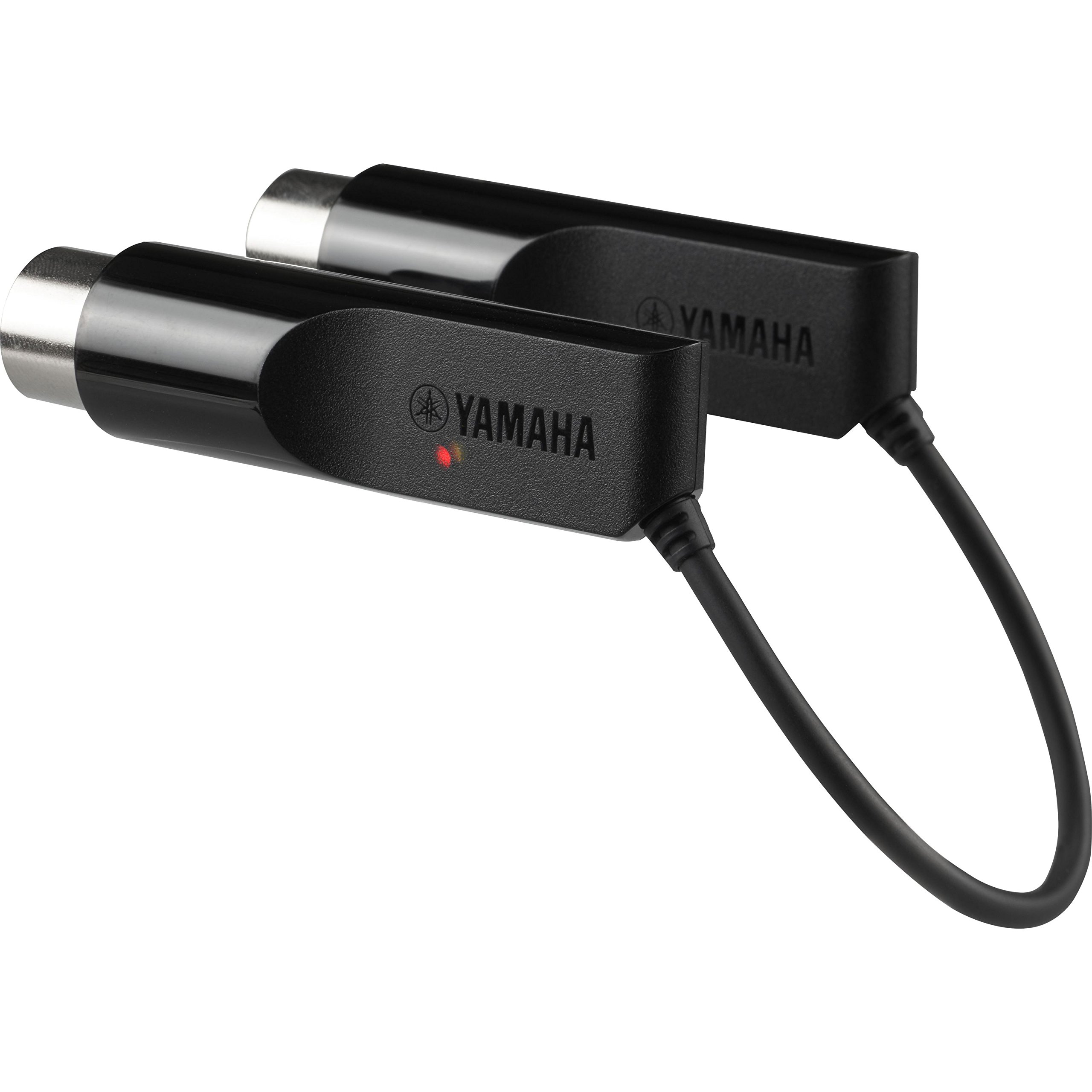

🎶 Upgrade your sound, ditch the wires, and join the wireless MIDI revolution!
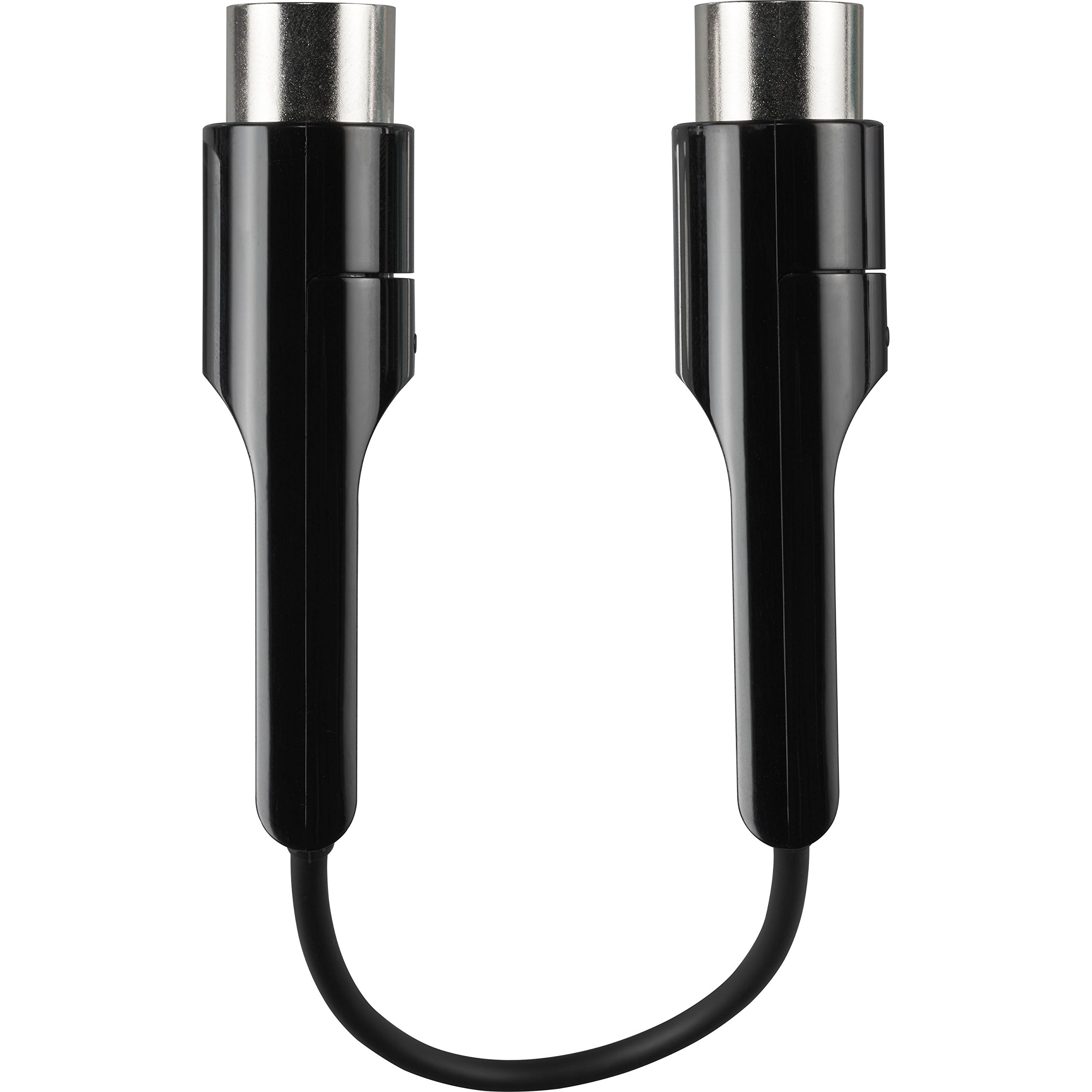
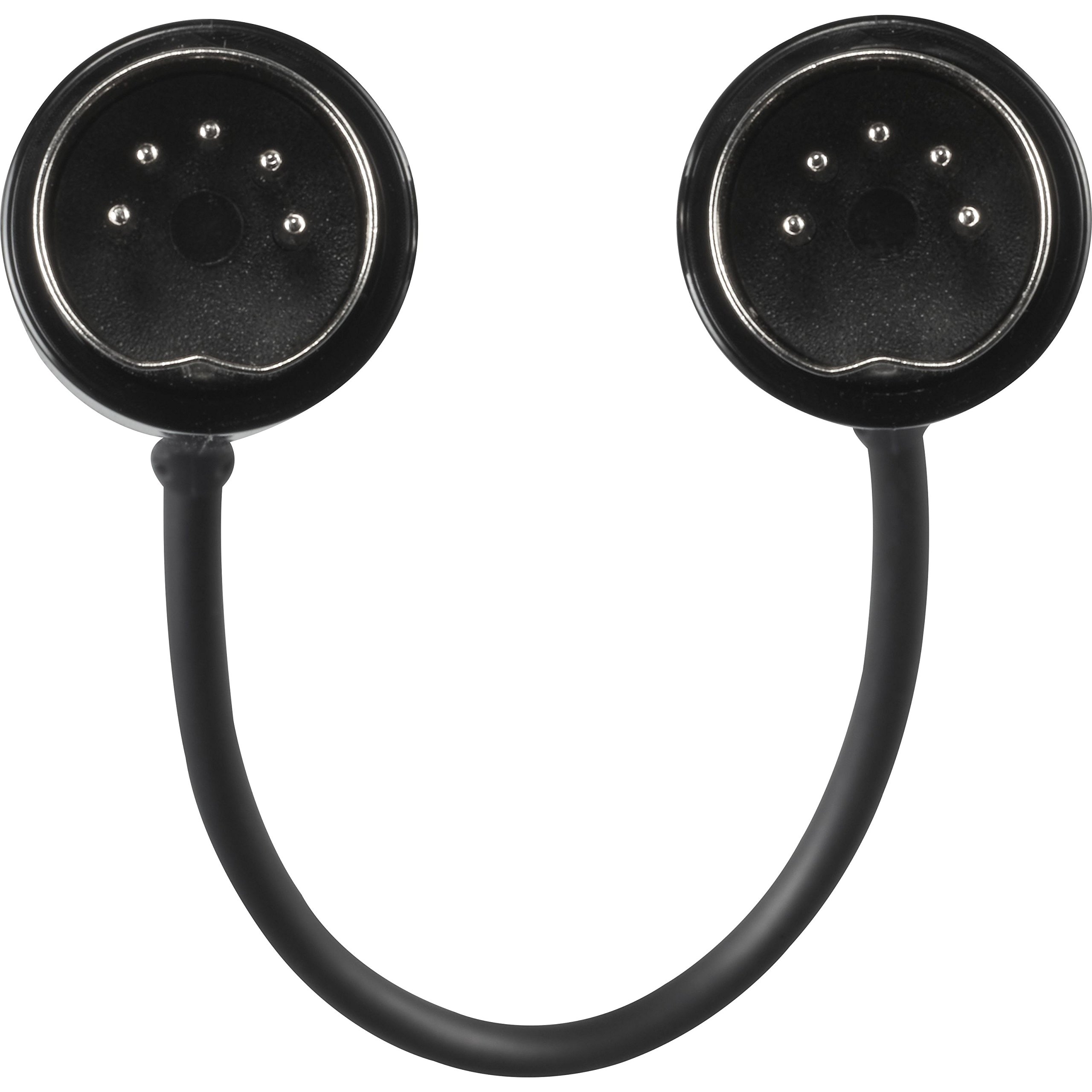
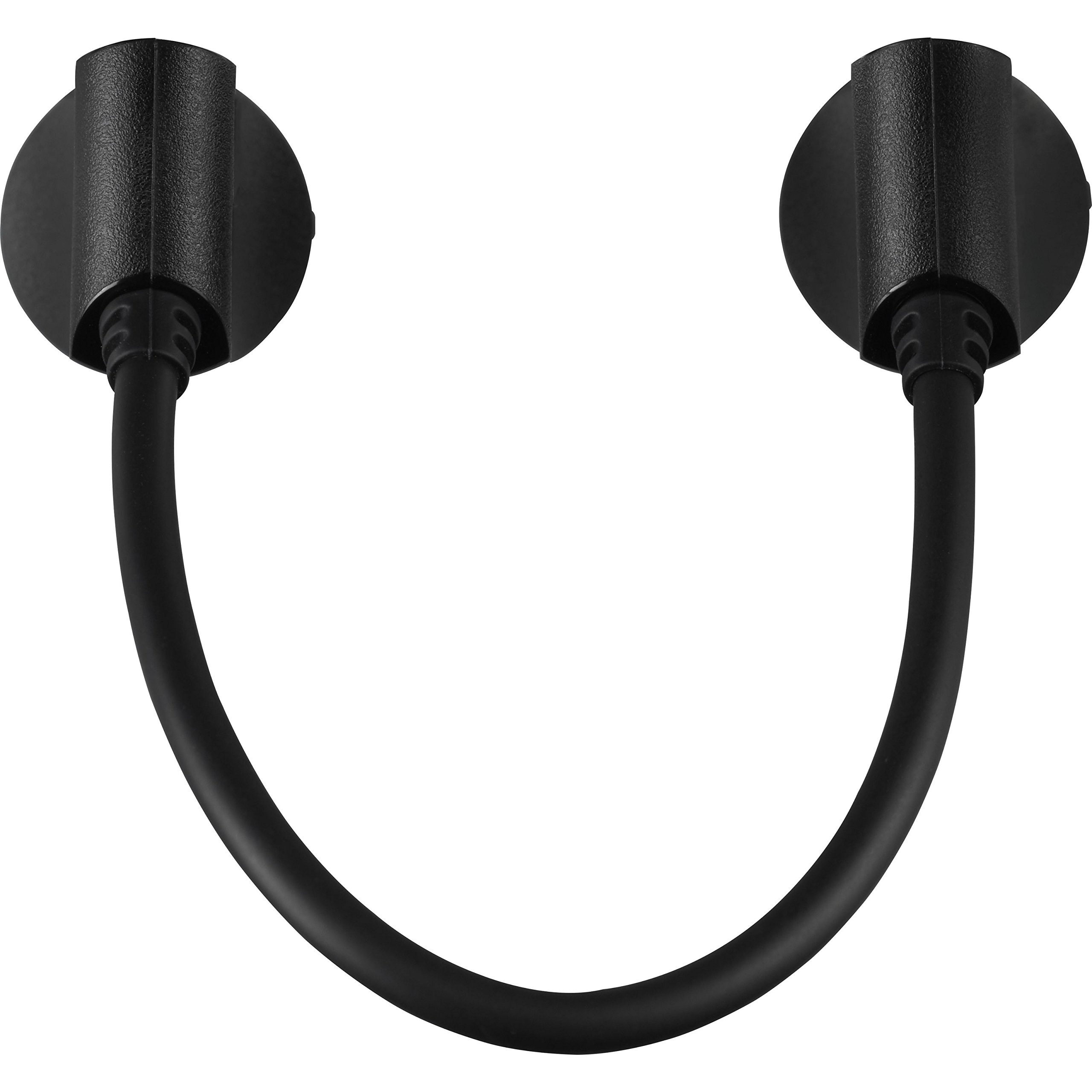
The Yamaha MDBT01 is a compact, lightweight Bluetooth MIDI adapter designed to wirelessly connect MIDI IN/OUT instruments to iOS and Mac devices. It offers ultra-low latency performance, easy plug-and-play operation, and compatibility with major music apps, enabling musicians to modernize vintage keyboards without replacing hardware.


| ASIN | B01AXSYSLU |
| Best Sellers Rank | 10,153 in Musical Instruments & DJ ( See Top 100 in Musical Instruments & DJ ) 81 in MIDI Cables |
| Colour | multicoloured |
| Compatible Devices | iOS, Mac |
| Connector | MIDI |
| Customer Reviews | 4.4 4.4 out of 5 stars (754) |
| Date First Available | 27 Jan. 2016 |
| Hardware Interface | Bluetooth |
| Item Weight | 40 g |
| Item model number | MDBT01 |
| Operating System | iOS |
| Product Dimensions | 13 x 3 x 20 cm; 40 g |
| Proficiency Level | Beginner |
| Scale Length | inches |
| Size | Einheitsgröße |
| Supported Software | iOS |
B**E
Brilliant….providing you research and address “industrial” issues
Positive – Simple connection. Flawless in operation with very low latency. Negative – Industry left this behind. Poor instructions for trouble shooting. Summary – Revives/repurposes older kit. Do your homework before you buy. Objective – I wanted to upgrade the dated sound of my (flawless but older) Clavinova piano to a newer, more realistic sampled piano. I wanted to keep the legendary playability of YAMAHA’S weighted hammer-action keyboard without replacing the piano or hardwiring a new module. Now for a few shekels, my Clav has at least another two decades, before retirement, even just playing off an iPhone. Operation - The device is powered, by the weak current used to drive the MIDI signal in and out of your keyboard. I believe most but not all MIDI capable devices will have enough power to drive this. Issue – Routing MIDI via the Bluetooth sounds simple enough, but was abandoned by manufacturers as an obsolete requirement. In short the signals arrive in hardware devices that may not have on-board software required to process them. SETUP – Simplicity depends upon your device. My understanding is as follows; certain versions of IOS by themselves do not connect the MIDI signalling via the BLUETOOTH interface. However, a number of quality branded third-party apps available in the APPLE STORE will connect and correctly route the midi data from the instrument to the phone and back (See below for examples). If you are wondering what this means, when I opened the SETTINGS, Bluetooth menu on my older iPhone and iPad, the device could not “see” the YAMAHA MDBT01. When I opened specific apps that I wished to use, (e.g. GARAGEBAND) connection options were visible and took seconds to use. Once connection has been established between the devices, this is maintained regardless of which apps you then go on to use until you disconnect your hardware. This means you can make an easy connect via one app with the deliberate intention of then playing another APP including those that have no Bluetooth connection functions. APPLE STORE APPS THAT PROVIDE BLUETOOTH MIDI CONNECTION There are actually many, but I only select from major manufacturers, so offer the following three just to get you started. KORG Module – Is a simple piano module with a high quality sound that has MIDI Bluetooth connection embedded within it. Proved to be superb with no discernible latency. Plays as naturally as the on-board sound. YAMAHA Chord Tracker – This an excellent chord scanning tool that has MIDI Bluetooth connections embedded within it but no installed playable instruments, although other YAMAHA synth apps do have. GARAGEBAND - although the latency (delay between striking a key or pad and hearing the sound created by your iDevice) is quite poor. You can still record, but monitoring has to come from the speakers on the instrument. The output that follows from GARAGEBAND is so badly delayed it confuses the playing badly. Overall this is an excellent hardware tool. However this highlights another example of industry moving on with its own agenda, whilst ignoring and failing to support loyal people who choose to use their equipment in ways that both pieces of hardware can still easily manage. WINDOWS STORE APPS THAT PROVIDE MIDI BLUETOOTH CONNECTION – Again there are many, although I haven’t personally tried this, MIDIBerry by NEWBODY FRESHER seems to be the popular choice.
K**T
Works well but needs 3rd party app to connect to iPad
Used to replace a Roland wired solution and it works well but I did have to use the midimttr app to connect to my iPad. Ideally this would work seamlessly without (so no five stars) but it works well enough and any latency is not noticeable.
N**Y
Quality product - not flawless but very good
This is a completely functional, practical and elegant solution for replacing a pair of 5 pin DIN MIDI cables between an item of music kit and your computer/iPad/whatever. Just like using a couple of MIDI cables you don't need to provide power from anywhere else as the device runs on the tiny amount of power provided by the MIDI OUT port of your music kit (most devices at least). Once its plugged in you simply pair it with your Mac/PC/iPad/etc in the Bluetooth MIDI settings (not in the usual Bluetooth Audio settings) and it shows up as a MIDI device with which your music software can then communicate. There may be some latency but that has not been a problem for me as I'm using it to transmit Program and Control Changes to a device rather than streams of Note data - but then its Yamaha and they tend to know what they are doing with MIDI tech. It would perhaps have been nice to have a button on the device to initiate pairing or to switch off/on rather than having to unplug and reconnect or cycle power on the device if you want to connect to a different computer or iPad. Though I'm sure some people will appreciate the simplicity and minimalism of the design as it is. Also, I have noticed that the Bluetooth does sometimes disconnect randomly - not often enough for me to really deduce if there is a reason for it caused by something I'm doing (or not doing) myself - and I've only had that happen with my Mac so far, not the iPad. Generally though, its easy, fast and convenient so I'm happy.
A**W
Works with Win 10 and EWI 4000s
Bought for use with Windows 10. Works really well but requires some set up. I used MIDIberry-IO from the Microsoft store to convert the bluetooth signals to midi and loopMIDI to attach to a DAW. In my case Cubase. The instrument is a Yamaha EWI 4000s. Wind controller. The connection even works fine with the ancient Vyzex patch editor that came with the EWI and requires bi-directional data transfer. To start with it worked very poorly until I discovered that bluetooth uses the same aerial as wi-fi, and I didn’t have the aerial plugged in to my motherboard as I’m not using the wi-fi. Range now covers the entire room and adjoining room. Documentation with the unit is practically non-existent hence three stars for presentation.
M**.
Works great with IPad and Mac
Plugged it into an old keyboard (Roland D10), tapped the Bluetooth icon in Synth One on the iPad (Pro 10.5 iOS12) and everything worked great without any fuss. It was a little more involved on the Mac end (needed to consult the MacOS help) but it worked first time in MainStage. Latency in both is just perceptible and using a slo-mo camera I estimate the it’s about 40ms or less, but the occasional note does seem to arrive a tad later. The instructions advise keeping other BT devices away to minimise interference but I haven’t bothered to do this since it’s fine for my needs. Construction is good, although the design looks prone to snagging on something or someone eventually if you tend to move the KB around a lot. The connectors are about 2mm shorter than my other MIDI cables so they come out a little easier than normal. Maybe that’ll help when the snag happens. Even without the snagging it’s a shame to need 3inches of extra space behind the KB just for this.
B**A
素晴らしい👍
J**L
Increíble. La idea de que el adaptador se auto alimente de la conexión MIDI es fantástica y simple. El enlace funciona sin problema y solo con un iPhone (en mi caso) y sin más cables mi teclado del año 1984 se transforma en el sintetizador que quiera. Lo tengo permanente conectado.
H**Y
Ich habe den Yamaha MDBT01 Bluetooth MIDI Adapter gekauft, um meine Mididaten drahtlos zu übertragen, und ich könnte nicht zufriedener sein! Der Adapter ist klein, handlich und lässt sich problemlos mit meinem MIDI-Keyboard verbinden. Die Einrichtung war ein Kinderspiel. Nach dem Anschließen an mein Gerät habe ich einfach die Bluetooth-Funktion aktiviert und innerhalb von Minuten war ich bereit, loszulegen. Die Verbindung ist stabil und ich hatte während der Nutzung keinerlei Aussetzer. Die Latenz ist minimal, was für mich als Musiker besonders wichtig ist, da ich eine sofortige Reaktion auf meine Eingaben benötige. Ein weiterer Pluspunkt ist die gute Verarbeitungsqualität. Der Adapter fühlt sich robust an und macht einen langlebigen Eindruck. Auch die kompakte Größe ist super praktisch, da ich ihn problemlos in meiner Tasche transportieren kann, wenn ich zu Proben oder Auftritten gehe. Zusammenfassend kann ich den Yamaha MDBT01 jedem empfehlen, der seine MIDI-Geräte drahtlos nutzen möchte. Er funktioniert einwandfrei, ist einfach zu bedienen und bietet eine hervorragende Verbindung. Ein tolles Produkt, das meine Musikanwendungen erheblich vereinfacht hat!
L**É
Cela permet de connecter l'ordinateur PC au clavier avec une prise USB pour faire tourner les logiciels sous windows, mais aussi de connecter le smartphone en Bluetooth pour les applications comme CHORDTRACKER de Yamaha qui est une appli gratuite et d'autres . parfait
M**X
Ho provato questa interfaccia midi collegandola ad un iPad Pro 12.9 ed una tastiera della native instruments serie kontact. La interfaccia funziona perfettamente se collegata direttamente alla tastiera. Quando invece si usa con la tastiera in collegamento usb ad esempio con Logic essa non riesce a collegarsi. Non so se é un problema della kontact o della interfaccia. In ogni caso riconfermo che sicuramente in un collegamento diretto tra una tastiera midi è un iPad Pro 2020 il collegamento é fantastico. Immediato. Non avverto latenza.
TrustPilot
vor 2 Monaten
vor 1 Monat