We remain fully operational. Our teams are working around the clock to ensure your deliveries continue safely.

Laden Sie die App herunter


Kundendienst
Copyright © 2025 Desertcart Holdings Limited
Laden Sie die App herunter
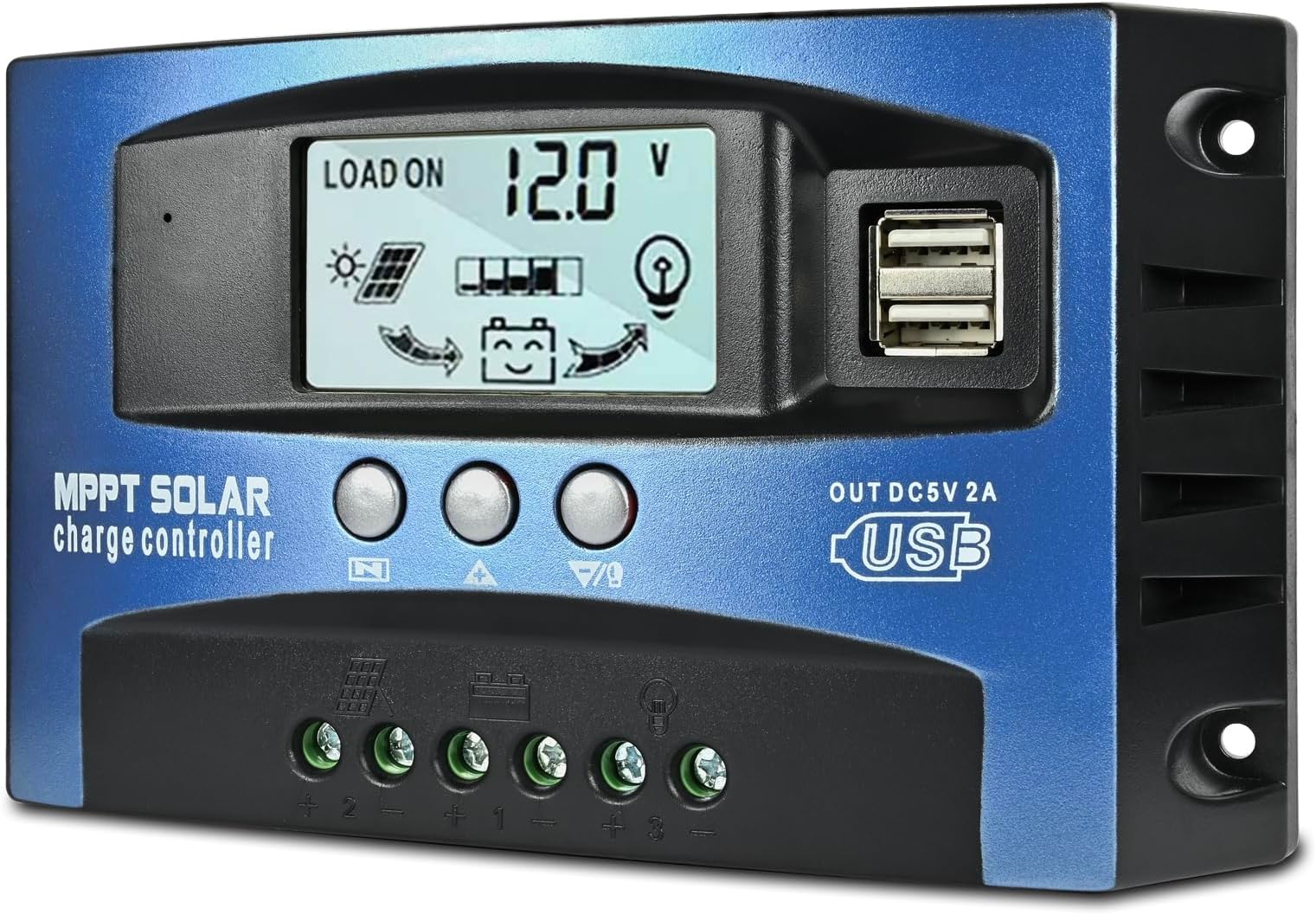

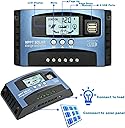


🔆 Charge smarter, live greener—power your future with precision!
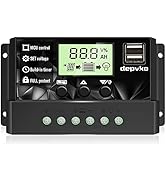
The 60A MPPT Solar Charge Controller by Depvko is a compact, intelligent regulator designed for 12V/24V solar battery systems. Featuring advanced MPPT technology with up to 99% tracking efficiency, dual USB ports, and an easy-to-read LCD display, it offers seamless plug-and-play installation and comprehensive battery protection. Ideal for home and commercial solar setups, it ensures optimized charging performance while safeguarding your investment.

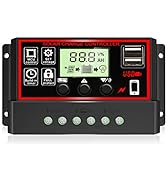
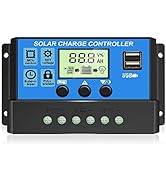

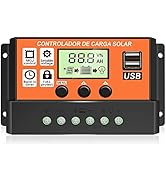


| ASIN | B0BLVMC2JS |
| Batteries required | No |
| Best Sellers Rank | #72,418 in Patio, Lawn & Garden ( See Top 100 in Patio, Lawn & Garden ) #62 in Renewable Energy Controllers |
| Customer Reviews | 3.7 3.7 out of 5 stars (274) |
| Display Type | LCD |
| Item Weight | 10.7 ounces |
| Item model number | P0630 |
| Manufacturer | Depvko |
| Product Dimensions | 6.7 x 1.6 x 3.7 inches |
M**E
Excellent 60Amp MPPT solar controller for LiFePO4 batteries
This 60 Amp MPPT solar charger is working great at managing my small array of 8 x 100 watt panels charging 4 x 100Ahr LiFePO4 batteries. I see some negative reviews and wonder if proper setup was done. The owner manual says maximum input voltage from the panel is 23 volts (many panel will exceed this voltage, so check panel voltage ) and there is a specific setting for charging LiFePO4 batteries. See my pictures. I had this unit online for less than a month. It does get warm mid-day when there is about 35 Amps coming in from the panels. I will update with longevity.
B**R
Not a MPPT controller - also doesn't live up to it's specs!
This controller is misleading in it's description and is a complete piece of crap! The title makes you believe this is a MPPT controller -- "60A MPPT Solar Charge Controller". However, it appears that the name of the company is "MPPT Solar". It claims to use "MPPT technology", but further in the listing it states "and has fully 3-stage PWM charge management". What a bait-and-switch! Worse, this thing doesn't live up to the specs it lists. I hooked this up to a single 375 panel that outputs 40v max amperature ~10amp). As soon as I connect the panel the screen on the controller goes blank. I debugged the hell out of this thing and at the end of the day, it's just a crappy product. I'm returning this and picking up something from a more reputable brand.
G**R
Works great and cheap too, buy ‘em by the dozen
I’m really surprised at this charge controller. It works well. You MUST read the instructions carefully, maybe a couple times to understand the odd setup and the battery choice, but for such a low price, it works well to run my chest freezer in the pole barn. I was surprised to read on the tiny user manual that it’s main control chip is used and was repurposed for this use. Don’t let that scare you because mine works exactly as it should and I’m happy with my purchase. I forgot to mention that this 60 amp charge controller is the cheapest one on Amazon. So you should buy them by the dozen. Seriously guys, it works good.
A**.
Temp sensor reads are wrong
It reads 33°C in a 24°C room and may damage the batteries?
A**R
work without failure
Good It is working
R**R
Very good controller
Bought this to replace a more expensive controller. Works much better and more consistent.
J**F
Good price fast delivery
I have to admit that I haven't used this yet. I bought it as a replacement for another controller that I thought was kaput but turned out to be a minor issue. The price was great and delivery was fast. When I actually get around to using this I will update my review.
T**Y
Burns out
I've bought 2 of these and the don't work very long. The second one I bought burned out after 3 days of use on the first trip out running 10 amps or less. Both times the screen goes blank. Don't waist your money and if you do buy extras for your trip.
S**D
Fantastic product
P**R
Fantastic and robust. Highly recommend
M**D
Little better than I thought it would be does what needed too
A**.
The unit is very smart with many settings for nighttime only or daytime usage , 12 or 24 volt systems with automatic detection of either. Works with 12 volt panels right up to 30 v and has been error free for 6+ months. It even gives you a rough idea of how much power came in and went out over the time its been powered on. Be sure to select your battery type in the appropriate menu. Can be combined with another dissimilar battery pack via another charge controller or a timer to further control usage times. A car terminal block may be used for distribution. There may be a puff of smoke upon first connection , this is just the factory oils burning off. The 100A unit pictured left is having used battery troubles and thus is currently blanked. April 2025 Update . 18 months , they still work but i have noticed neither screen will show anything anymore , the internals are still just fine but no display makes for tough understanding of the overall system. Some voltage protection for the screens would be prudent to extend the safe life of the screen. That's an internal device issue but also still functional without display. pleasantly surprised
G**.
Product works great. Would have been nice to have an option with the wiring coming in the back instead of the bittom due to my application. Would have saved cutting extra holes for the wires to come through the panelling whete it mounts.
TrustPilot
vor 1 Monat
vor 3 Wochen