We remain fully operational. Our teams are working around the clock to ensure your deliveries continue safely.

Laden Sie die App herunter


Kundendienst
Copyright © 2025 Desertcart Holdings Limited
Laden Sie die App herunter
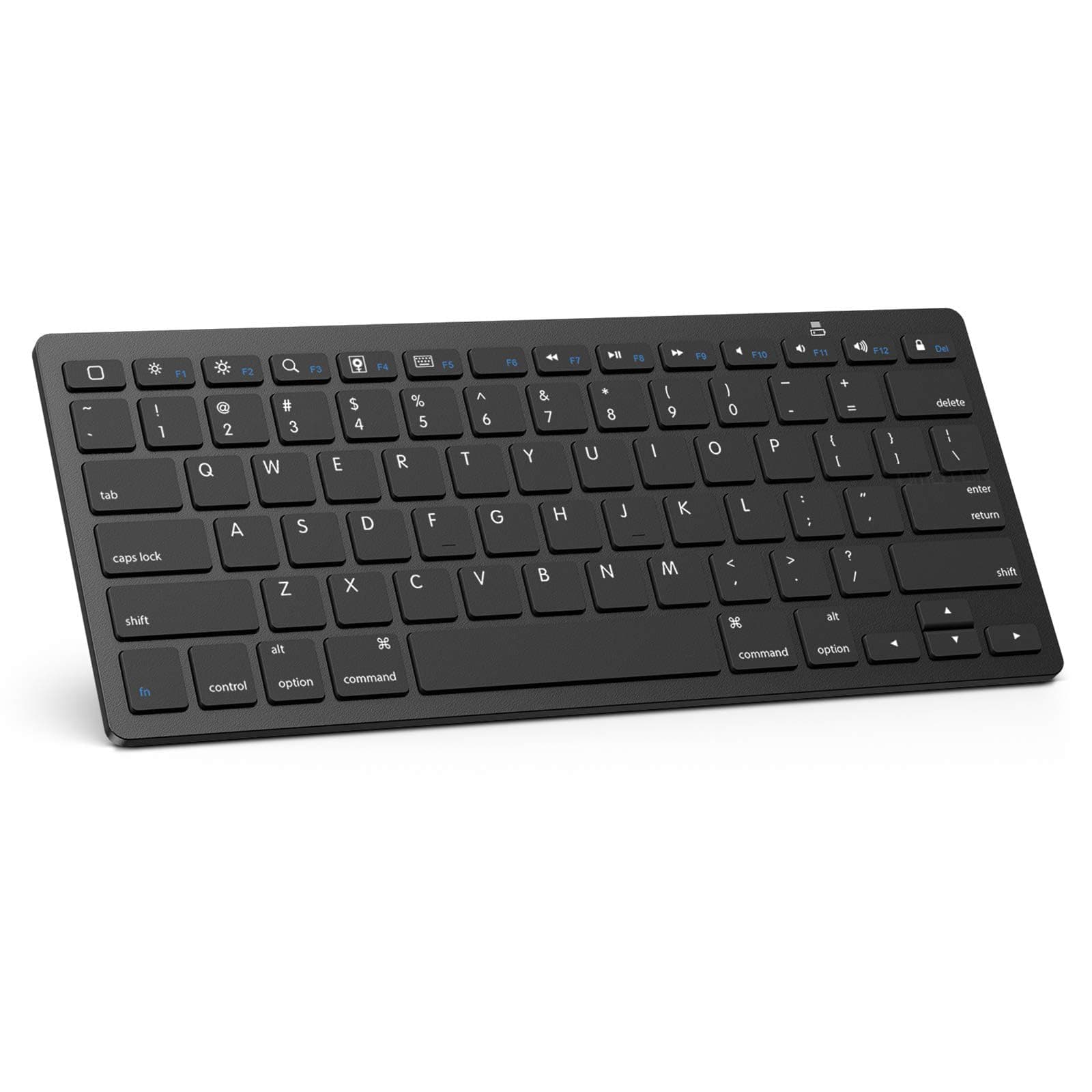
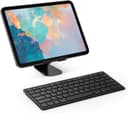




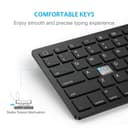

⌨️ Elevate your iPad typing game—wireless, sleek, and built to last!
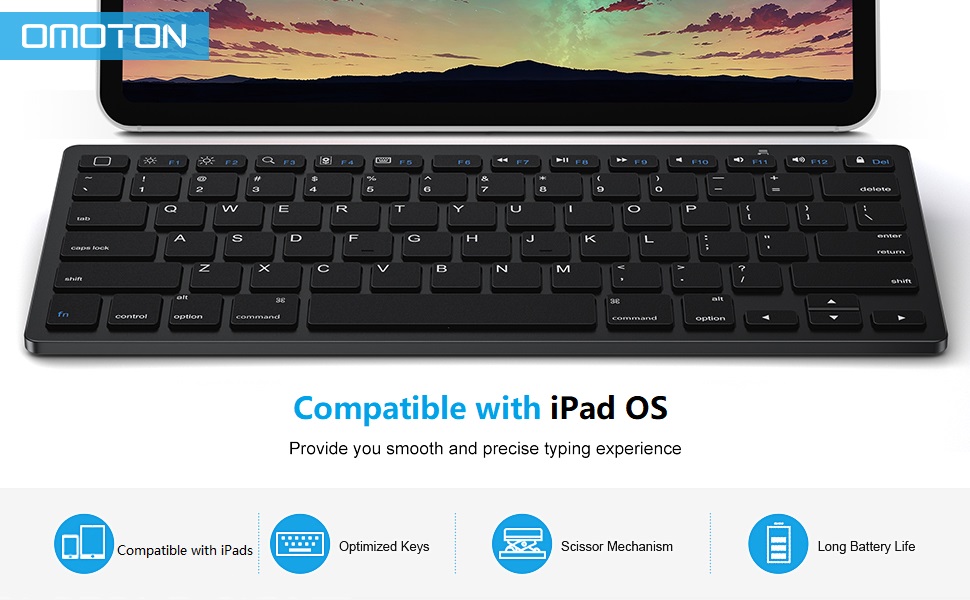
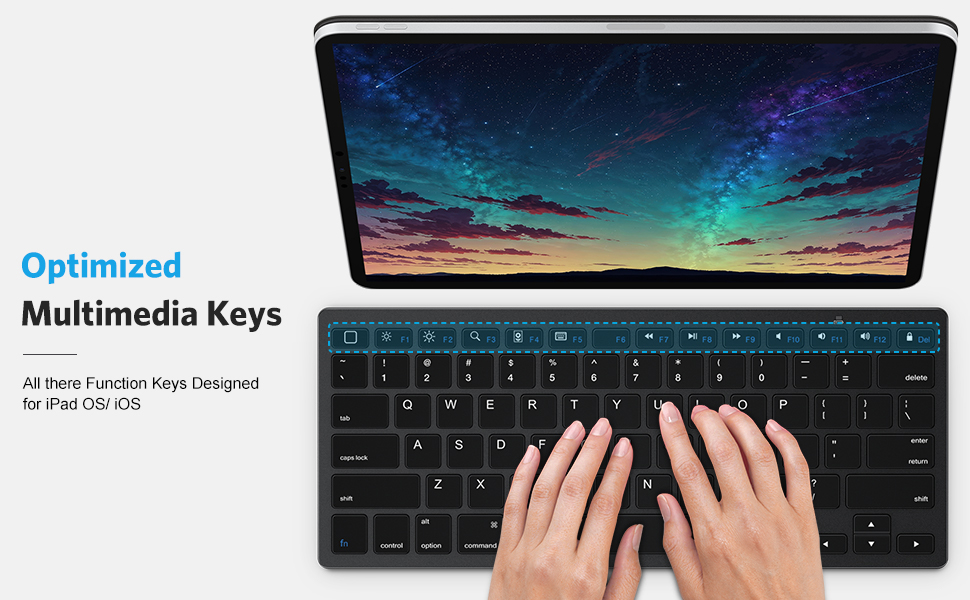
The OMOTON Bluetooth Keyboard is a lightweight, cable-free keyboard engineered specifically for iPad and iOS devices (iPad A16 11th/10th Gen, iPad Pro, Air, Mini, and more). Featuring a 10-meter Bluetooth range, iPad-optimized QWERTY layout with dedicated hotkeys, and an impressive 6-month battery life powered by 2 AAA batteries, it combines convenience with long-lasting performance. Its minimalist design and reliable connectivity make it a top choice for professionals seeking efficient mobile productivity.







| ASIN | B00B24I4II |
| Additional Features | Hotkeys and Media Keys |
| Antenna Location | Everyday Use |
| Best Sellers Rank | #1 in Tablet Keyboards #14 in Computer Keyboards |
| Brand | OMOTON |
| Built-In Media | Keyboard |
| Button Quantity | 78 |
| Color | Black |
| Compatible Devices | ipad |
| Connectivity Technology | Bluetooth |
| Customer Reviews | 4.5 4.5 out of 5 stars (26,993) |
| Enclosure Material | Plastic |
| Generation | 10 |
| Global Trade Identification Number | 00690494249896 |
| Hand Orientation | Ambidextrous |
| Item Dimensions L x W x H | 11.22"L x 4.72"W x 0.24"H |
| Item Weight | 280 Grams |
| Keyboard Description | Bluetooth |
| Keyboard Layout | QWERTY |
| Manufacturer | OMOTON |
| Model Name | KB066 |
| Model Number | iPad Pro 13 Tastatur |
| Number of Batteries Required | 2 |
| Number of Keys | 78 |
| Number of Sections | 1 |
| Power Source | Battery Powered |
| Style Name | Contemporary |
| Theme | Electronics |
| UPC | 690494249896 |
| Unit Count | 1.0 Count |
| Warranty Description | 1 year |
| Water Resistance Level | Not Water Resistant |
F**E
Perfect and fast connectivity once batteries installed. Works like a champ and no issues at all!
This Bluetooth keyboard made for iPad Pro's works precisely as designed on my new 12.9" iPad Pro (4th Gen). Connectivity was virtually instantaneous when activated. I like the tactile feel of the keyboard as well, and the clicks are verification of key press. Some may not like that, but I do! The keyboard is set up in Mac format and all function keys work with the fn key. The keyboard will save power by going to sleep after 10 minutes in inactivity and will reawaken with a key press. For long-term storage, there is an on off switch on the back of the keyboard. It is light and will fit easily in a computer bag or backpack. All in all, this is clearly a FIVE STAR rating for me, along with my honest and very hearty recommendation. The price on Amazon is a superb value as well! Makes the iPad Pro's about as close to a full laptop computer as you can get! *If you found my review helpful to you, please let Amazon know by clicking the "HELPFUL" button below!
K**R
Great value for the price.
Great value for the price. The OMOTON keyboard is simple, efficient, and does exactly what it promises. Connection was quick and easy with no issues at all. I was also pleasantly surprised by the aesthetic—it looks much nicer than expected for the price point. Solid keyboard, especially if you want something minimal and reliable.
R**N
Good!
Very lovely keyboard! The keyboard is very responsive, and I’ve only encountered a very smooth typing process. I did encounter some issues with the back battery attachment (if that’s the word for it). That back compartment came off randomly causing me to lose a battery. It wasn’t a big deal by any means—just something to keep in mind. The size is very good; it’s just what I wanted in a petite keyboard for my laptop.
C**H
Generally a great all around keyboard, for iOS devices and the AppleTV Gen 4.
Updating the review to reflect a more accurate review, originally I posted that it was completely useless under MacOS because it would go to sleep and never wake up. While the keyboard I received did this, Omoton has worked with me and replaced the keyboard and the new one does not have this defect. Big thumbs up to Omoton who has tried hard to make me happy. MacOS (take two) - While the keyboard works almost flawlessly under MacOS, the wakeup speed is fast and does doe what it is supposed to do; the lack of a n Escape key is a problem. I have tried hard to find a way to map the HOME button to an Escape key but was not able to do so, it just isn't seen as any key under MacOS. Generally this is not a problem and the keyboard would be find as it is; as long as whatever applications you are using do not need the ESC key (I'm look at you VIM coders, this is not the keyboard for you then). Windows - Didn't spend a lot of time with it under windows, it is not recommended in general for windows; thus I didn't try too hard to get it to work. iOS (Pad & Phone) - This is where the keyboard shined, worked flawlessly. Work up rapidly, synced to the device without a problem and did great. If this is what you want to use the keyboard for, then this keyboard will be great. It's not expensive, it is well designed. Did everything that I needed it to do under iOS. AppleTV Gen 4 - Synced and just worked. Much like under iOS, it worked perfectly. If there was something that I would change, I would love to see the home button have a switch on the back side (just like the power switch) that allows it to be Escape instead of Home. That way the keyboard would work without a problem for either MacOS or iOS.
D**G
Very satisfied with this purchase
Typing with it now, and using it all afternoon, this keyboard is performing flawlessly. It is the same width as my 12.9 inch iPad, and is sufficiently ergonomic. It’s light and compact. The keys require just enough pressure that you won’t accidentally make key strokes by just resting your fingers on the keys and they do not stick. I opted for the white but there are several color options. I thought the LED light would illuminate when connected but it does not, which is okay with me. It requires two AAA batteries, a rechargeable battery would be nice, particularly if you could run it off the iPad if you’re in a bind but my guess is that feature is available on other products at a much higher price point.
H**Y
Cute functional keyboard.
Great keyboard. I use it on and off with my laptop the color is exact to the picture and it has a great keyboard sound. The fit is perfect for small spaces. The only thing that would stress people out is the connection - it often disconnects if it is not in use. You have to wake it up and wait a minute before it works.
A**R
Works Great and Easy to Use
This wireless iPad keyboard works exactly how I hoped. It connected fast, types smoothly, and makes using my iPad feel like a mini laptop. The keys are comfortable and the battery lasts a long time between charges. It is lightweight but still sturdy enough to use every day. I do wish the buttons lit up for easier typing at night, but other than that it is perfect. Great value and super convenient.
A**Y
Light plastic and loud keyboard
Seems to work fine, but feels light and plastic, not well made as the apple key board. But also does not have the apple price tag. If you're looking for a soft stroke or silent keyboard this is not for you.
R**N
Klavye gerçekten çok şık ve hafif. 1 aydır herhangi bir problemle de karşılaşmadım, genel olarak çok memnunum.
م**ن
انجليزي فقط لا يدعم العربي
S**H
I never leave reviews but, I just got this in the mail today, but so far it has been excellent with my Ipad. I t gives me the ability to take screenshots, change the volume, brightness, lock my ipad, go to the Home Screen, and search on my IPad using keys on the keyboard. It’s a wonderful size and works very smoothly. I will say, if you like extremely smooth keys then perhaps consider something else but overall I have no complaints!
M**D
Useful
G**T
Still typing on this one right now two years after purchase! Easy to set up on Windows 10, connection good, battery saver works (it takes a couple of key presses to wake up after sitting idle, but that's fine given that I don't have to manually deactivate/reactivate it to save battery, just leave it always "on"), it does what I need. Angle is nice for typing and the aesthetic (what I chose this one for, honestly) is still nice, no fingerprint wear yet (although I'm not a heavy typer). Minor nuisances: some buttons aren't the same as for Windows (e.g. CTRL/FN placement, have to press FN+DEL for the DEL button to do anything) but I'm well used to it by now and it's easy to switch between keyboards. Recommend!
TrustPilot
vor 2 Wochen
vor 2 Wochen